How-To: BMW Parking Collision Notification and Recorder.
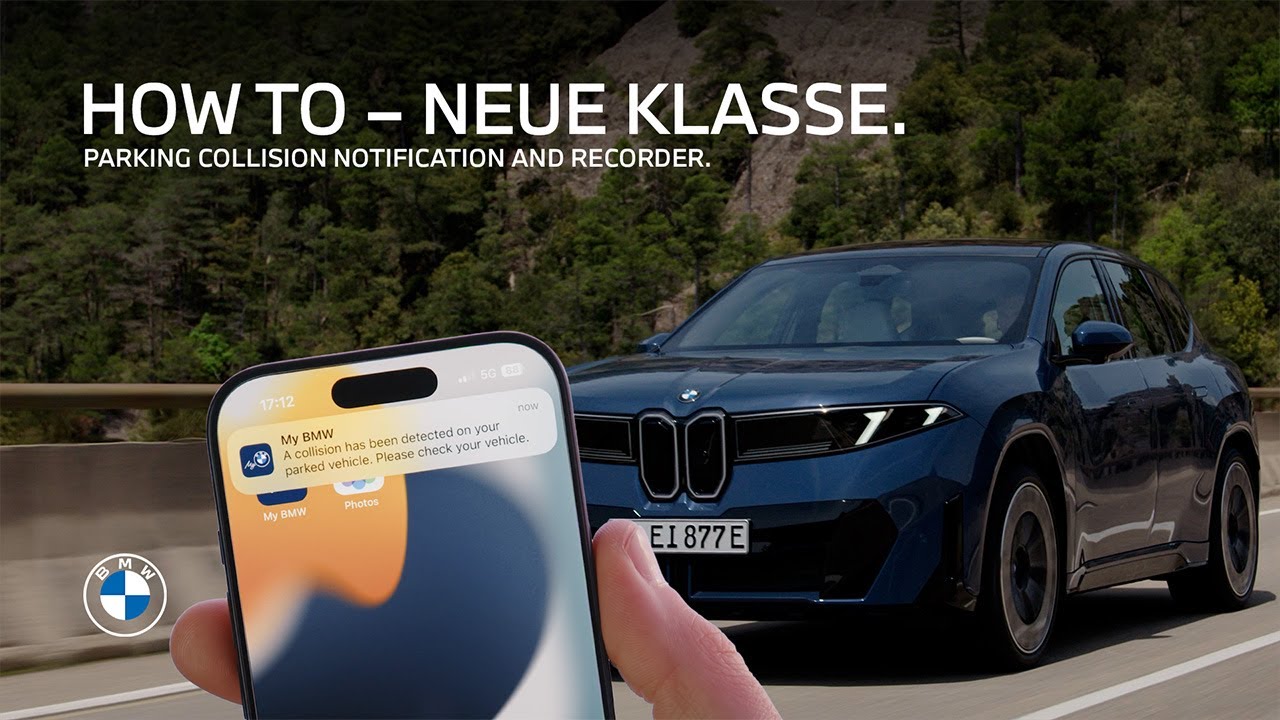
Don’t miss out on more safety. The Parking Collision Notification and Recorder as part of the Security Assistant in BMW Operating System X automatically informs you about impacts on your parked BMW. And it provides camera footage of the surrounding area after the accident. When you first open the Drive Recorder App, you can activate the Parking Collision Notification by confirming the disclaimer and predefined settings. In the settings menu, select Recordings to adjust the video recording time after a parking collision. Go to Data Privacy and confirm notifications. Also, make sure all BMW permissions are activated during your profile setup or in the Data Privacy menu to receive Parking Collision and video recording notifications. When you switch off and lock your BMW and an incident is detected, shortly after the trigger the system automatically records the preset period of the video feed from all exterior cameras. Simultaneously you get a push notification in the My BMW App. Open the message center for more detailed information. In the car, open the Drive Recorder app to view the video recording of the incident under Available Recordings. Press and hold the recording and select “Export all” to export the video files to a smartphone connected to the vehicle via Bluetooth. Now you can also access and process the video recording from the Parking Collision Recorder in the gallery of your smartphone. Stay connected. You bought the ultimate driving machine. Good for you. Now let’s make sure you’re using all of it. Tap one of these videos to unlock the full potential.
Learn all about the convenience of being notified about impacts on your parked car by the BMW Drive Recorder App. The Parking Collision Recorder also saves video footage from the exterior vehicle cameras after the incident. This video shows how to set up and use these features of the optional Security Assistant as part of BMW Digital Premium for BMW Operating System X.
⚙️ Feature Availability:
Please note that each service, feature and its functions depends on availability. Depending on the vehicle model and its technical capacities as well as market regulations, the availability and details of a feature may differ.
📽️ Key Moments:
00:00 – Intro
00:19 – Set up permissions and settings
00:55 – How Parking Collision Notification works
01:15 – View and export Parking Collision Recorddings
🔗 Learn More
The BMW Driver’s Guide app specifically describes the equipment and functions included in the vehicle. The Owner’s Handbook is available as an app in many countries. You will find further information on the Internet at: https://www.bmw.com/bmw_drivers_guide
📱 Join the Conversation
If you found this guide helpful, please give it a thumbs up, share, and subscribe for more BMW tutorials. Drop your feedback or questions in the comments below.
#BMW #BMWHowTo #BMWNeueKlasse #BMWPanoramiciDrive #BMWiX3
BMW iX3 50 xDrive: Mandatory information according to german law ’Pkw-EnVKV’ based on WLTP: energy consumption combined: 17,9 – 15,1 kWh/100 km; WLTP CO₂ emissions combined: 0 g/km; CO2-class: A; electric range: 679-805km