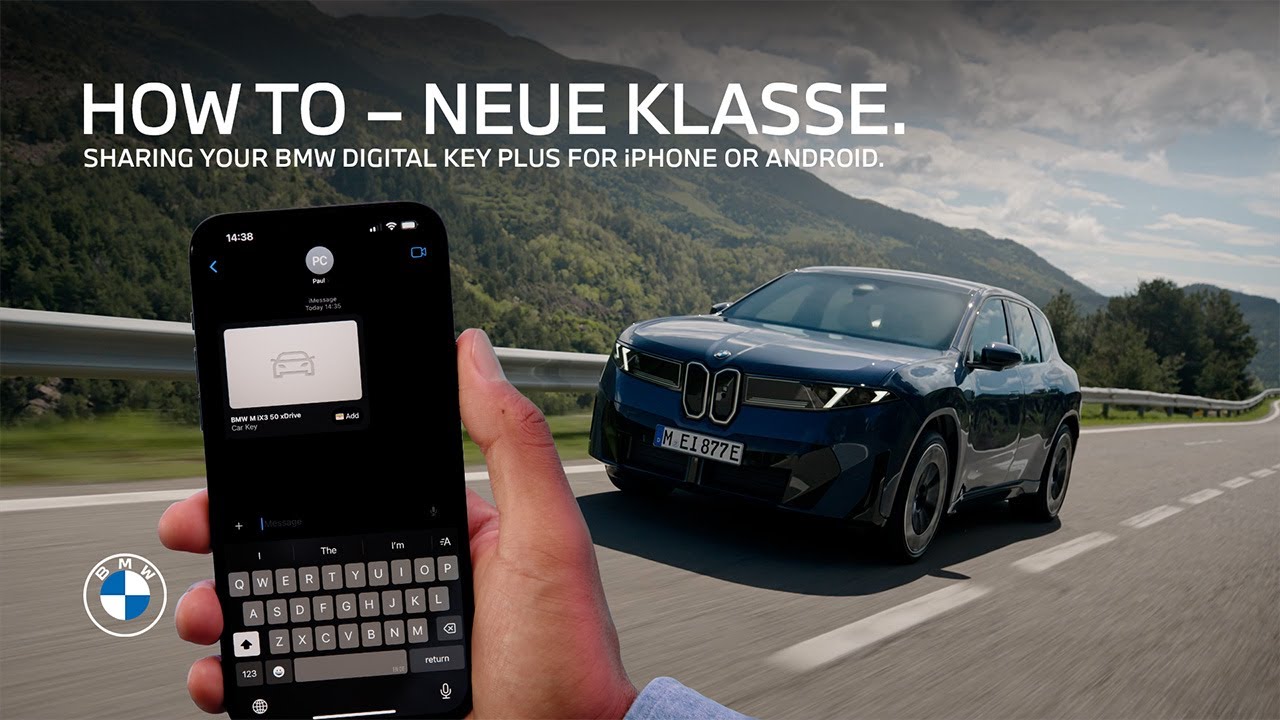
How-To: Sharing Your BMW Digital Key Plus.
Share the experience. Once you’ve set up your BMW Digital Key, as shown in our other How-To Videos, you can share it with friends, family, or coworkers. With the expanded sharing functionalities from September 2025 on the shared Digital Key offers further options and can be activated on up to 18 devices. Here’s how sharing works with iPhones. Open the wallet app on your phone. Select the Digital Key and press the sharing symbol. Choose how you want to share your BMW Digital Key. Any messaging app will work. Tap on activation code. Except for iMessage sharing the activation code is always selected and required for recipients to activate their shared Digital Key. To adjust the functionality of the shared key click on privileges. There are different levels of restrictions: With “full” vehicle functions are unrestricted with the shared Digital Key, and recipients can share Digital Keys too. With “full driving, limited sharing” the first recipient can share once more, but a second recipient cannot share the key. Alternatively, you can block further sharing completely or restrict the driving functionality with the shared key. With this last option the maximum speed an acceleration of the vehicle is limited. All set? Go ahead to send the key. For security reasons, send your contact the copied activation code via a different contact channel. As the recipient: Click on the link to add the shared Digital Key to your smartphone wallet, and enter the code to activate it. Done. You’re ready to go. You can now access and start the car. You bought the ultimate driving machine. Good for you. Now let’s make sure you’re using all of it. Tap one of these videos to unlock the full potential.
Here’s how easy it is to share your BMW Digital Key Plus from your iPhone or Android device with your friends, family or co-workers. Learn about the new flexible settings for privileges and functionalities with which you can activate the digital key for one vehicle on up to 18 devices.
⚙️ Feature Availability:
Please note that each service, feature and its functions depends on availability. Depending on the vehicle model and its technical capacities as well as market regulations, the availability and details of a feature may differ.
📽️ Key Moments:
00:00 – Intro
00:27 – Start sharing
00:48 – Adjust the functionality of the shared key
00:18 – Send the key
01:33 – Activate the shared key
🔗 Learn More
The BMW Driver’s Guide app specifically describes the equipment and functions included in the vehicle. The Owner’s Handbook is available as an app in many countries. You will find further information on the Internet at: https://www.bmw.com/bmw_drivers_guide
🔔 Subscribe for more BMW content!
👉 Visit our website: www.bmw.com
📱 Follow us on social media @bmw
BMW iX3 50 xDrive: WLTP energy consumption combined: 17,9 – 15,1 kWh/100 km; WLTP CO₂ emissions combined: 0 g/km; CO2-class: A; WLTP electric range: 679-805km
BMW Individual Steering Wheel in digital white available for order optionally starting from 01/26.
Screen contents are subject to change due to ongoing software updates.
#BMW #BMWHowTo #BMWNeueKlasse #BMWPanoramiciDrive #BMWiX3