Disable Auto Start Stop in Your BMW | BMW How-To
If you’d like, you can temporarily disable or turn off the auto start stop function during a drive. Toggling the gear selector to S or L mode allows the engine to keep running during a quick lefth hand turn across traffic or during parking maneuvers. To disable auto start stop during a drive, swipe down from the top of the central information display and press the auto start stop tile. Alternatively, you can press the driving settings menu button in the central control stack and select the deactivate auto start stop tile. Lastly, utilizing the my modes button, selecting sport driving mode will automatically disable auto start stop. I’m sure you know a lot about your BMW, but there’s so much more. So, hit the subscribe button, comment, like, share, and tap the notification bell to discover the full potential of your BMW. What are you waiting for? [Music]
If you’d like, you can temporarily disable or turn off the Auto Start Stop function during a drive.
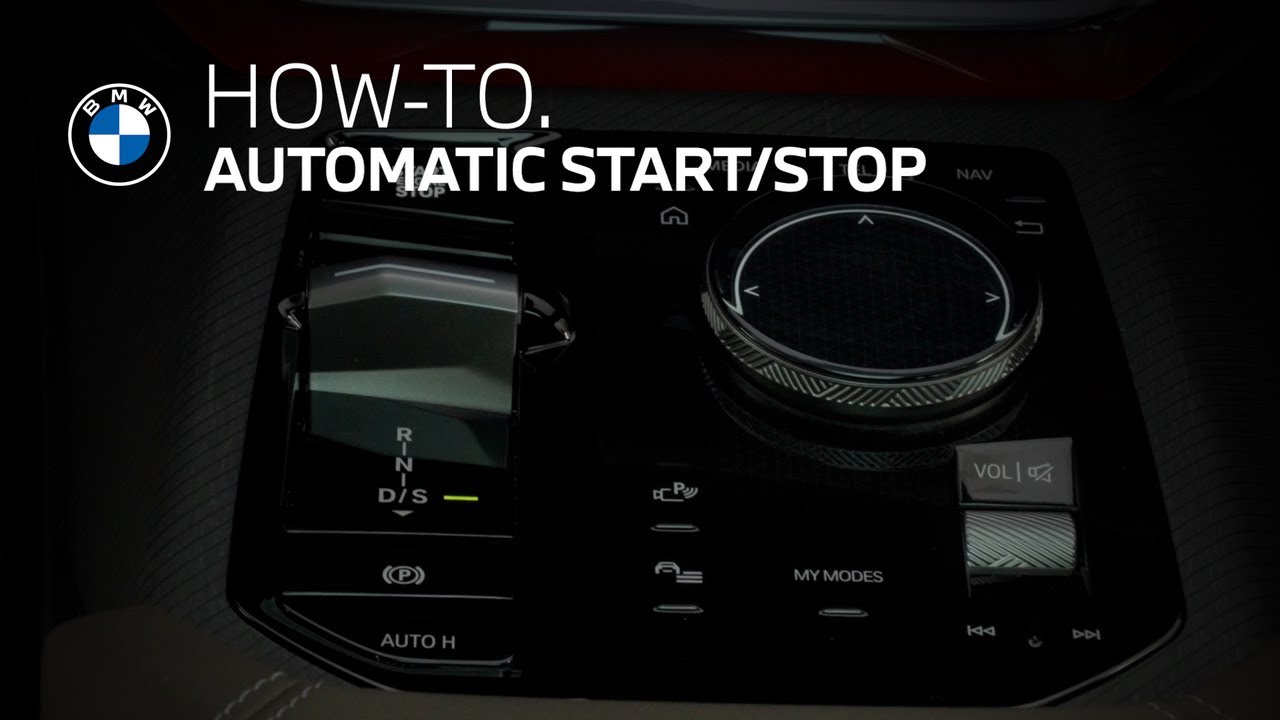
Toggling the gear selector to “S” or “L” mode allows the engine to keep running during a quick left-hand turn across traffic, or, during parking maneuvers. To disable Auto Start Stop during a drive, swipe down from the top of the Central Information Display and press the Auto Start/Stop tile.
Alternatively, you can press the Driving Settings menu button in the central control stack and select the Deactivate Auto Start Stop tile.
Lastly, utilizing the My Modes button, selecting Sport driving mode will automatically disable Auto Start Stop.
Continue watching our How-To series to explore all the innovative features of your BMW!
Looking for a quick answer? Check out our FAQ page : https://faq.bmwusa.com/
Refer to your owner’s manual or visit: https://www.bmwusa.com/owners-manuals.html
Need further help? Contact us here: https://www.bmwusa.com/contact-us.html
Follow BMW USA for the latest in luxury cars and performance vehicles:
Facebook: https://www.facebook.com/BMWUSA
Instagram: https://www.instagram.com/BMWusa
Twitter: https://twitter.com/BMWusa
TikTok: https://www.tiktok.com/@BMWusa