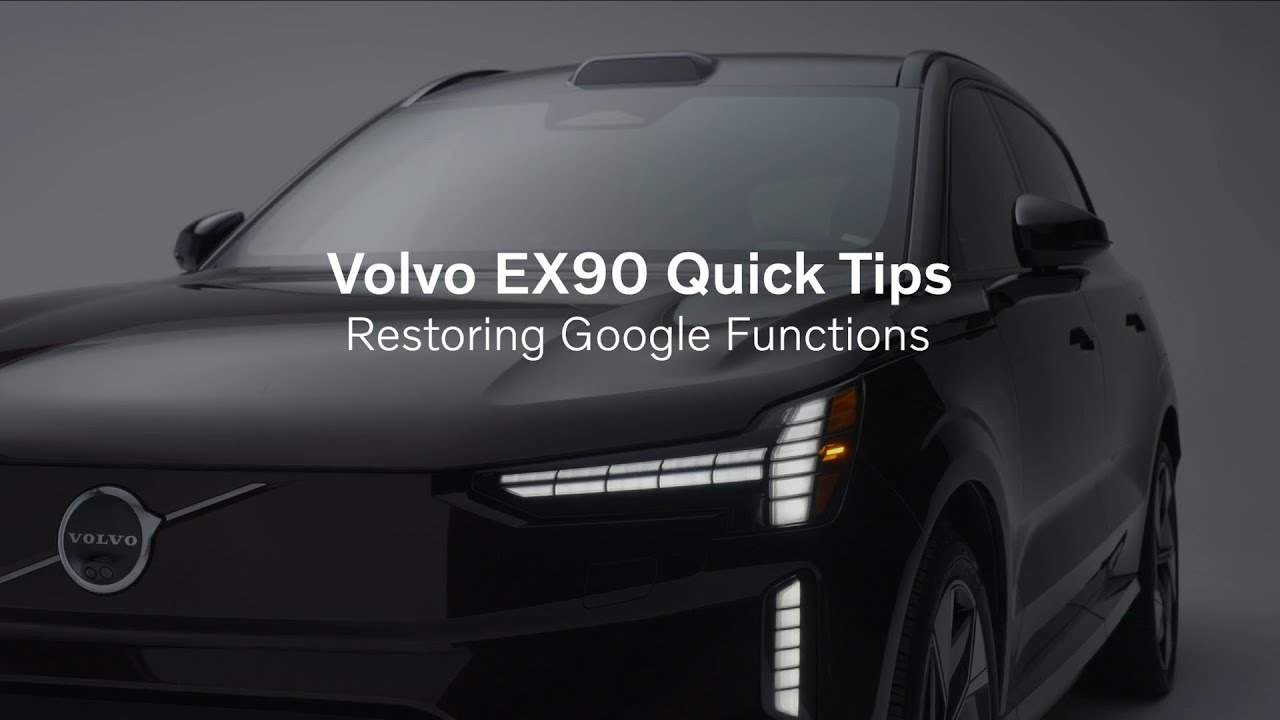
Volvo EX90 Quick Tips – Restoring Google Functions
[Music] Restoring Google Functions. If Google Maps, Voice Commands, or other Google apps stop working, try this quick fix. On the center display, tap the vehicle icon in the bottom bar. Go to Settings, System, Applications, Show All Apps. Tap Google Maps, then make sure it’s enabled. [Music] Repeat the same steps for Google Assistant. This should take less than a minute and can restore full Google functionality. [Music]
Learn how to restore Google applications in the Volvo EX90 Electric SUV
Discover more about the EX90 at https://www.volvocars.com/us/cars/ex90-electric/
For support information about the Google apps and services built into your car, please visit support.google.com/googleappsincar. The information is available in several languages that you can select directly on the site.
About Volvo Cars Group: Founded in 1927 in Gothenburg, Sweden, Volvo Cars is a luxury automobile manufacturer with a long history of innovation. Volvo offers a wide range of award-winning SUVs, sedans, crossovers, and wagons that continue to set new benchmarks in safety, design, technology, and connectivity. And we are committed to our industry-leading vision for an electrified future, from plug-in hybrids to fully battery electric vehicles.
To learn more about Volvo Vehicles, https://www.volvocars.com/us