How To Link Your Physical or Digital Key to Your BMW ID With OS 8.5 | BMW How-To
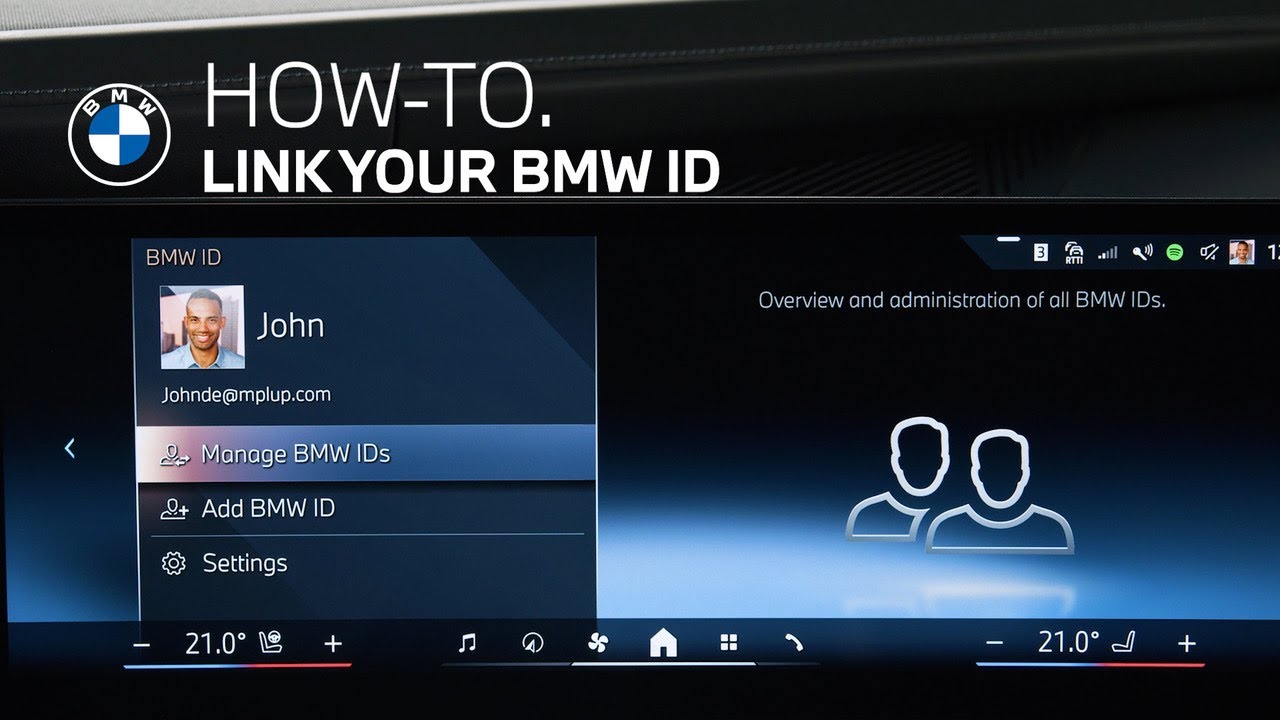
With the BMW Operating System 8.5, and your linked BMW Digital Key or physical key, adding your BMW ID to your BMW also automatically links your physical key to your BMW ID.
Now, when the physical key or Digital Key is with you, your car will recognize you and your BMW ID will be loaded.
If your BMW ID does not load automatically, you can check if the BMW Digital Key or physical key is linked properly.
Open the “BMW ID App”. Go to “Settings”, then click on “Automatic detection”.
Confirm to link the recognized key to your BMW ID, as well as your BMW Digital Key.
Now, when you approach the vehicle and the physical key or Digital Key is with you, your car will recognize you and your BMW ID will be loaded.
If you have not yet set up your BMW Digital Key, watch our other how-to video to learn all about it.
Continue watching our How-To series to explore all the innovative features of your BMW!
Looking for a quick answer? Check out our FAQ page : https://faq.bmwusa.com/
Refer to your owner’s manual or visit: https://www.bmwusa.com/owners-manuals.html
Need further help? Contact us here: https://www.bmwusa.com/contact-us.html