BMW ID – Key Linking | BMW How-To
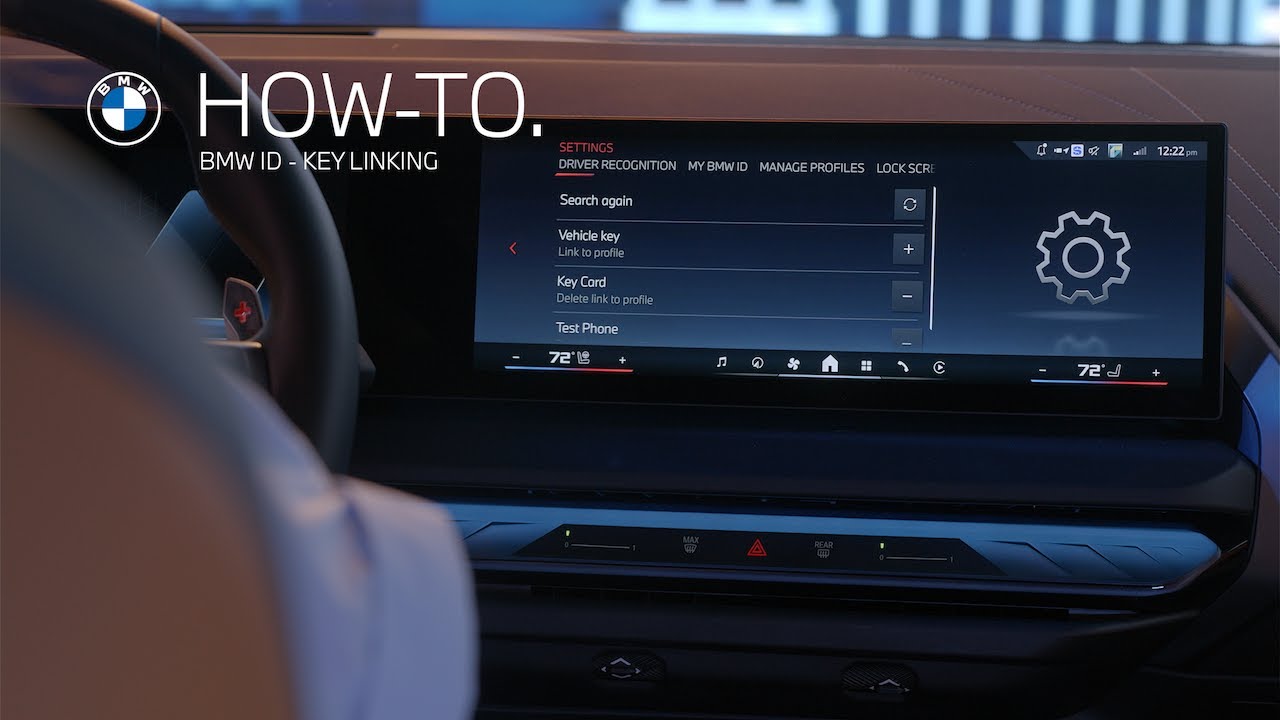
Linking a key to your BMW ID ensures your BMW recognizes you instantly. Here’s how to set it up.
Tap BMW ID in the center information display.
Select Profile Settings and choose how your car should recognize you. Follow the on screen prompts to link your key.
For physical keys and digital key compatible smartphones. Simply have the device inside the vehicle
For NFC only devices like the digital key card placed the card in the designated smartphone tray to be recognized during the search.
Each digital key is securely stored on your smartphone and can currently be shared with up to 18 devices. Shared keys can also be linked to their own BMW ID, ensuring a tailored experience for every driver.
If a shared digital key is not linked to a BMW ID, the driver will be placed under a guest profile which does not store personalized settings.
Explore more of your BMW intelligent features by watching our How to Series.
Looking for a quick answer? Check out our FAQ page : https://faq.bmwusa.com/
Refer to your owner’s manual or visit: https://www.bmwusa.com/owners-manuals.html
Need further help? Contact us here: https://www.bmwusa.com/contact-us.html