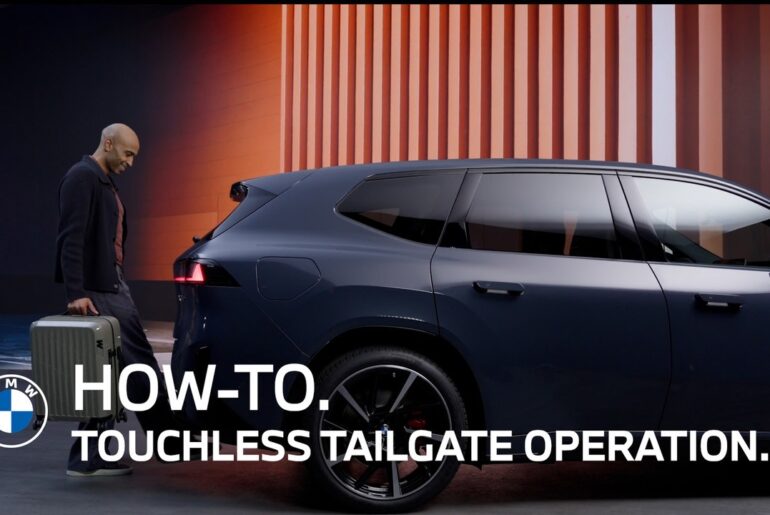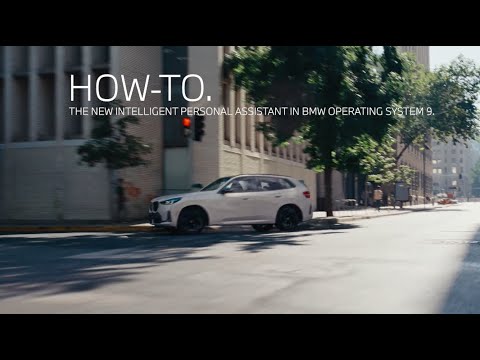
Using The New BMW Personal Assistant In OS 9 | BMW How-To
Experience the new look and feel of the Intelligent Personal Assistant in the updated BMW Operating System 9.
Here are some of the commands to make your journey even better.
Hey BMW, open all windows.
In case the open windows are not enough:
Hey BMW, Max AC.
Need directions? No problem!
Hey BMW, drive me to New York City
Getting directions to New York. Drive southwest.
Hey BMW, add Newark International Airport to the route.
Here’s what I found…
Yes.
Okay. Adding Newark Liberty International Airport to your route.
Hey BMW, what’s my ETA?
Based on current traffic, it’ll take about 1 hour and 3 min to drive there.
Perfect. Now tell a friend:
Hey BMW, call John.
That’s John Smith, right?
Yes.
Calling John Smith’s mobile.
Is it cold enough now?
Hey BMW, raise temperature to 70 degrees.
Temperature is set to 70 degrees.
Explore everything.
Hey BMW, what can you do?
Here are some things you can ask.
How’s my tire pressure?
Find me a coffee shop and tell me a joke.
What would you like to do?
Find me parking near my destination.
Please note: After a Remote Software Upgrade to November 2024 or newer, please make sure to redo the Intelligent Personal Assistant Setup process via the in-car app, or, the microphone button on the steering wheel, to get the full experience!
Enjoy your journey with easy vehicle interaction!
Continue watching our How-To series to explore all the innovative features of your BMW EV!
Looking for a quick answer? Check out our FAQ page : https://faq.bmwusa.com/
Refer to your owner’s manual or visit: https://www.bmwusa.com/owners-manuals.html
Need further help? Contact us here: https://www.bmwusa.com/contact-us.html
Follow BMW USA for the latest in luxury cars and performance vehicles:
Facebook: https://www.facebook.com/BMWUSA
Instagram: https://www.instagram.com/BMWusa
Twitter: https://twitter.com/BMWusa
TikTok: https://www.tiktok.com/@BMWusa