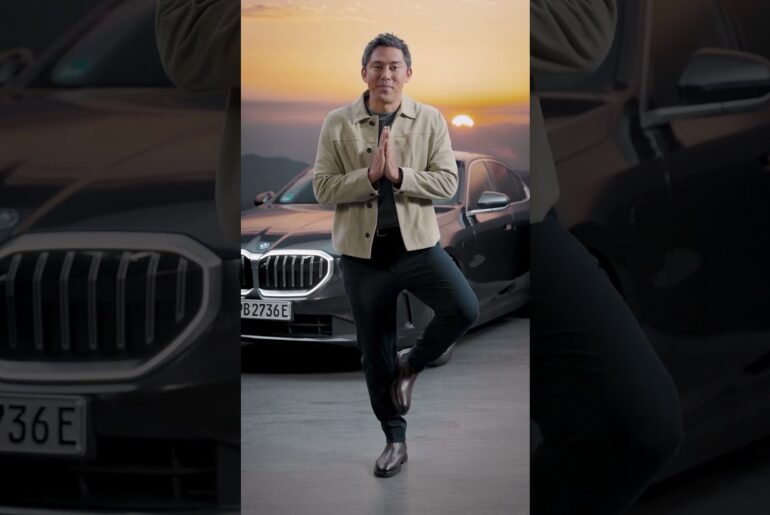
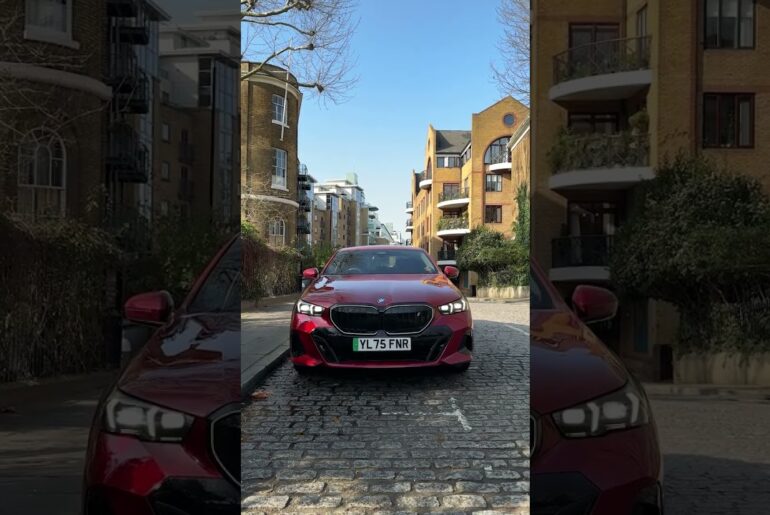
How To Pair Your Digital Key Plus with OS 9 | BMW How-To
Welcome to the future of convenience and security with your BMW . Today, were going to show you how to seamlessly pair your Digital Key with your vehicle.
Gone are the days of fumbling for your keys. With the BMW Digital Key Plus, your smartphone becomes the key to unlocking a world of possibilities.
Digital Key Plus expands on the capabilities of the Digital Key in which you needed to hold your smartphone to the vehicle door to lock/unlock or place it in the charging tray to start the vehicle. With Digital Key Plus, you don’t even need to take your smartphone out of your pocket. It uses ultra-wideband technology to sense when your close to the vehicle.
First, ensure you have the MyBMW app downloaded on your smartphone. Once installed, pairing your Digital Key is a breeze. To activate this incredible feature, you must be in your vehicle with both key fobs, and the phone of the Primary BMW ID user. Open the MyBMW App, tap “Set up Digital Key Plus” and follow the on-screen instructions to add the Digital Key to your wallet.
Once paired, your smartphone becomes your Digital Key, granting you seamless access to your vehicle. Forget about traditional keys. With the Digital Key, you can lock, unlock, and even start your BMW with just your smartphone.
With the MyBMW app, you can easily share your Digital Key with trusted individuals, allowing them temporary access to your BMW, perfect for carpooling or lending your vehicle. And because your Digital Key is securely stored on your smartphone, you can enjoy peace of mind knowing that your vehicle is protected by the latest in encryption technology.
If you need any support pairing your Digital Key or sharing your Digital Key reach out to a BMW Genius, Client Advisor, or BMW Service Center and they will be able to get you taken care of.
With Digital Key and your BMW you’re ready to embark on every journey with style and simplicity. Enjoy the ride!
Continue watching our How-To series to get the most out of your BMW.
Looking for a quick answer? Check out our FAQ page : https://faq.bmwusa.com/
Refer to your owner’s manual or visit: https://www.bmwusa.com/owners-manuals.html
Need further help? Contact us here: https://www.bmwusa.com/contact-us.html
Follow BMW USA for the latest in luxury cars and performance vehicles:
Facebook: https://www.facebook.com/BMWUSA
Instagram: https://www.instagram.com/BMWusa
Twitter: https://twitter.com/BMWusa
TikTok: https://www.tiktok.com/@BMWusa