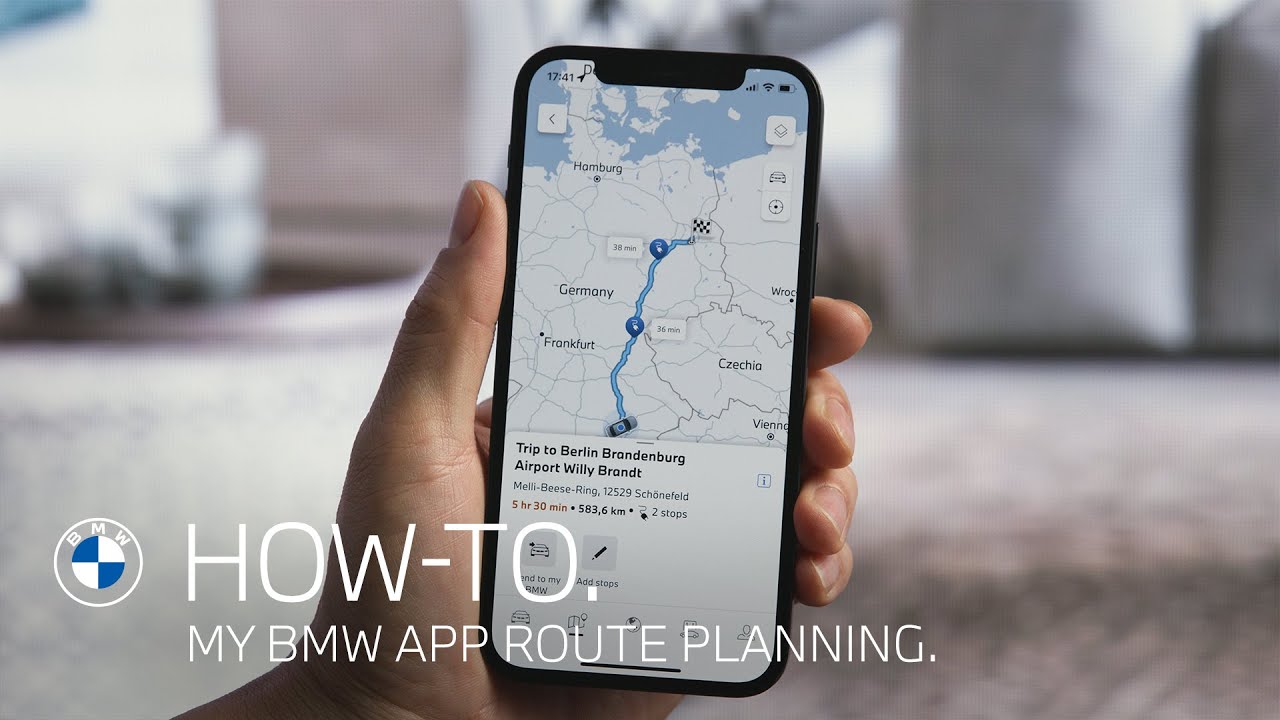
How-To: Planning Routes in the My BMW App.
Learn how to use the Map tab in the My BMW App to search for destinations, preview the route guidance to them and send the destination directly to the BMW Maps navigation system of your car including e. g. planned charging stops.
🔵 Feature Availability:
Please note that each service, feature and its functions depends on availability. Depending on the vehicle model and its technical capacities as well as market regulations, the availability and details of a feature may differ.
🔵 Key Moments:
00:00 – Intro
00:06 – Searching destinations in the My BMW App
00:25 – Sending destinations to the vehicle
🔵 Learn More
The BMW Driver’s Guide app specifically describes the equipment and functions included in the vehicle. The Owner’s Handbook is available as an app in many countries. You will find further information on the Internet at: https://www.bmw.com/bmw_drivers_guide
🔵 Join the Conversation
If you found this guide helpful, please give it a thumbs up, share, and subscribe for more BMW tutorials. Drop your feedback or questions in the comments below.
The BMW iX2 xDrive30. 100% electric.
#THEiX2 #BMW #MyBMWApp #BMWHowTo
BMW iX2 xDrive30: Mandatory data according to Pkw-EnVKV based on WLTP: combined energy consumption: 17,7 – 17,6 kWh/100 km; combined CO₂ emissions: 0 g/km; CO2 class: A; electric range: 421-417 km