How To Activate and Use the BMW Key Card | BMW How-To
If you are using the BMW Digital Key or BMW Digital Key Plus, you should leave the deactivated Key Card in the vehicle to hand it over to your service partner for valet parking, or in the event a tow is needed.
And if you are a Digital Key Plus customer, also use it for planned service appointments.
Here’s how to activate it:
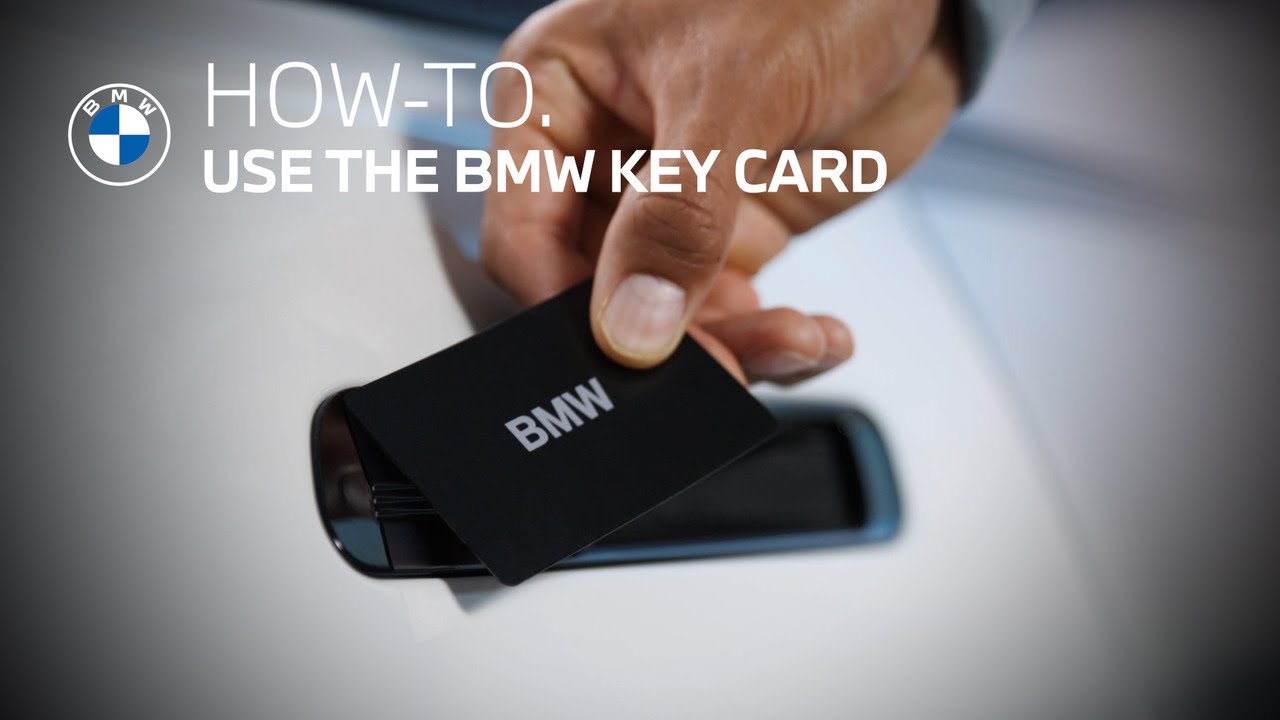
With a physical or digital key in the vehicle, place the Key Card in the wireless charging tray, and press “Activate Key Card” in the pop-up.
Or alternatively, go to “All apps” → “Keys” → “Digital Key” → ”Key Card” → “Activate Key Card”.
That’s it!
Using the card is simple.
Hold the Key Card to the door handle to unlock or lock the car, and place it in the Wireless Charging Tray to start the car.
To deactivate it, you need to have a physical or digital key inside the vehicle.
Go to “Keys” and press “Deactivate Key Card”.
Continue watching our How-To series to explore all the innovative features of your BMW!
Looking for a quick answer? Check out our FAQ page : https://faq.bmwusa.com/
Refer to your owner’s manual or visit: https://www.bmwusa.com/owners-manuals.html
Need further help? Contact us here: https://www.bmwusa.com/contact-us.html