How To Use the BMW Service Card | BMW How-To
How to Use and Activate the BMW Digital Key Service Card
When to Use the Service Card:
If you use a BMW Digital Key or Digital Key Plus, keep the deactivated Service Card in your vehicle. It’s useful for:
– Service appointments
– Valet parking
– Vehicle towing
Activating the Service Card:
To activate it with a digital or physical key inside the vehicle, place the Service Card in the wireless charging tray. Press “Activate Service Card” in the pop-up
Alternatively:
With the card in the charging tray, go to:
– All Apps
– Keys
– Digital Key
– Service Card
– Activate Service Card
How to Use the Service Card:
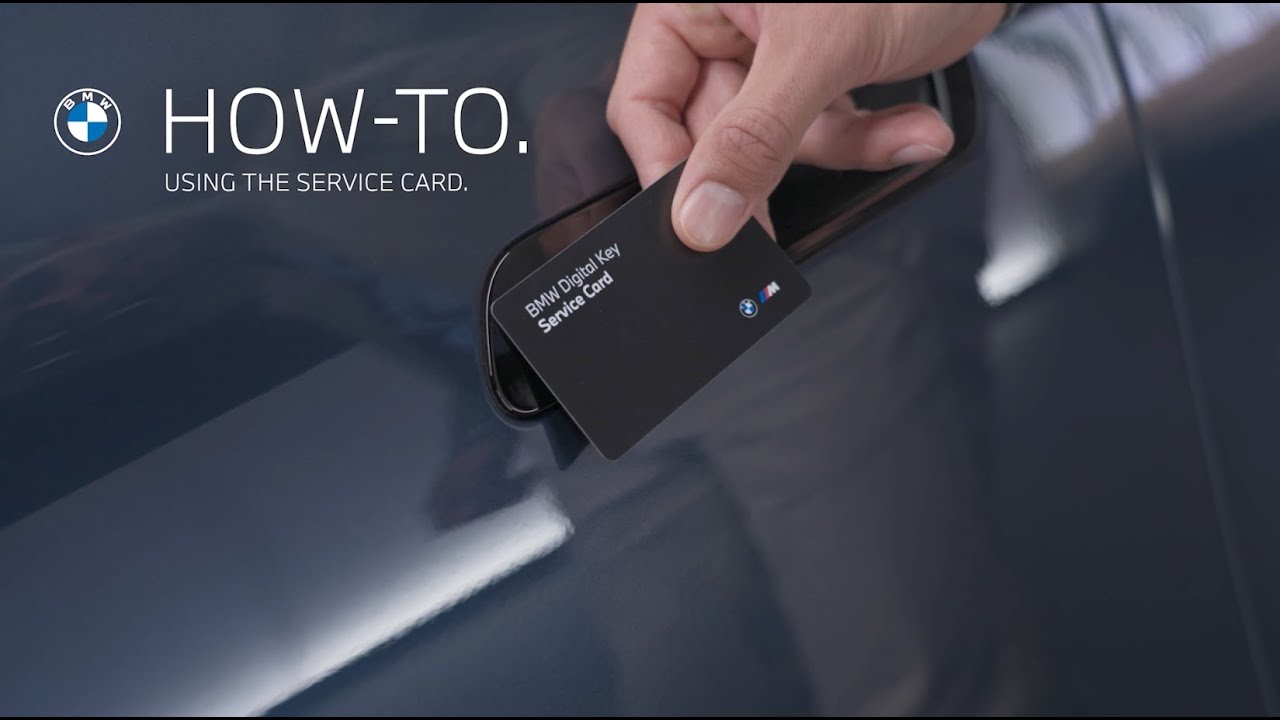
– Hold the card to the door handle to lock or unlock the vehicle
– Place it in the wireless charging tray to switch the car to drive-ready state
Deactivating the Service Card:
To deactivate:
– Ensure a physical or digital key is inside the vehicle
– Go to:
– Keys
– Digital Key
– Service Card
– Deactivate Service Card
Quick Tip:
If the Service Card is active, unlocking the vehicle with a physical or digital key will trigger a pop-up. You can deactivate the Service Card with one tap.
Service made simple.
Keep watching our How-To series to get the most from your BMW.
Looking for a quick answer? Check out our FAQ page : https://faq.bmwusa.com/
Refer to your owner’s manual or visit: https://www.bmwusa.com/owners-manuals.html
Need further help? Contact us here: https://www.bmwusa.com/contact-us.html
Follow BMW USA for the latest in luxury cars and performance vehicles:
Facebook: https://www.facebook.com/BMWUSA
Instagram: https://www.instagram.com/BMWusa
Twitter: https://twitter.com/BMWusa
TikTok: https://www.tiktok.com/@BMWusa