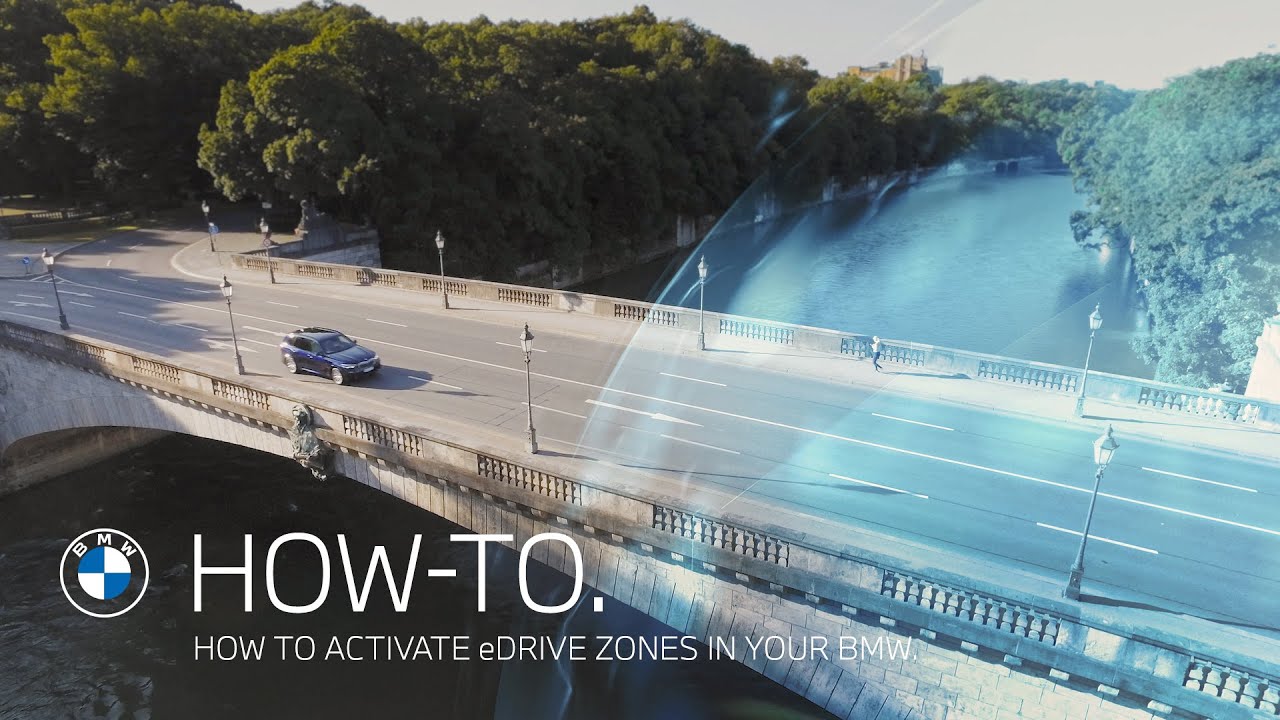
In this Video BMW How-To shows you that for selected markets, predefined inner-city areas are defined as eDrive zones. When entering an eDrive zone, your BMW Plug-In Hybrid model will automatically switch to ELECTRIC. This way you can enhance fuel efficiency and CO2 emissions.
Depending on country, for selected Plug-In Hybrid models produced from 07/19 until 07/20 you should activate eDrive zones. In the main menu, go to “APPS”, press “Option” on the iDrive controller and “Update apps and services”.
After doing so, press “Installed Apps” and select “eDrive zone”. Make sure the box “eDrive zone” is checked to activate automatic switching to ELECTRIC in selected urban areas. Also make sure the box “Show on map” is checked so eDrive zones will be highlighted in colour on the map. In the eDrive zone application a list of the eDrive zones is displayed. The list of the eDrive zones is sorted by distance. When entering an eDrive zone, a mode change to ELECTRIC is performed and a banner is shown. When entering an eDrive zone with the driving mode ELECTRIC already active, only a banner is shown. ELECTRIC is not available when the transmission position is in M/S. When leaving an eDrive zone, a banner is shown and the standard mode is activated again.
eDrive Zone is Available for the following models with BMW Live Cockpit Professional: 07/19 BMW 330e, BMW 745e, BMW X5 xDrive45e 07/20, BMW 530e 11/20.
Check out the other videos in the BMW How-To Series and be sure to leave us your feedback in the comments below.
The BMW Driver’s Guide app specifically describes the equipment and functions included in the vehicle. The Owner’s Handbook is available as an app in many countries. You will find further information on the Internet at: https://www.bmw.com/bmw_drivers_guide
► Explore More Videos:
BMW Points and eDrive Zones. The first e-mobility reward program. https://youtu.be/UHdjuGLAoLQ
How to collect and redeem BMW Points – BMW How-To https://youtu.be/-P3g1LfIleQ
Choose between the different new eDrive modes – BMW How-To https://youtu.be/HYmT3rim1AE
► Follow BMW on Social Media:
Instagram: http://b.mw/instagram
Facebook: http://b.mw/facebook
Twitter: http://b.mw/twitter
BMW Sheer Driving Pleasure