
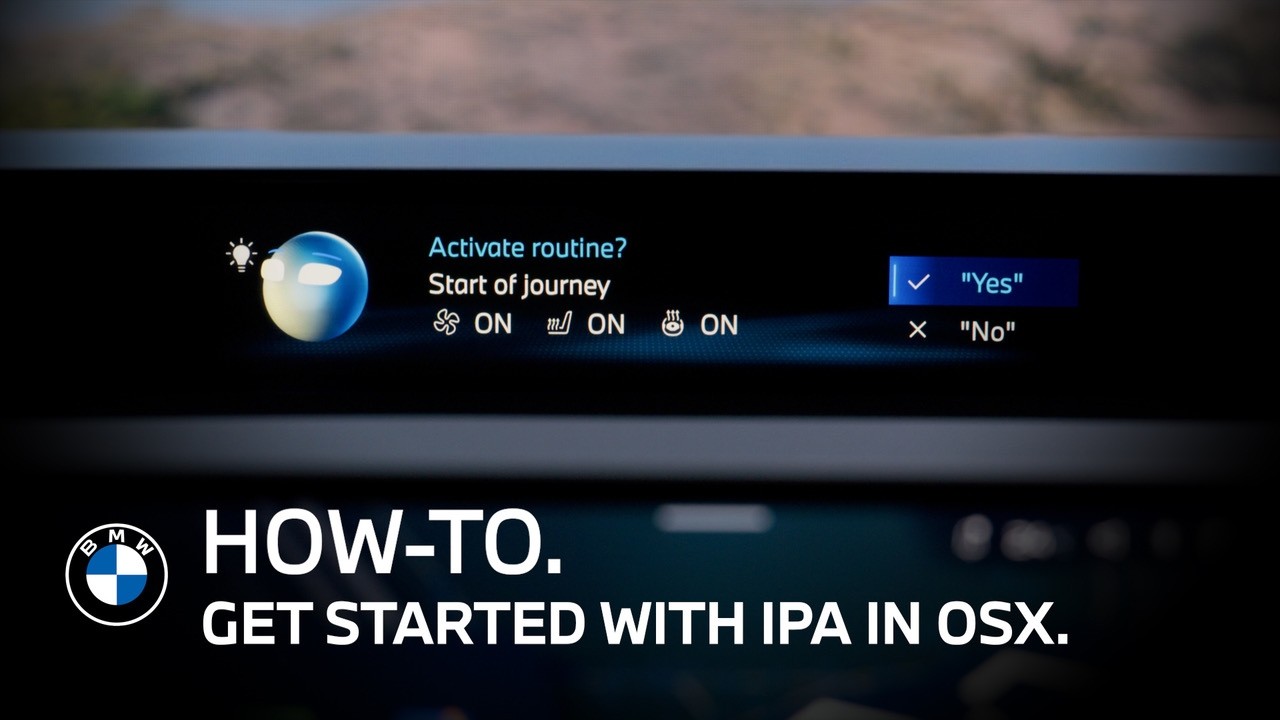
BMW Intelligent Personal Assistant in Operating System X | BMW How-To
Learn how to set up and use the BMW Intelligent Personal Assistant with BMW Panoramic iDrive and BMW Operating System X. Personalize voice control, explore vehicle features, auto-mate routines and use natural language to control selected BMW functions.
Set Up Your Personal Assistant
Activate the BMW Intelligent Personal Assistant during the onboarding wizard when you first sign in to your BMW. This helps unlock personalized functions, including Routines and Sugges-tions.
You can update your preferences at any time in the Personal Assistant app. Select the Settings wheel to choose the Assistant voice and interaction language, manage activation-word re-sponses and control contextual display animations.
Personalize the Display
If you prefer to see the Personal Assistant visualization only while interacting, remove the Per-sonal Assistant widget from the Panoramic Vision Display.
Explore Features, Routines and Suggestions
Use the Personal Assistant app to discover compatible vehicle features and access helpful guidance in the Tutorials tab. You can also automate routines and receive suggestions based on your situation and user habits.
Use Natural Voice Commands
The BMW Intelligent Personal Assistant supports more natural voice interaction. Say “Hey BMW” to control selected vehicle functions, such as adjusting the steering wheel heating or making a phone call.
You can also interrupt the Assistant to refine a request or select from available options. Even after the visualization changes to the BMW logo, the Assistant remains active and can be ac-cessed by saying “Hey BMW” or pressing the microphone button.
Link Your Amazon Account
Link your Amazon Account to the BMW Intelligent Personal Assistant to seamlessly control sup-ported services, such as music streaming.
Access to Routines and Suggestions is subject to customer review and acceptance of the appli-cable BMW and Amazon Terms and Conditions.
Enjoy a more personal BMW experience and continue watching our How-To series to get the most out of your BMW.
Looking for a quick answer? Check out our FAQ page: https://faq.bmwusa.com/
Refer to your owner’s manual or visit: https://www.bmwusa.com/owners-manuals
Need further help? Contact us here: https://www.bmwusa.com/contact-us.html