
BMW Parking Collision Notification and Recorder | BMW How-To
*Stay Informed When Your BMW Is Parked*
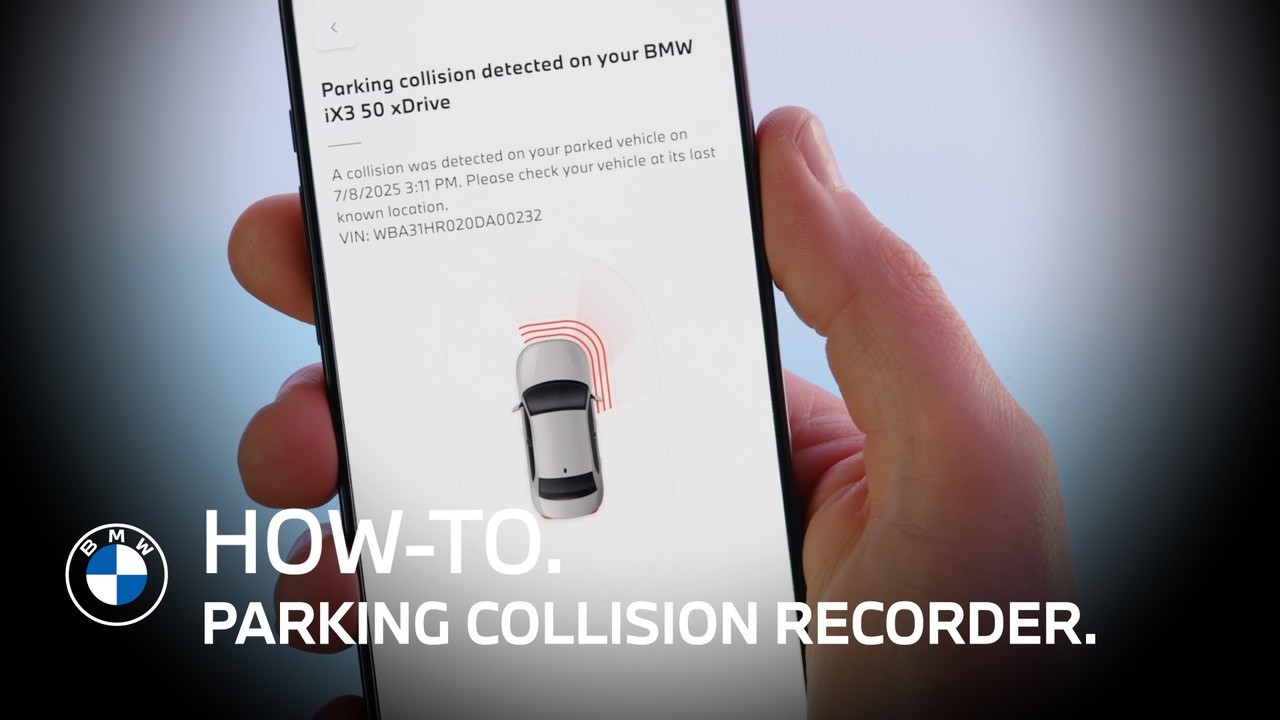
The Parking Collision Notification and Recorder, part of BMW’s Security Assistant in BMW Operating System X, alerts you if your parked vehicle is impacted—and captures video footage of the incident.
*Activate the Feature*
Open the Drive Recorder app in your BMW.
Confirm the disclaimer and predefined settings to activate Parking Collision Notification.
*Adjust Recording Settings*
Go to Settings → Recordings to choose how long video is recorded after a detected collision.
Then head to Data Privacy and enable notifications.
Make sure all BMW permissions are active in your profile to receive alerts and recordings.
*How It Works*
Once your BMW is parked, switched off, and locked:
• If an impact is detected, the system automatically records footage from all exterior cameras
• Recording includes the pre-set time after the incident
• You’ll receive a push notification in the My BMW App
*View and Export Recordings*
Open the message in your My BMW App for details.
In your vehicle, go to the Drive Recorder app and select Available Recordings to view footage.
To export:
• Press and hold the recording
• Select “Export all”
• Transfer files to your smartphone via Bluetooth
You can then access and manage the video in your phone’s gallery.
*You’re Covered*
With Parking Collision Notification and Recorder, your BMW helps keep an eye on things—even when you’re not around.
Continue watching our How-To series to explore all the innovative features of your BMW!
Looking for a quick answer? Check out our FAQ page : https://faq.bmwusa.com/
Refer to your owner’s manual or visit: https://www.bmwusa.com/owners-manuals
Need further help? Contact us here: https://www.bmwusa.com/contact-us.html