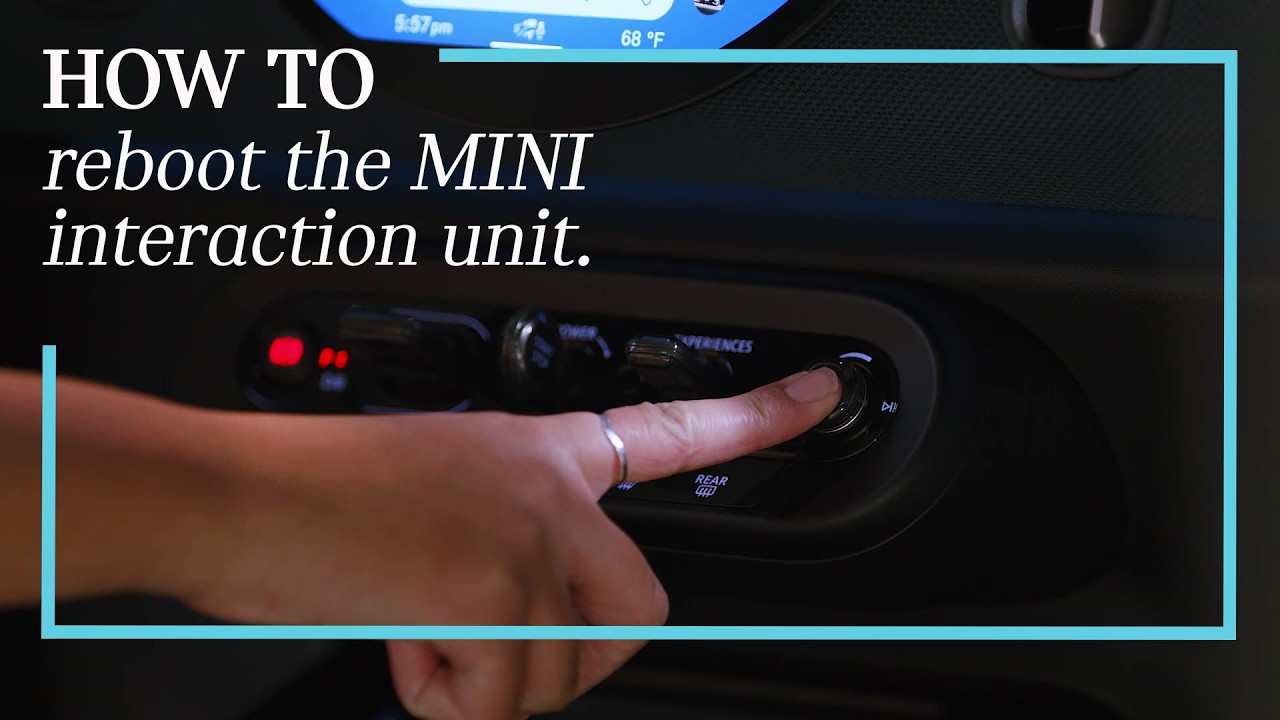
How To Reboot MINI Centre OLED Display (Infotainment System) | MINI How-To
Give your MINI’s brain a quick power nap by learning how to properly reboot the Interaction Unit and Centre OLED Display. When your infotainment system feels sluggish or an app isn’t loading, follow these simple steps using the volume button to refresh your system and get back to seamless motoring. Learn more about MINI Tech Features here: https://www.miniusa.com/model/countryman/tech-safety.html?tier=t1®=ntl&ch=sno_yt&vid=18u8Vu3IqUM#
0:00 When to Reboot Your System
0:22 Safely Preparing for a Reboot
0:30 The 70-Second Reboot Process
0:48 System Refresh and Restart
Keep exploring the full MINI How-To series to learn more ways to stay comfortable and get the most out of your MINI: https://www.youtube.com/playlist?list=PL8gUhKkqftt6L9YnPLyB2GdLAHYqDIbK1
Looking for a quick answer? Check out our FAQ site: https://faq.miniusa.com/
Refer to your owner’s manual or visit: https://www.miniusa.com/owners/tools-support/owner-manuals.html
▶ Watch the latest from MINI: https://www.youtube.com/@MINIUSA/videos
Subscribe to the MINI USA YouTube channel:
https://www.youtube.com/user/MINIUSA?sub_confirmation=1
Stay updated with MINI USA:
Official Website: https://www.miniusa.com/
Facebook: https://www.facebook.com/MINIUSA
X (Formerly Twitter): https://x.com/MINIUSA
Instagram: https://www.instagram.com/MINIUSA
#MINIUSA #MINIHowTo #MINIInfotainment