Smartphone Remote Control for BMW Passengers (OSX) | BMW How-To
*U.S. market availability for the vehicle shown will be available after Summer 2026. For more information visit https://www.bmwusa.com/.
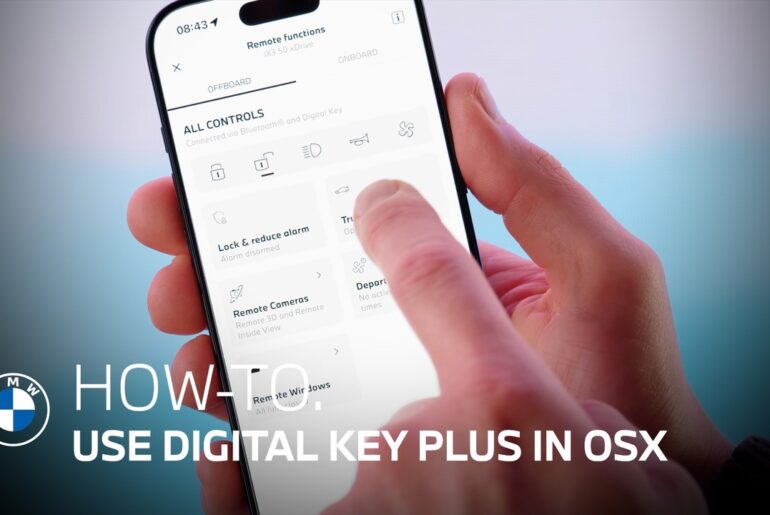
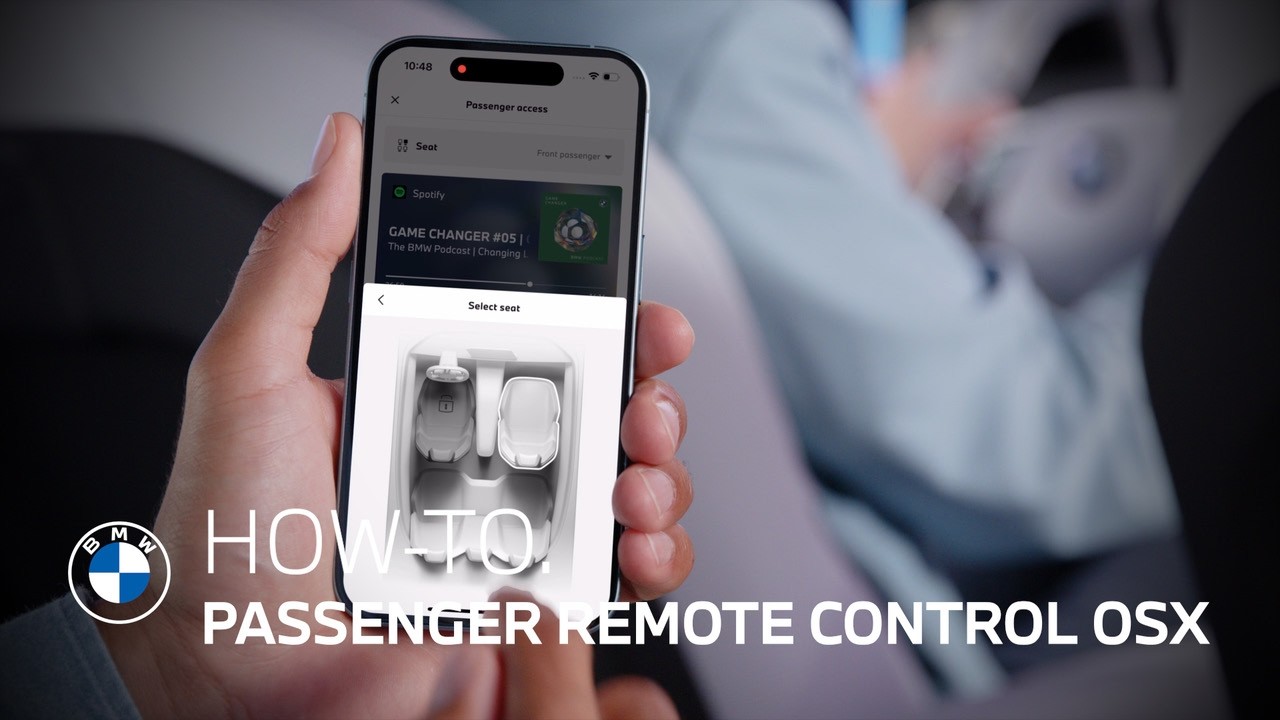
As a passenger in a BMW with Operating System X, you can use the My BMW App as a remote control for comfort, climate, and entertainment functions.
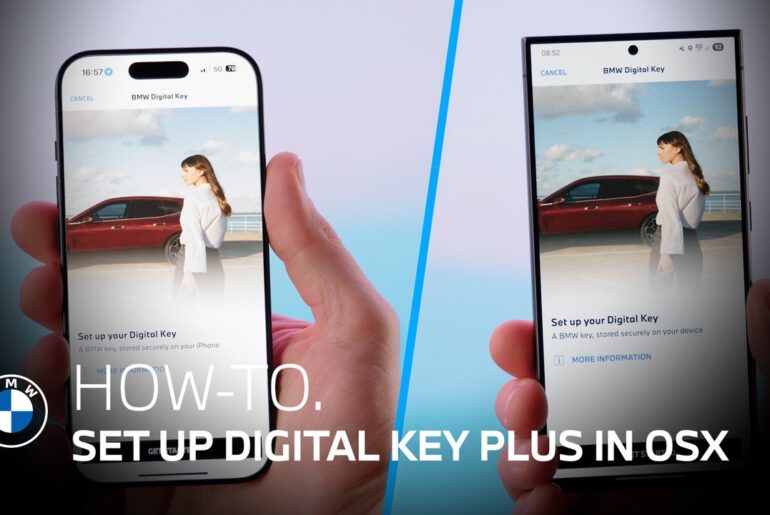
All you need is the My BMW App on the passenger’s smartphone.
Open the app – Allow Bluetooth Connection – Connect as a passenger – Confirm the connection on the Central Display.
A BMW ID is not needed to use the app in passenger mode.
Get the most out of your BMW by watching more of our how-to videos:
https://www.youtube.com/playlist?list=PLzgoLd4TRmNrBVU2FSKDsn6LLsB4EUvh1
Looking for a quick answer? Check out our FAQ page: https://faq.bmwusa.com/
Need further help? Contact us here: https://www.bmwusa.com/contact-us.html
Refer to your owner’s manual or visit: https://www.bmwusa.com/owners-manuals.html
Follow BMW USA for the latest in luxury cars and performance vehicles:
Facebook: https://www.facebook.com/BMWUSA
Instagram: https://www.instagram.com/BMWusa
Twitter: https://twitter.com/BMWusa
TikTok: https://www.tiktok.com/@BMWusa