Climate Control Tips for the BMW X3 OS 9 | BMW How-To
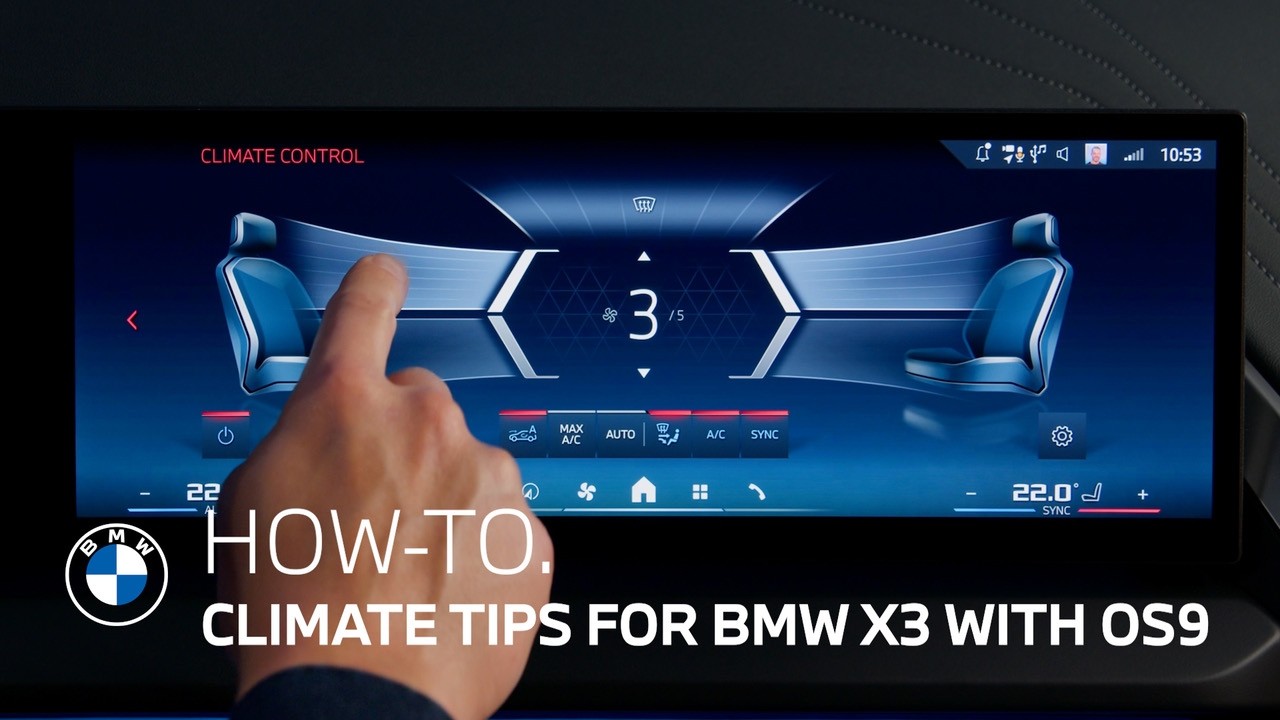
Here are some tips for quick and easy climate comfort with the automatic climate control in your BMW X3 with BMW Operating System 9.
The most convenient way to stay as cool or cozy as you like in your cabin is setting the climate control to AUTO mode.
Set your target temperature and intensity on the central display, and the system will regulate air ventilation and cooling or heating to meet your desired air conditioning. An activated A/C button indicates that the vehicle is cooling or dehumidifying as needed.
If you want to personalize your settings even further, you can switch to manual mode by tapping on the Climate control functions bar next to the AUTO button in the menu.
Here you can individually select where the air is directed by choosing the outlets – footwell area, upper body, and windshield. You can also adjust the fan speed of the air vents yourself.
In order to completely realize your personal air conditioning preferences, you can always control the air vent grilles for the upper body physically – whether in AUTO or in manual mode.
Use the sliders, in the middle of the interaction bar on the dashboard, or, on the touch control units in the doors to gradually open or close the air vent grilles. This way you can increase or decrease the amount of air that’s ventilated.
Use the wheels beneath the air vents to adjust the direction in which the grilles are pointed – for an indirect breeze around you or directly towards you.
Enjoy the comfort and keep watching out for more support to get the most out of your BMW.
Continue watching our How-To series to get the most out of your BMW.
Looking for a quick answer?
Check out our FAQ page : https://faq.bmwusa.com/
Need further help? Contact us here: https://www.bmwusa.com/contact-us.html
Refer to your owner’s manual or visit: https://www.bmwusa.com/owners-manuals.html
Follow BMW USA for the latest in luxury cars and performance vehicles:
Facebook: https://www.facebook.com/BMWUSA
Instagram: https://www.instagram.com/BMWusa
Twitter: https://twitter.com/BMWusa
TikTok: https://www.tiktok.com/@BMWusa