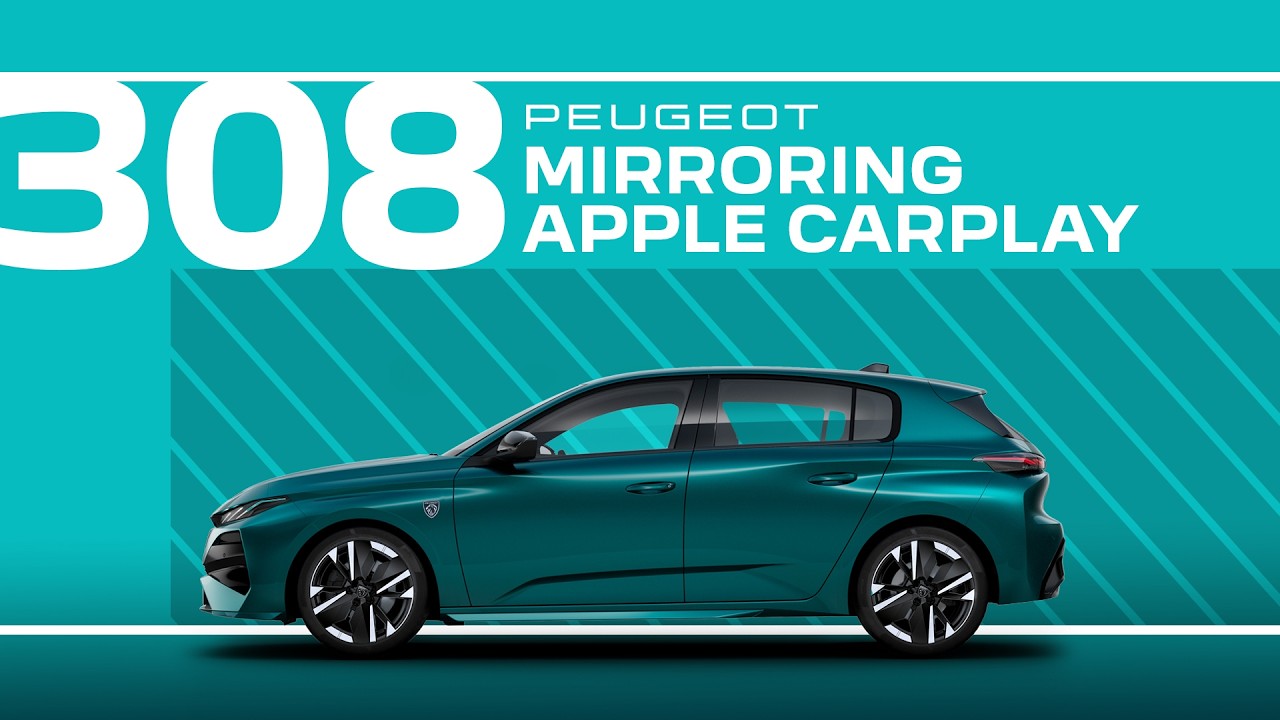
Peugeot Tutorials | 308 and 308 SW Mirroring Apple CarPlay
In this #PeugeotTutorial, learn more about connecting an iPhone to the #Peugeot308 and #Peugeot308SW via #AppleCarPlay.
Apple CarPlay integration allows you to access your favourite apps, navigation, music, and more directly on your #Peugeot 308’s touchscreen, enhancing your driving experience with convenience and connectivity.
This video guides you through the simple process of setting up Apple CarPlay on your iPhone and connecting it to your PEUGEOT 308. Discover how to enable Bluetooth and USB connections, grant necessary permissions, and navigate through the Apple CarPlay interface once connected. Learn how to customise your Apple CarPlay experience, including setting up your preferred apps and creating shortcuts for easy access, and see how to use Siri for voice commands, ensuring hands-free access to calls, messages, and other apps — all while keeping your focus on the road.
00:00 Intro
00:12 Preparing your iPhone (Siri, CarPlay, Bluetooth)
00:29 Wireless connection guide
1:08 USB connection guide
1:28 Voice commands on the steering wheel
Find out more about the Peugeot 308: https://www.youtube.com/@Peugeot/playlists
🇫🇷 PEUGEOT 308: https://www.peugeot.fr/nos-vehicules/nouvelle-peugeot-308/electrique.html
🇬🇧 PEUGEOT 308: https://www.peugeot.co.uk/models/new-peugeot-308/electric.html
🇪🇸 PEUGEOT 308: https://www.peugeot.es/gama/nuevo-peugeot-308/electrico.html
🇮🇹 PEUGEOT 308: https://www.peugeot.it/gamma-modelli/nuova-peugeot-308/elettrico.html
🇩🇪 PEUGEOT 308: https://www.peugeot.de/modelle/neuer-308/elektro.html
🌎 Peugeot.com: https://www.peugeot.com/en/peugeot-around-the-world.html
#Connectivity #PeugeotTech #SmartDriving #InControl
Visit our website: https://www.peugeot.com
The Peugeot Universe, also available on:
Facebook: https://www.facebook.com/Peugeot/
Instagram: https://www.instagram.com/peugeot
X: https://x.com/peugeot
Linkedin: https://www.linkedin.com/company/automobiles-peugeot/