
The BMW Charging Network | BMW How-To
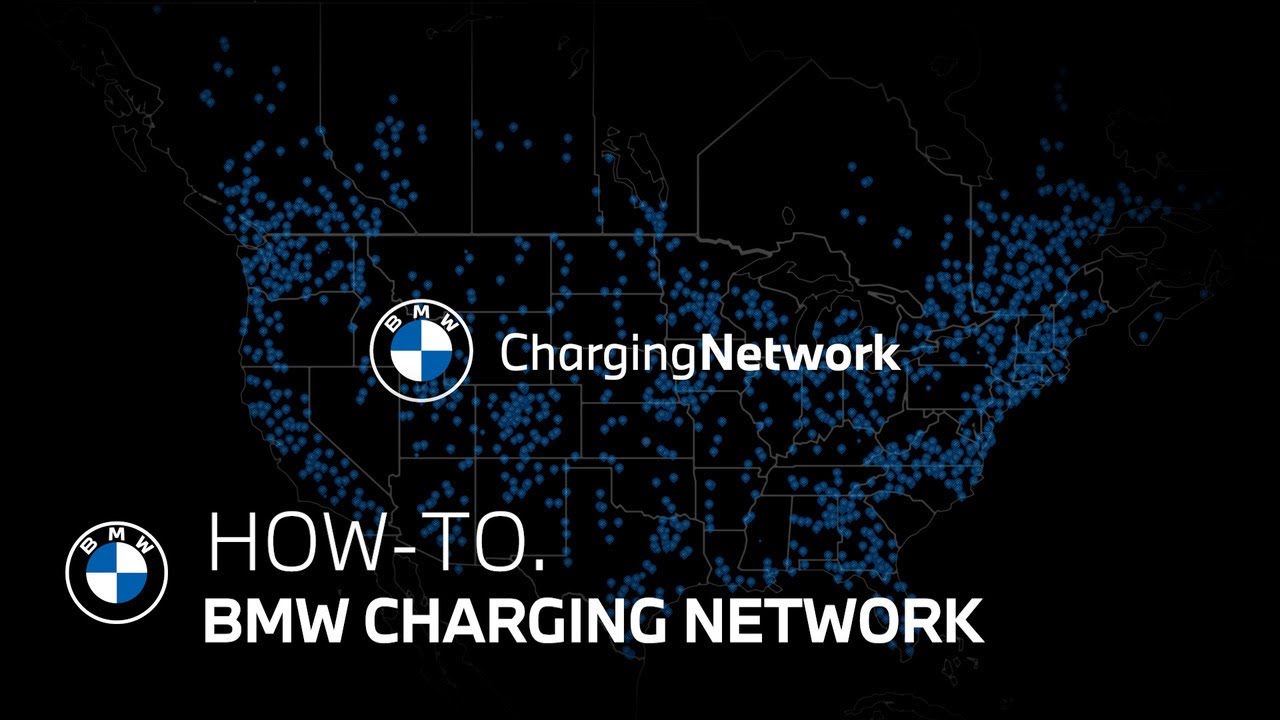
The BMW charging network provides access to over 180,000 charging points, making it one of the largest networks in North America. It offers drivers a seamless and integrated charging experience with the top charging providers nationwide. And the My BMW app puts the power of it all right at your fingertips. Finding chargers near you is easy in the My BMW app. Select the map and apply the charging filter to browse chargers in your area. You can refine your search further by applying filters such as charging power, plug types, preferred operators, and more. Then browse your results by scrolling through the list or selecting specific points on the map. Here you can view all the relevant details of the selected charging location including power level, plug type, popular times, ratings, photos, and nearby amenities. Select charge here to see live availability of each charger at the location. Select prices to see pricing information and available credit left on your complimentary charging plan if applicable. Found a station you like? Simply select send to my BMW and the route will instantly transfer to your vehicle’s navigation system. For longer trips, charging stops are automatically integrated into the route planning within the app, as well as the BMW navigation system in your vehicle. No planning or calculations needed on your end. The charge stops and charge times are recommended with the quickest travel time in mind. When you’ve arrived, there’s no need to use credit cards or multiple apps to initiate charging. All charge point operators of the BMW charging network are integrated into the my BMW app. For plug-and charge equipped models, once activated, just plug in and walk away. Your BMW will automatically communicate with the charger and begin the charging session. To use BMW’s click and charge feature through the My BMW app, select charge here and then choose the charger you parked in front of. Tap agree and begin charging and plug in. Getting enrolled is simple and can be done right in the My BMW app. See our other how-to videos for help with enrollment and activation. Enjoy the ease of charging with the BMW charging network. I’m sure you know a lot about your BMW, but there’s so much more. So, hit the subscribe button, comment, like, share, and tap the notification bell to discover the full potential of your BMW. What are you waiting for?
*Finding Chargers Near You*
The BMW ChargingNetwork provides access to over 180,000 charging points, making it one of the largest networks in North America. It offers drivers a seamless and integrated charging experience with the top charging providers nationwide. And the My BMW App puts the power of it all, right at your fingertips.
Finding chargers near you is easy in the My BMW app.
Select the Map and apply the “Charging filter” to browse chargers in your area.
You can refine your search further by applying filters such as charging power, plug types, preferred operators, and more”
Then, browse your results by scrolling through the list or selecting specific points on the map. Here, you can view all the relevant details of the selected charging location including, power level, plug type, popular times, ratings, photos, and nearby amenities.”
Select ‘Charge Here’ to see live availability of each charger at the location. Select “Prices” to see pricing information and available credit left on your complimentary charging plan (if applicable). Found a station you like? Simply select “Send to my BMW” and the route will instantly transfer to your vehicle’s navigation system.
For longer trips, charging stops are automatically integrated into the route planning within the app, as well as the BMW Navigation system in your vehicle.
No planning or calculations needed on your end – the charge stops and charge times are recommended with the quickest travel time in mind.
When you’ve arrived, there’s no need to use credit cards or multiple apps to initiate charging —- all charge point operators of the BMW ChargingNetwork are integrated into the My BMW App.
*Charge your way.*
For Plug & Charge equipped models, once activated, just plug in and walk away. Your BMW will automatically communicate with the charger and begin the charging session.
To use BMW’s Click & Charge feature through the My BMW App, select “Charge Here” and then choose the charger you parked in front of, tap “Agree and begin charging”… and plug in.
Getting enrolled is simple and can be done right in the My BMW App. See our other how to videos for help with enrollment and activation.
Enjoy the ease of charging with the BMW ChargingNetwork.