
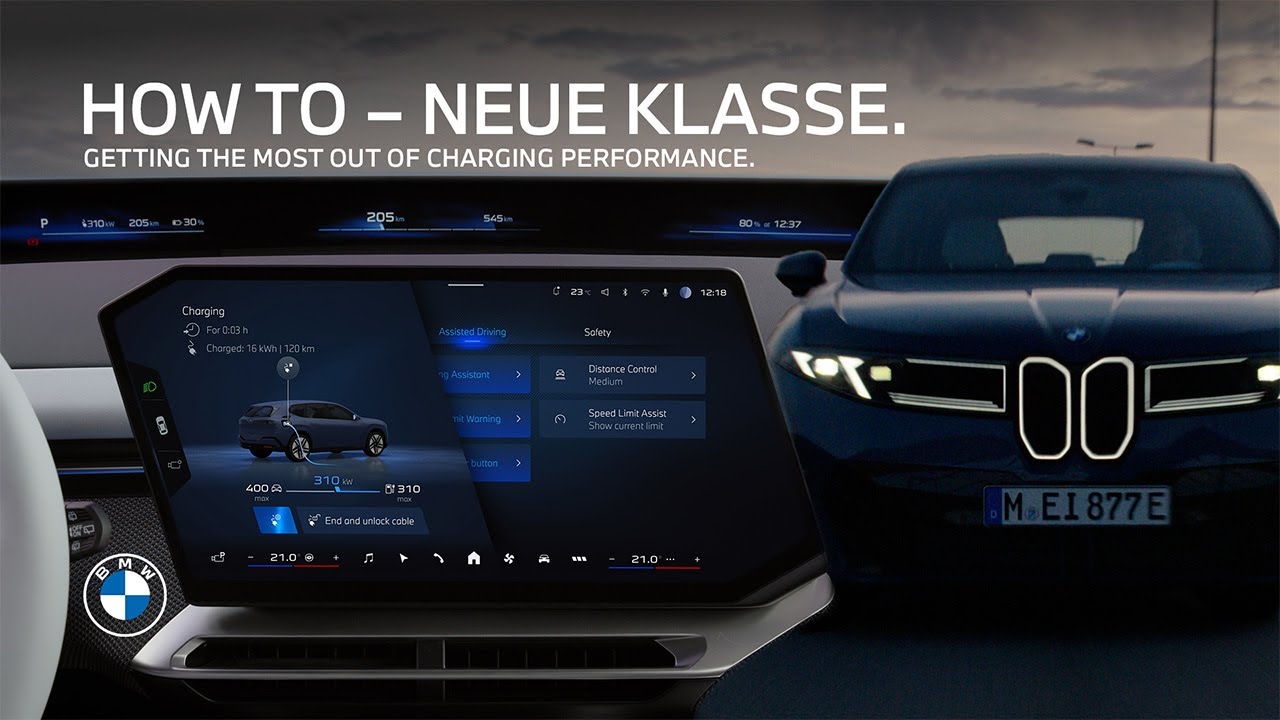
How-To: Charging Performance Displays and Settings in the BMW Panoramic iDrive.
The new generation of BMW battery electric vehicles offers super fast charging and here is how to get the most out of it. The panoramic iDrive provides an optimized overview of your charging processes. When the vehicle is plugged in, the charging screen in the central information display gives you all relevant information at a glance. the current state of charge, the current charging power and driving range, your charging target, and when it is going to be reached. When you’re in the vehicle, you’ll find more information about the charging conditions in the live vehicle display. The currently available charging power is displayed, and in case that charging power is limited by the infrastructure or the vehicle, it’ll also be clearly indicated. From here, you can jump directly into the charging settings menu, which contains a few settings that can influence the charging power. Among other charging settings, you can set a charging target because charging up the battery to only 80% is not only quicker, it’s also recommended for everyday use with respect to battery care. And remember, for the best charging rate, plug it in at around 10 to 30%. If you’re not in a rush, you can activate batteryfriendly charging. In this setting, the vehicle regulates your DC charging process automatically for a fit battery, providing a longlasting performance. Keep in mind, though, that the charging speed will be reduced. If you’re not using the BMW navigation system, you can manually activate battery preconditioning before charging for an optimized charging performance at high power charging stations with BMW MAPS route guidance. However, you can relax. Battery preconditioning for faster DC charging is automatically activated as and when you need it. Finally, you can adjust the battery heating power to suit your preferences in the heating power menu under more charging settings or in the battery preconditioning menu. Select high for the fastest charging or low for silent charging. The charging settings are available in the My BMW app too. Here you can additionally review the charging curve during and after your charging process in the charging history to get insights into the charging performance. Enjoy easy charging and keep watching this how-to series to get the most out of your BMW. [Music]
This video shows you all you need to know about the displays and controls in new Battery Electric BMWs with BMW Operating System X and some tips to optimize the charging performance to your needs.
⚙️ Feature Availability:
Please note that each service, feature and its functions depends on availability. Depending on the vehicle model and its technical capacities as well as market regulations, the availability and details of a feature may differ.
📽️ Key Moments:
00:00 – Intro
00:11 – BMW Panoramic iDrive charging overview
00:33 – Live Vehicle display
00:52- Charging settings menu
02:10 – Charging in the My BMW App
🔗 Learn More
The BMW Driver’s Guide app specifically describes the equipment and functions included in the vehicle. The Owner’s Handbook is available as an app in many countries. You will find further information on the Internet at: https://www.bmw.com/bmw_drivers_guide
📱 Join the Conversation
If you found this guide helpful, please give it a thumbs up, share, and subscribe for more BMW tutorials. Drop your feedback or questions in the comments below.
#BMW #BMWHowTo #BMWNeueKlasse #BMWPanoramiciDrive #bmwix3
BMW iX3 50 xDrive: Mandatory information according to german law ’Pkw-EnVKV’ based on WLTP: energy consumption combined: 17,9 – 15,1 kWh/100 km; WLTP CO₂ emissions combined: 0 g/km; CO2-class: A; electric range: 679-805km