How-To: Activate MINI Charging
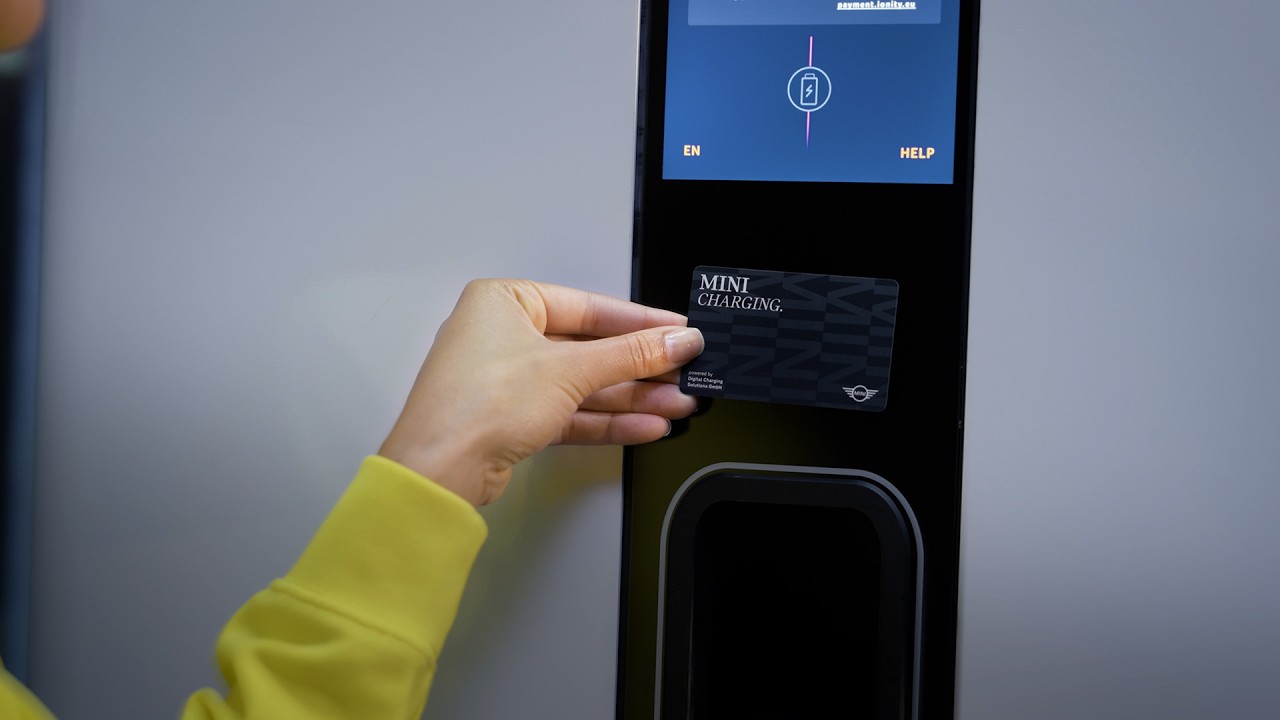
You’re in charge. With the Mini Charging Card or the Mini Charging account in your Mini app, you can power up your plug-in hybrid or fully electric Mini in one of the most extensive networks for public charging. Setting up your Mini charging account is super easy. Your Mini charging card comes with your new all electric Mini. Simply start the registration with your Mini app and a connected Mini. Go to charging. Click on charging wallet mini charging and press get a contract to start the mini charging registration. With your confirmation, your basic details will be transmitted for a seamless procedure. Choose what suits your driving and charging habits best from the attractive mini charging AC, DC, and high power charging conditions. Now, fill in your remaining personal details. Continue. Define your account type and provide your preferred means of payment. Almost there. Now assign your mini charging card to your new account to activate it. To do so, enter the charging cart number from the back of your card. Time for a final check. Guess what? For your new electric Mini, the first 12 months are base fee free. Done deal. All good. Confirm the contract activation. About an hour after the successful activation, you can use your mini charging card or the mini app. Your electrified mini also comes with plug-in charge to provide direct authentification between your Mini and the supported charging station. Watch our other how-to video about plug-and charge, and check out our other how-to videos to get more about your Mini.
Activating your MINI Charging account to get access to one of the biggest networks of AC, DC and high-power charging stations is super easy. Learn here how it works. The MINI Charging Card is delivered with new Electric MINI Models.
-Feature Availability:
Please note that each service, feature and its functions depends on availability. Depending on the vehicle model and its technical capacities as well as market regulations, the availability and details of a feature may differ.
– Learn More
More detailed information on your vehicle’s equipment and functions is available in the MINI Driver’s Guide App or in your Owner’s Handbook.
– Join the Conversation
Leave a comment below if you want to see any specific video in the future.
#MINIHowTo #MINI #TheNewMINIFamily