How-To: Activate Plug and Charge
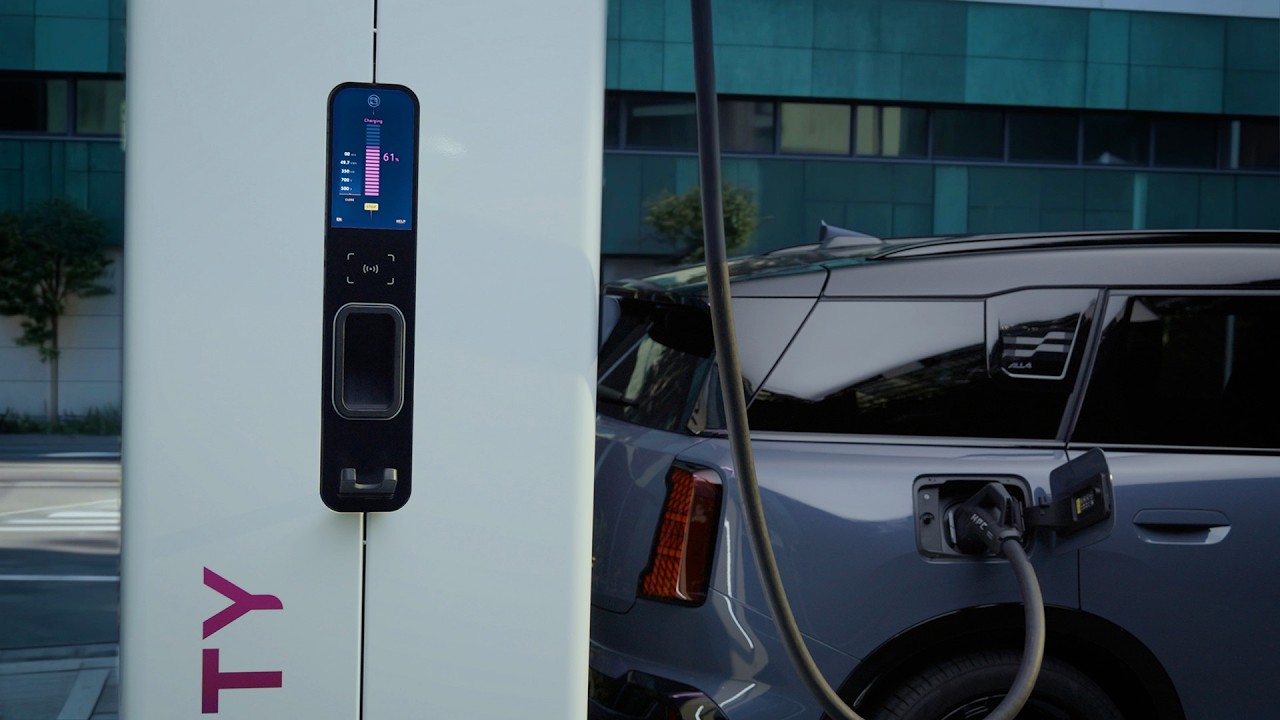
Life in charge with plug and charge. You can simply plug in and charge your fully electric mini with Mini Operating System nine at enabled public Chargepoints without the need to apply a charging card or app. Here’s how to enable plug in charge for up to five possible charging contracts. Like mini charging. Also shown in our other How-To video about activating mini charging. In the mini app. Scroll to the Charging Hub. Go to plug in Charge and make sure it’s active. Now get into your mini. Go to Charging Settings and select Plug in Charge. Choose your completed mini charging contract and activated. Decide if other users logged into your mini can use your plug and charge contract to for that case. Renaming your contacts can be helpful. Done. From now on, you can enjoy seamless charging at DC charging stations when you reach an enable charge point and turn off the car. The goodbye screen shows you if plug in charge is available at the location, and which contract is currently selected. Just plug in. That’s it. Authentication at the charging station happens automatically. It may take a moment, but charging starts just like that. Enjoy smart and easy charging on the go and check out our other two videos for more about your mini.
Here’s how to activate and use Plug and Charge for your electric MINI.
No need for charging cards or apps on public charging stations. Simply Plug and Charge – your MINI makes the rest for you.
-Feature Availability:
Please note that each service, feature and its functions depends on availability. Depending on the vehicle model and its technical capacities as well as market regulations, the availability and details of a feature may differ.
– Learn More
More detailed information on your vehicle’s equipment and functions is available in the MINI Driver’s Guide App or in your Owner’s Handbook.
– Join the Conversation
Leave a comment below if you want to see any specific video in the future.
#MINIHowTo #MINI #TheNewMINIFamily