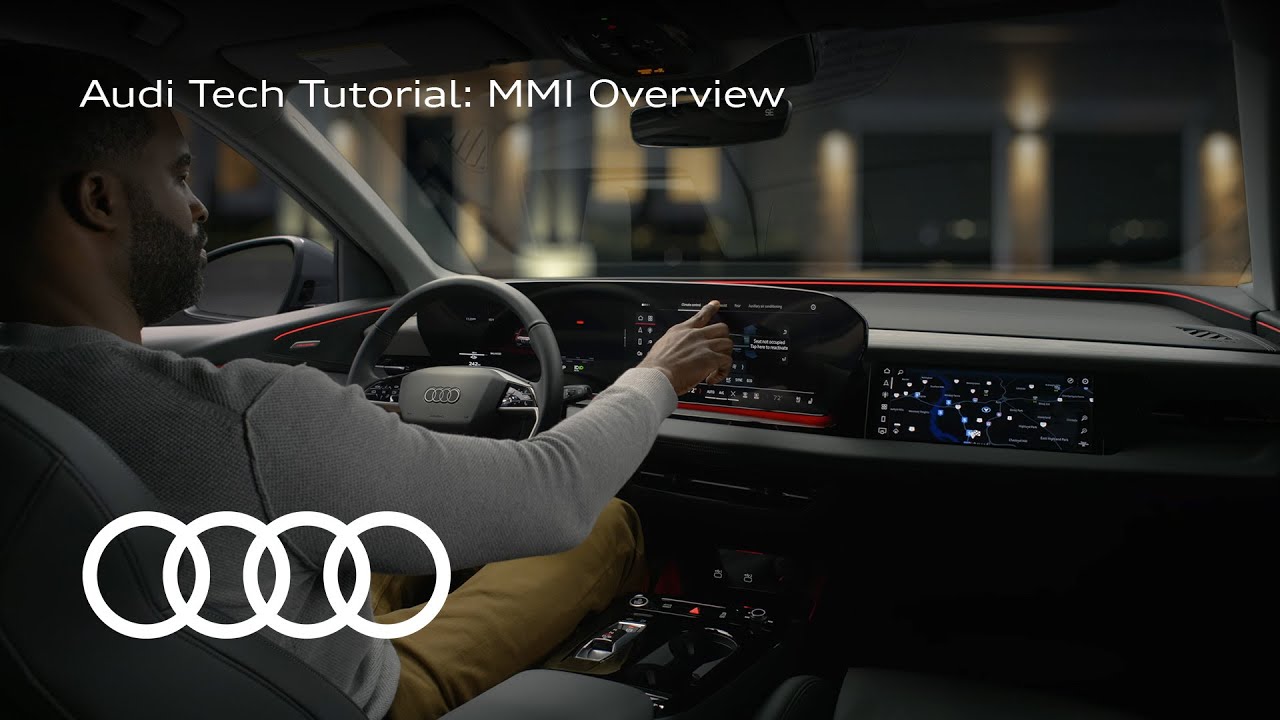
Audi Tech Tutorial: MMI Overview
Your Audi Ron Mmai is more userfriendly and customizable than ever before. The MMI screen consists of three main areas: the display area, climate control bar, and quick access buttons. On the home screen, there are two pages that are customizable with multiple tabs. Tap and hold on a tab to make the option to select other content appear. Apps like media, navigation, themes, charging, and more are available to show on the home screens. The four squares button gives you access to all of the vehicle’s applications, much like a smartphone. The buttons below the home menu can be customized for quick access to any of these apps. Tap and hold on an app, then drag it over on top of the app you want to replace in the quick access menu. You can also organize apps to your preference by creating folders. Tap and hold on an app, then drag it on top of another app you want in the same folder. A folder will be created, letting you put the dragged app inside. The bottom of the screen is the dedicated climate controls menu. You have direct access to commonly used functions, but can also customize some of the buttons as well. Tap and hold on a climate button to bring up the customization interface where you can move and replace some of the commands. There is an app store available on the MMI and passenger display that allow for third-party app downloads that can greatly expand the functionality of your vehicle. There are a number of ways to interact with and input data into the MMI depending on the app being used. An app like navigation allows for demonstration of every method possible. On the map, you can scroll by dragging your finger around, pinch to zoom in and out, and also twist the map screen to preference. For input, there is the standard keyboard entry. By tapping the small hand icon, you can switch to handwriting recognition, which allows you to write naturally on the screen if you prefer. Perhaps most interesting of all, though, is the Audi Assistant. The Audi Assistant allows you to navigate and control almost all aspects of your vehicle and its built-in apps with just your voice. Depending on your user preferences, the wake phrase for Audi assistant to listen for a command is, “Hey Audi,” or you can push the microphone button on the steering wheel, the Audi Assistant icon at the top left of the MMI will pulse white when it is listening for input. A command like, “Hey Audi, take me home,” will automatically launch the navigation app and send a route to your saved home address. A command like, “Hey Audi, turn climate control to 68.” Allows changing even AC settings with just your voice. Swiping right on the home menu will bring up a dedicated Audi assistant suggestion screen. Tap the dialogue box at the bottom of the screen. There is more you can do with voice commands than one would guess. So, there is a dedicated menu here that gives many ideas to what is possible. Swiping from the left side of the screen brings up a quick access menu to various vehicle functions such as HUD display, driver assistance systems, interior lighting, privacy settings, sound, and more. Lastly, the vehicle manual is available and fully searchable in the MMI. Tap the apps page button, then Audi apps and manual. Here you can search for any term you need more info on about your vehicle. [Music]
Connect with us:
Subscribe to our YouTube channel: http://audi.us/YouTube
Follow us on Instagram: http://audi.us/Instagram
Like us on Facebook: http://audi.us/Facebook
Follow us on Threads: https://audi.us/threads
ABOUT AUDI OF AMERICA
At Audi of America, we believe the future is electric. By 2025, our U.S. model lineup will be at least 30 percent electrified, including fully electric and plug-in hybrid vehicles. Globally, we are committed to net CO2 neutrality by 2050. In 2023, Audi sold a record-breaking 228,550 vehicles in the U.S. Among those deliveries, Audi sold more fully electric models than ever before, achieved record Audi Sport sales, and had a record-breaking year in after sales. Learn more about who we are and how we’re working to create a more sustainable, innovative, and inclusive future at audiusa.com or media.audiusa.com.
This is the official YouTube channel for Audi of America, Inc. (“Audi”). All videos, images and content contained herein are the sole property of Audi. You may not download, copy, reproduce, or otherwise exploit any of these materials without the expressed written consent of Audi. If you would like to share videos on this channel, Audi invites you to use the YouTube share, embed, and/or email options.