How to Adjust Driver Assistance Settings in Your BMW | BMW How-To
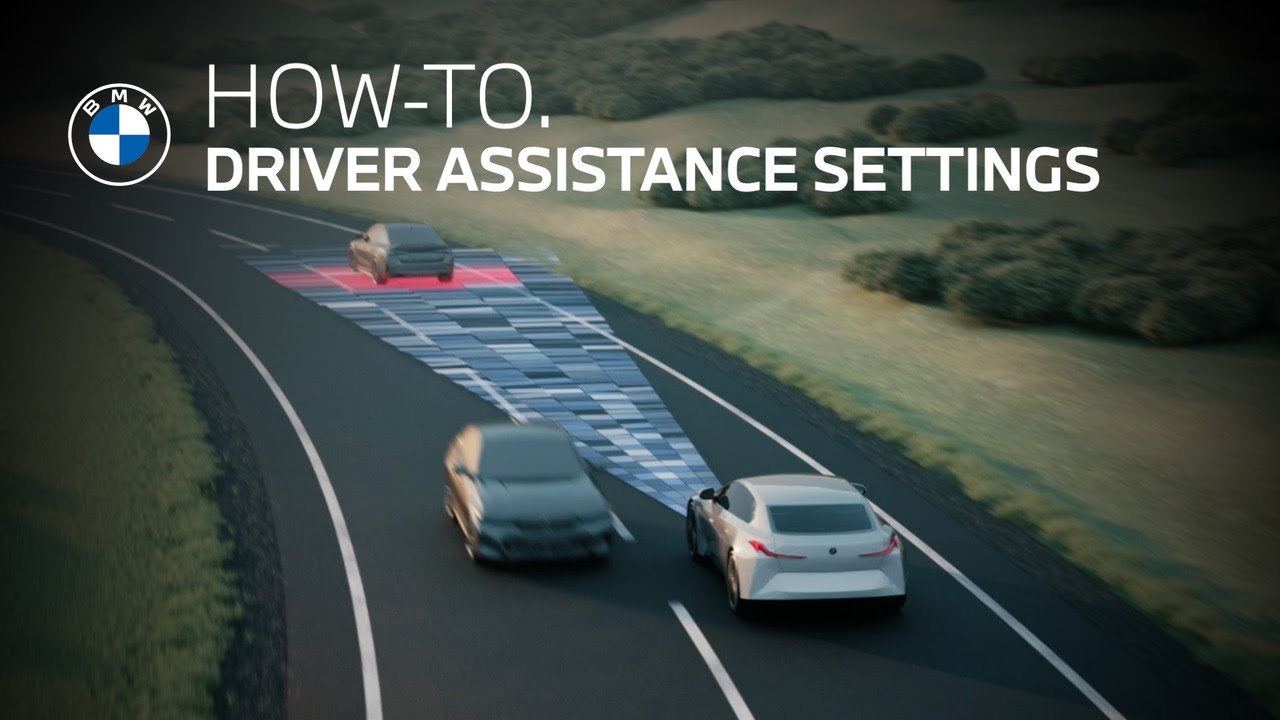
Lane Keeping Assistant is an advanced safety system that is part of the active driving assistant suite and uses cameras to monitor the road’s lane markings. If your vehicle begins to stray out of its intended lane, the system will alert you, helping you to avoid potential collisions or unsafe maneuvers. This feature is activated by default. To confirm it’s enabled, tap driver settings. Select driver assistance, then safety and warnings, and confirm that lane departure warning is switched on. You can choose how sensitive the engagement of the system is. You can also turn the steering intervention on or off if you do not want the vehicle to correct the lane deviation. Remember that lane departure warning is a driving assistance tool. It’s not a substitute for your attention on the road. I’m sure you know a lot about your BMW, but there’s so much more. So, hit the subscribe button, comment, like, share, and tap the notification bell to discover the full potential of your BMW. What are you waiting for?
Lane Keeping Assistant is an advanced safety system that is part of the Active Driving Assistance Suite and uses cameras to monitor the road’s lane markings.
If your vehicle begins to stray out of its intended lane, the system will alert you, helping you to avoid potential collisions or unsafe maneuvers.
This feature is activated by default. To confirm it’s enabled, tap Driver Settings, select “Driver Assistance,” then “Safety and Warnings” and confirm that Lane Departure Warning is switched on.
You can choose how sensitive the engagement of the system is. You can also turn the steering intervention on or off, if you do not want the vehicle to correct the lane deviation.
Remember that Lane Departure Warning is a Driving Assistance tool.
It’s not a substitute for your attention on the road.
Continue watching our How-To series to explore all the innovative features of your BMW!
Looking for a quick answer? Check out our FAQ page : https://faq.bmwusa.com/
Refer to your owner’s manual or visit: https://www.bmwusa.com/owners-manuals.html
Need further help? Contact us here: https://www.bmwusa.com/contact-us.html
Follow BMW USA for the latest in luxury cars and performance vehicles:
Facebook: https://www.facebook.com/BMWUSA
Instagram: https://www.instagram.com/BMWusa
Twitter: https://twitter.com/BMWusa
TikTok: https://www.tiktok.com/@BMWusa