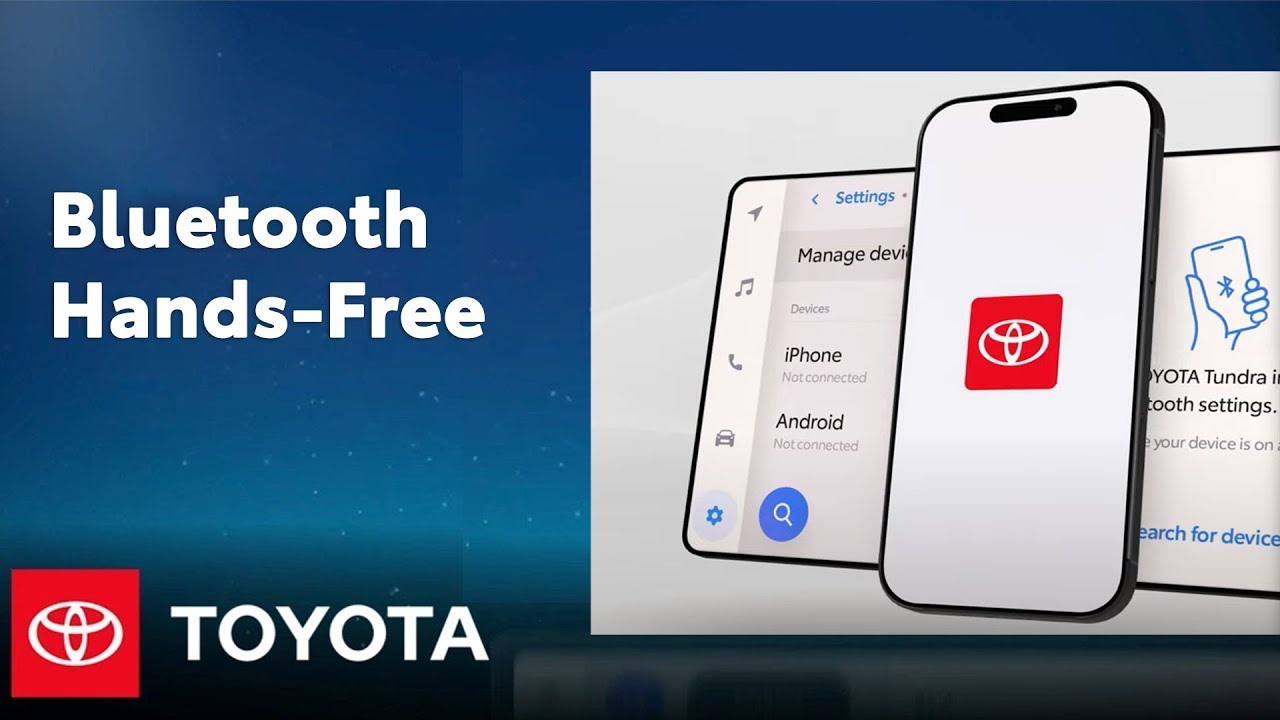
Bluetooth Hands Free: How to Minimize Echo During Phone Calls | Toyota
Learn how to minimize echo during Bluetooth hands-free calls in your Toyota by adjusting your smartphone and vehicle speaker volume. Follow these simple steps to fix connectivity issues and improve sound quality! More Learn more at https://www.toyota.com/connectedservices
1.) Update your phone’s software to the latest operating system
2.) Make a phone call while connected to Bluetooth
3.) Raise the call volume to your smartphone’s highest setting
4.) Adjust your vehicle speaker volume to level 45 or lower
5.) If echo persists, continue reducing the volume of your vehicle speakers
Watch More Videos & Playlists:
▶Latest videos from Toyota: https://www.youtube.com/watch?v=Y05HgLzz_30&list=PLsOvRYzJPCwVPnQZg9qWBpGP8oHLM1aT_
▶Check out the latest Multimedia videos here: https://www.youtube.com/watch?v=KfokntoqMQc&list=PLsOvRYzJPCwWa2XJu8b0ZXLoNwBF4RZiv
▶Need More Bluetooth Help? https://www.youtube.com/watch?v=FnD5Sq2WyEU&list=PLsOvRYzJPCwWa2XJu8b0ZXLoNwBF4RZiv
Subscribe for more Toyota videos: http://bit.ly/ToyotaSubscribe
Connect with Toyota USA online:
Visit the Toyota WEBSITE: http://bit.ly/ToyotaSite
Like Toyota on FACEBOOK: http://bit.ly/ToyotaUSAFB
Follow Toyota on TWITTER: http://bit.ly/ToyotaTwitter
Follow Toyota on INSTAGRAM: http://bit.ly/ToyotaInsta
This Toyota tutorial shows how to reduce Bluetooth echo while on calls in your Toyota vehicle.
#Toyota #ToyotaAudioMultimedia #BluetoothEcho