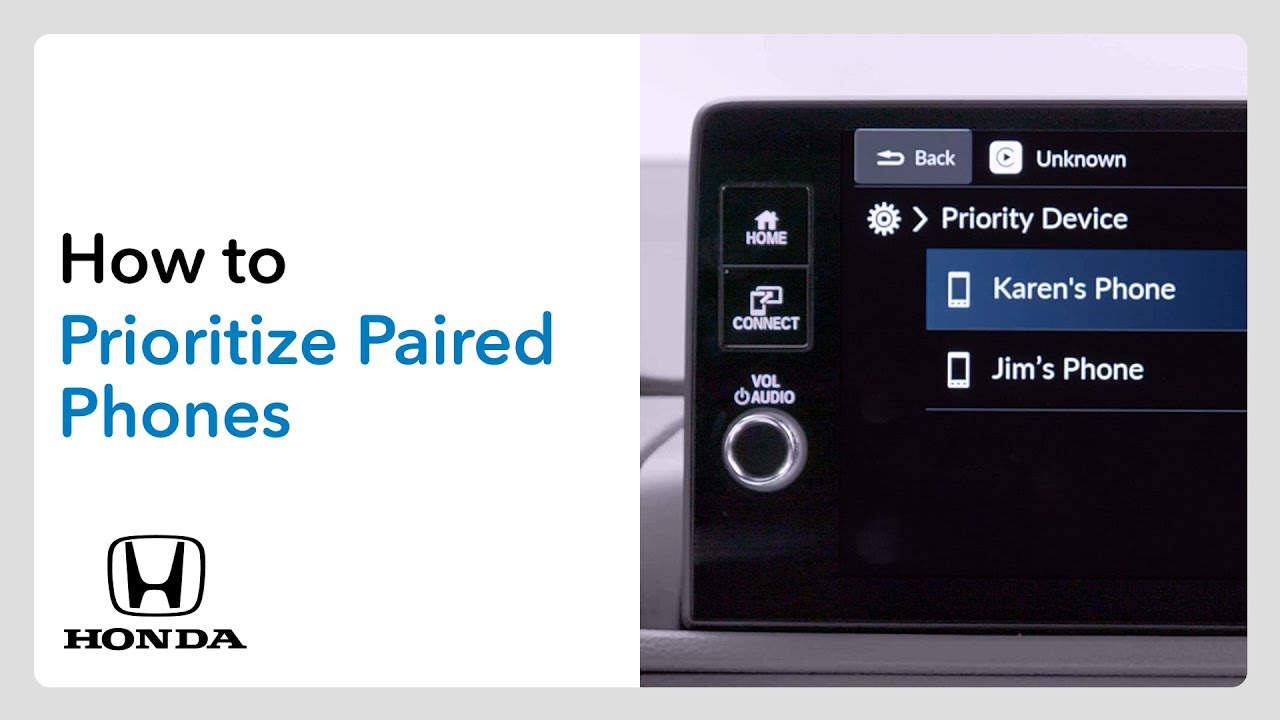
2026 CR-V, HR-V | How to Prioritize Paired Phones
When more than one phone has been paired to the Bluetooth hands-free link system, you can set which phone will always get priority. It’s a good idea to prioritize the driver’s phone so they can make and receive calls without handling the device. To start, ensure that the vehicle is in park with the power on. Press the home button, then touch the general settings icon. Next, select connections and then options. Now, select priority device. A list of paired phones will appear. Select the one you want to prioritize and confirm your choice. For more details, check out your vehicle’s owner’s manual. You can download one at mygar.honda.com.
When more than one phone is paired to Bluetooth® HandsFreeLink, it’s a good idea to prioritize the driver’s phone. Learn how to do it here.
Applicable on: 2026 Honda CR-V LX, EX, Sport Hybrid, EX-L, TrailSport Hybrid, Sport-L Hybrid; 2026 Honda HR-V LX, Sport, EX-L
For more Honda content, follow us on social at:
Instagram – https://www.instagram.com/honda/
TikTok – https://www.tiktok.com/@honda
Twitter – https://twitter.com/honda
Snapchat – https://snapchat.com/add/officialhonda
Facebook – https://www.facebook.com/honda
Threads – https://www.threads.net/@honda
Pinterest – https://www.pinterest.com/honda/
LinkedIn – https://www.linkedin.com/company/american-honda-motor-company-inc-/
Giphy – https://giphy.com/honda