2026 CR-V | How to Use the Traffic Sign Recognition System (TSR)
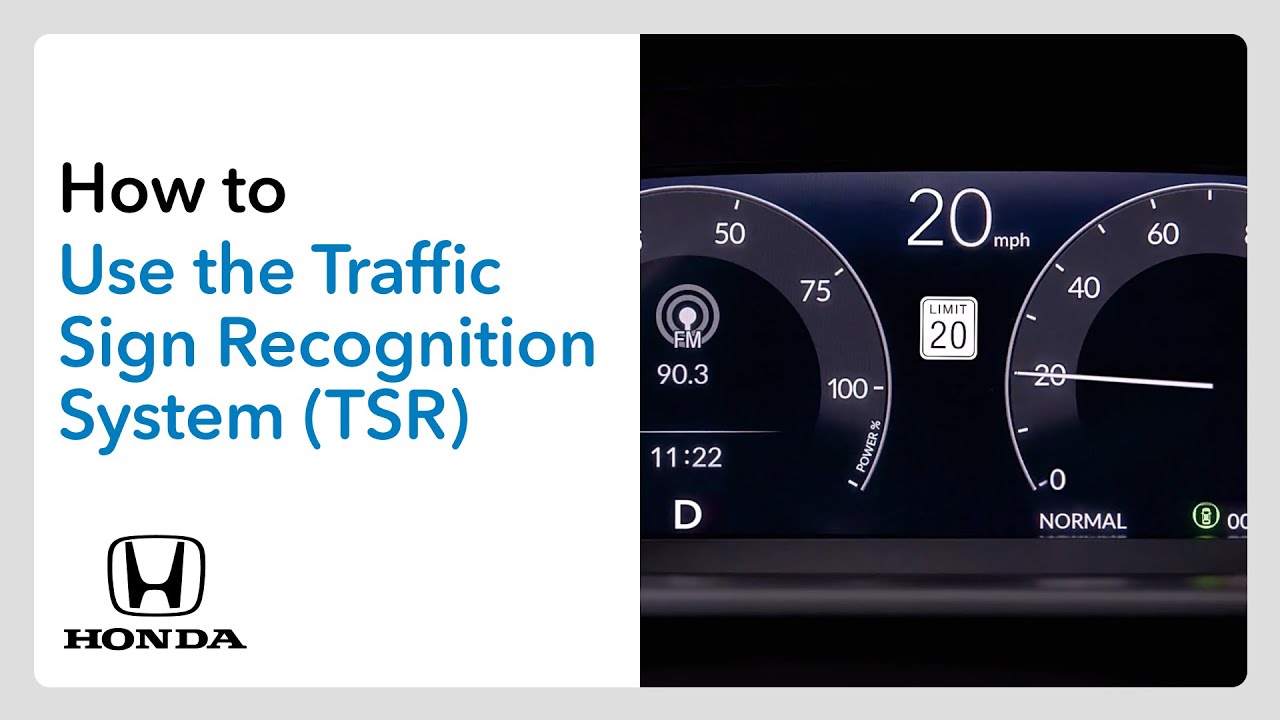
The traffic sign recognition system, TSR, scans for speed limit signs and displays icons of detected signs in the digital instrument cluster to enhance awareness. The icons will change as different speed limit signs are detected, and the icon will start blinking when a detected speed limit is reached or exceeded. You can turn the system on or off and customize its operation. To start, make sure the vehicle is in park with the power on. Roll the selector wheel on the right side of the steering wheel until the settings icon appears in the digital instrument cluster and press N to select it. Now turn the selector wheel to driver assist system setup and select that. Here you have three TSR choices. If you’d like to customize when the over speed limit warning happens, scroll to and select speed limit warning threshold setting. Now you can choose to have the warning happen when the speed limit is reached or when you go beyond the speed limit by 3, 5, or 10 mph. When your choice appears, push in to select it. Or if you’d like to stop the speed warning from flashing, scroll to and push in on traffic sign recognition system exceeding speed warning and then choose off. And finally, if you want to turn the TSR display off entirely, scroll to and select traffic sign recognition system display setting, then choose off. For more details, check out your vehicle’s owner’s manual. You can download one at mygar.honda.com. honda.com
This system helps keep you aware of your speed while driving. Here’s how to customize it to your liking.
Applicable on: 2026 Honda CR-V EX-L, TrailSport Hybrid, Sport-L Hybrid
For more Honda content, follow us on social at:
Instagram – https://www.instagram.com/honda/
TikTok – https://www.tiktok.com/@honda
Twitter – https://twitter.com/honda
Snapchat – https://snapchat.com/add/officialhonda
Facebook – https://www.facebook.com/honda
Threads – https://www.threads.net/@honda
Pinterest – https://www.pinterest.com/honda/
LinkedIn – https://www.linkedin.com/company/american-honda-motor-company-inc-/
Giphy – https://giphy.com/honda