How To Activate Digital Key Plus for iPhone Using the Set Up Card | MINI How-To
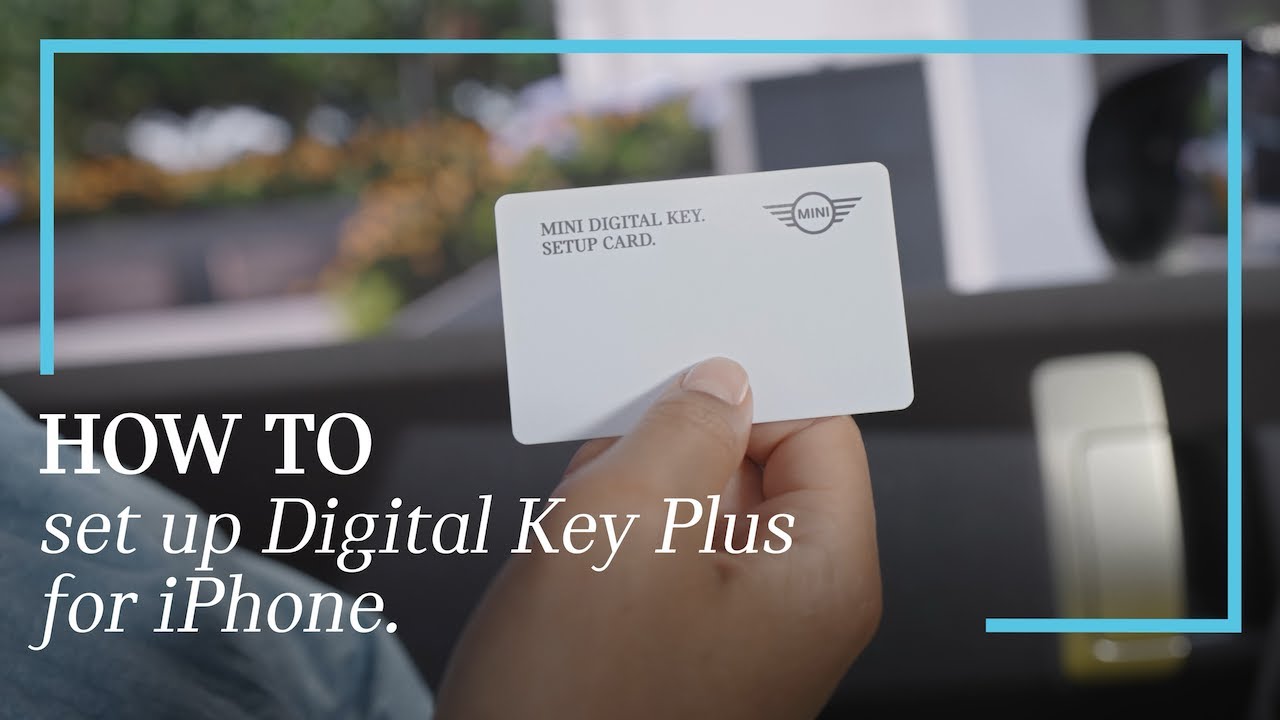
All on one card. With the Mini Digital Key setup card, you can set up the Mini Digital Key Plus for your iPhone and link your vehicle with your Mini ID all in one simple process. The setup card comes with all new Mini models together with Comfort Access and the Mini Digital Key Plus. Hold the card to the NFC antenna of your iPhone and tap on the message to get directly to the welcome screen in the Mini app. This also works outside the vehicle. Alternatively, you can scan the QR code on the back of the setup card to get started. When prompted, hold the setup card to the iPhone again to authorize as the vehicle owner. Press continue to link your vehicle with your Mini ID. Once the automatic vehicle connection is done, you can directly set up your Mini Digital Key Plus. Now a timeout starts to enter your car carrying the physical key and your iPhone with you. In the Mini app, confirm and select finalize setup. The Mini Digital Key Plus is stored securely in the wallet of your iPhone. You will get a notification on the device as well as in the car. You can also directly add your digital key plus to your Apple Watch. Setup complete. To finalize the login, go to the Mini ID menu. Click on login with mini ID and scan the QR code. Your Mini is now also linked to the Mini app, which offers remote controls and even more functions in proximity of the vehicle. You can now enter and start your Mini with your iPhone and Apple Watch, even without taking out your device. And by unlocking with the digital key, your personal Mini ID settings are automatically activated. With your phone’s wallet app, you can also share your Mini’s digital key with family and friends. All done. Check out our other how-to video about setting up the Mini Digital Key Plus for Android.
With the MINI Digital Key setup card, you can set up the MINI Digital Key Plus for your iPhone and link your vehicle with your MINI ID all in one simple process.
The setup card comes with all new MINI models equipped with Comfort Access and the MINI Digital Key Plus.
This video shows you how you can set up and use MINI Digital Key Plus on iPhone using the MINI Digital Key Setup Card.
Continue watching our How-To series to get the most out of your MINI.
Looking for a quick answer? Check out our FAQ site: https://faq.miniusa.com/
Refer to your owner’s manual or visit: https://www.miniusa.com/owners/tools-support/owner-manuals.html
Need further help? Contact us here: https://www.miniusa.com/footer-navigation/contact.html
Stay updated:
Official Website: http://www.miniusa.com/
Facebook: https://www.facebook.com/MINIUSA
X (Formerly Twitter): https://x.com/MINIUSA
Instagram: https://www.instagram.com/MINIUSA
YouTube: https://www.youtube.com/user/MINIUSA