
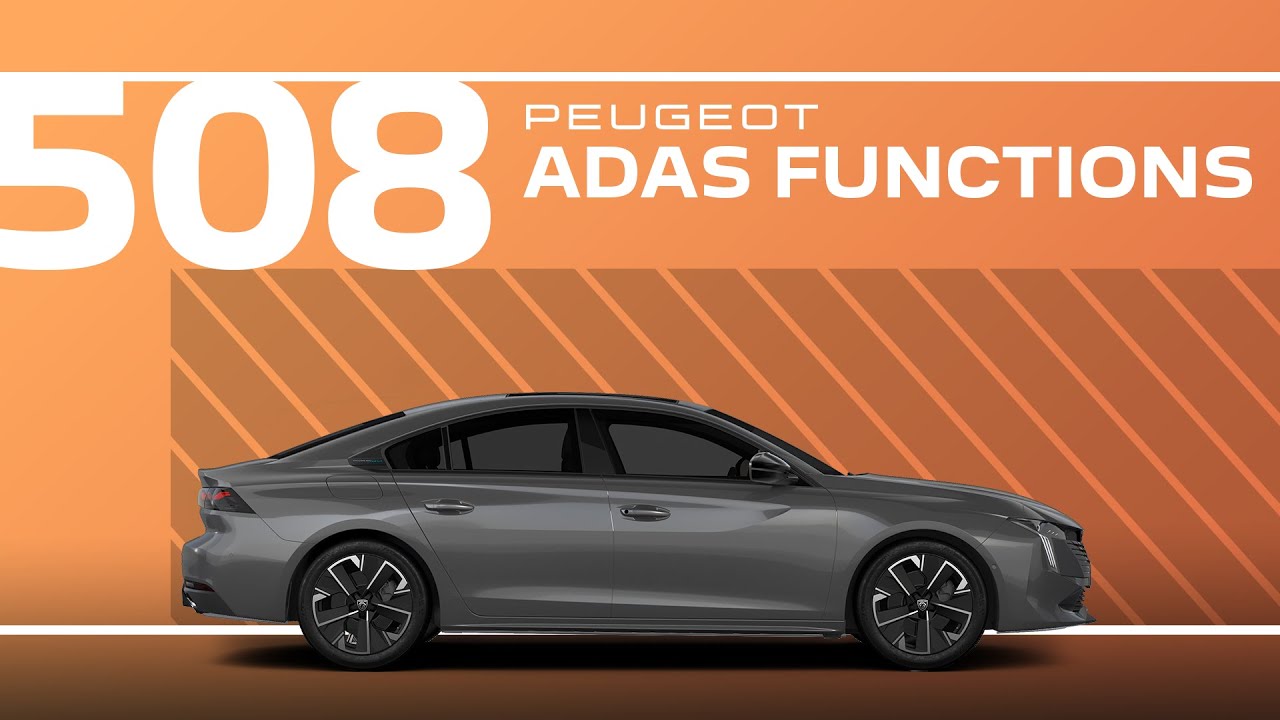
Peugeot 508 Tutorial | ADAS (Advanced Driver Assistance Systems) functions
It is possible to directly access the aiders to activate or deactivate them rapidly. By default, Adidas are already stored in the shortcuts tab. Others can be added or removed in this tab. The settings are made in the ADA application. Then touchscreen functions. This symbol indicates that the function is added in the shortcuts tab. This symbol indicates that the function is removed from the shortcuts tab. Press this touch to go directly to the shortcuts tab. Then select the functions you want to see disabled. Check in the shortcuts tab that the selected functions are deactivated by a long press on this button. The functions to be deactivated are stored in the system. Each time you start your car, press and hold this button to deactivate the selected functions.
Take control of your #Peugeot 508’s Advanced Driver Assistance Systems (#ADAS) with ease. This #PeugeotTutorial shows you how to activate or deactivate aid features quickly using the Shortcuts tab. Customise your driving experience by adding or removing functions and saving your preferences for future use.
Learn how to configure ADAS settings in the Aiders application and manage them directly from the touchscreen. With this step-by-step guide, your #Peugeot508 offers a driving experience tailored to your needs.
#DriverAssistance #SmartDriving
Ready to find out more?
🇫🇷 PEUGEOT 508: https://www.peugeot.fr/nos-vehicules/nouvelle-508-hybrid.html
🇬🇧 PEUGEOT 508: https://www.peugeot.co.uk/models/508-fastback.html
🇪🇸 PEUGEOT 508: https://www.peugeot.es/gama/peugeot-508-hybrid.html
🇮🇹 PEUGEOT 508: https://www.peugeot.it/gamma-modelli/nuova-508-berlina.html
🇩🇪 PEUGEOT 508: https://www.peugeot.de/modelle/limousine-508.html
🌎 Peugeot.com: https://www.peugeot.com/en/peugeot-around-the-world.html
0:06 Accessing ADAS features via Shortcuts
0:12 Default ADAS in the Shortcuts tab
0:16 Adding or removing functions in Shortcuts
0:20 Configuring settings in the ADAS application
0:25 Understanding symbols for adding or removing functions
0:33 Navigating directly to the Shortcuts tab
0:37 Deactivating selected functions
0:46 Storing deactivated functions in the system
0:50 Deactivating functions each time the car starts