Step-by-Step Guide to Auto Park Assist | Harrier.ev
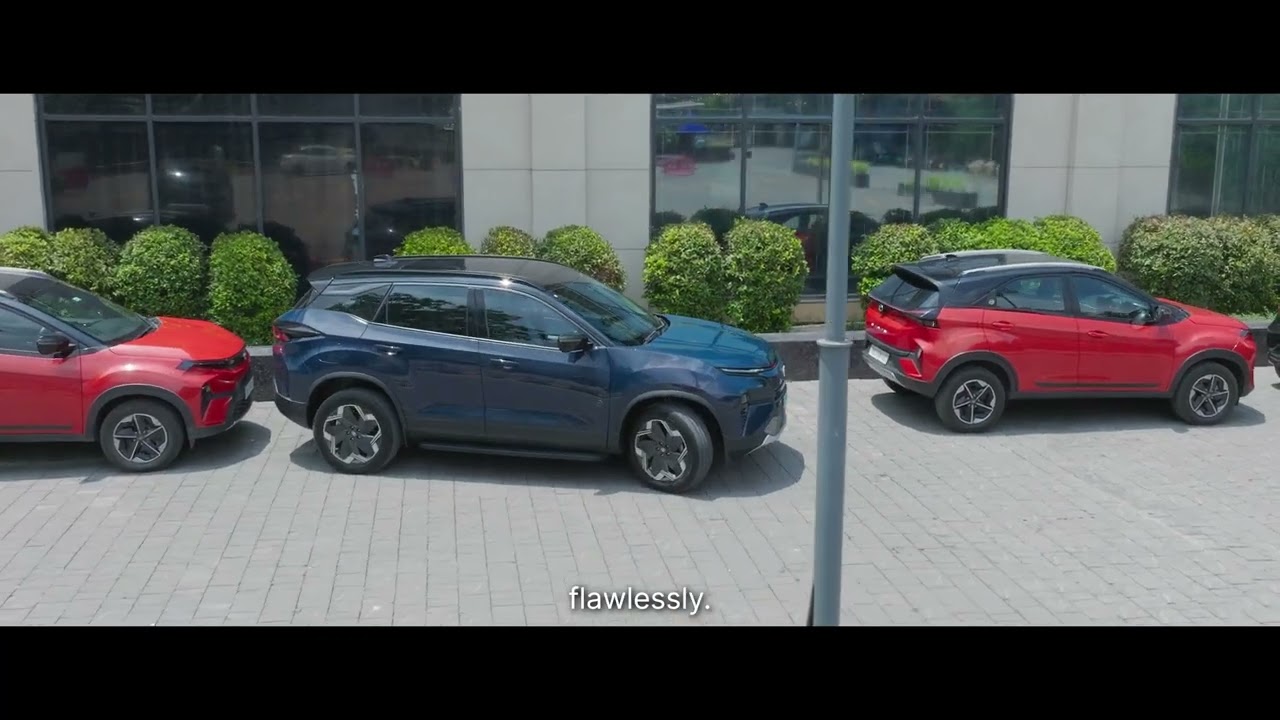
[Music] Parking in tight spots can be a nightmare. Whether you’re parallel parking in a crowded street or trying to squeeze into a narrow parking spot, the struggle is real. What if your car could do all the hard work for you? Introducing the allnew Harrier. EV with Eval. With best-in-class auto park assist, it makes your everyday challenges feel effortless. And that’s not it. With summon mode and reverse assist, you’ll always have a feeling of control. Let’s dive into auto park assist. It’s designed to help you park effortlessly. Let’s see how it works. You can activate auto park assist using the APA button on the center console or from the infotainment screen using the quick access display, the widget or the app launcher. Once you press the APA button, the system will check for a few prerequisites. All doors, tailgate, and bonnet must be closed. Seat belts fastened. ORVMs must be unfolded. Gear and drive keep speed under 15 km/h. If anything’s missing or if it detects an obstacle, APA will pause. If the pause lasts more than 30 seconds, the system cancels the parking maneuvers and you’ll need to start again. [Music] Using ultrasonic sensors, the car will start searching for parking spots on both sides. It’s like having an extra set of eyes to find the perfect spot. Once a suitable slot is detected, the system will prompt you to confirm the parking space. Select the desired slot on the street. Choose how you’d like to park inside the car with auto park or from outside using the remote park. Once everything is set, take your hands off the wheel and feet off the brake and accelerator. The system takes control and parks the car automatically. Sit back and relax as the car completes the parking maneuver flawlessly. The system maps the optimal path for parking, ensuring a smooth and precise experience. [Music] The park assist feature also allows you to automatically park out your car if you’ve parked in your car using the auto park assist feature. To begin, activate the auto park assist feature. Once activated, select the park out option on your screen. This prepares the system for a controlled exit. [Music] Just relax and let the car take control. Hands off the wheel. The system smoothly handles the park out maneuvers. That’s it. Dresses, right? I wish this car could take control of my lifestyle. Tata.tv TV.
Struggling with tight parking spaces? Let Harrier.ev take the wheel.
The all-new TATA Harrier.ev with e-Valet makes parking effortless—whether you’re inside the car or outside it.
With Auto Park Assist, Summon Mode, and Reverse Assist, this SUV does the thinking (and parking) for you.
How it works:
🔹 Tap the APA button on the console or infotainment screen
🔹 Ensure basic conditions are met
🔹 Car scans for parking spots
🔹 Confirm the slot & choose Auto Park or Remote Park
🔹 Sit back — as Harrier.ev parks itself
🔹 Use Park Out to exit with ease
Parking will never feel the same again.
#TATAev #HarrierEV #eValet #AutoParkAssist #SummonMode #DeleteImpossible #MoveWithMeaning