
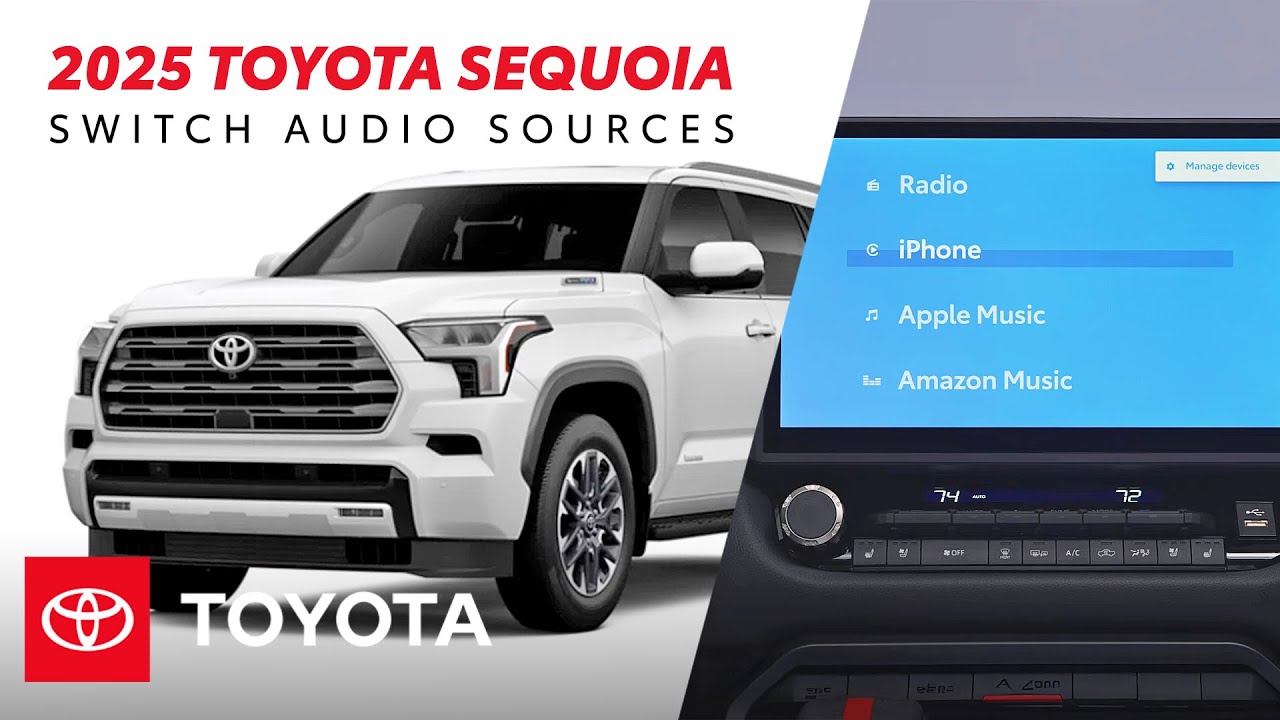
How to Switch the Audio Sources in Your 2025 Toyota Sequoia | Toyota Drive-Off Essentials
Discover how to get the most out of your 2025 Toyota Sequoia’s audio features with this step-by-step guide. Learn how to navigate the Toyota Audio Multimedia System, switch between Apple CarPlay and Android Auto, operate the vehicle’s radio, and link an existing Apple Music and Amazon Music subscription. Learn more about the Toyota Sequoia audio multimedia system here: https://www.toyota.com/connected-services/vehicle/sequoia-hv/2025
Subscribe for more Toyota videos: http://bit.ly/ToyotaSubscribe
▶2025 Toyota Sequoia Drive-Off Essentials: https://www.youtube.com/watch?v=jvRvwA7z4Bo&list=PLsOvRYzJPCwUcxKheMcb7hR5L9gRzmMlV&index=1
▶More Toyota Sequoia videos: https://www.youtube.com/watch?v=3z0vZS68Mek&list=PLsOvRYzJPCwXOAcdxauFlMd3KglA_6QkL&index=1
▶ Toyota Sequoia Specs, Features: https://www.youtube.com/watch?v=4tIJX5_OnlA&list=PLsOvRYzJPCwVs7AvyK_1fm2lWoJJE_AXC
▶Latest videos from Toyota: https://www.youtube.com/watch?v=VJKctfupraE&list=PLsOvRYzJPCwVPnQZg9qWBpGP8oHLM1aT_&index=1
Connect with Toyota USA online:
Visit the Toyota WEBSITE: http://bit.ly/ToyotaSite
Like Toyota on FACEBOOK: http://bit.ly/ToyotaUSAFB
Follow Toyota on INSTAGRAM: http://bit.ly/ToyotaInsta
Learn how to set up and enjoy your 2025 Toyota Sequoia’s audio system — from connecting Apple CarPlay and Android Auto to streaming music through Apple Music and Amazon Music.
#Toyota #Sequoia AppleCarPlay #ToyotaMultimedia