
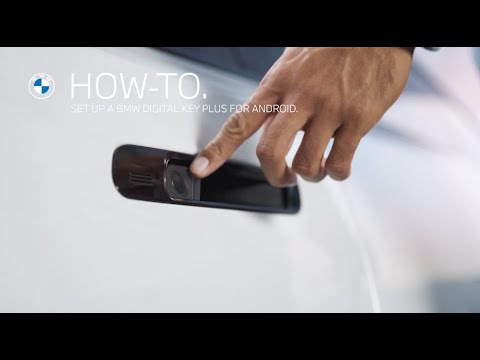
Setting Up A BMW Digital Key Plus For Android | BMW How-To
No Physical Key?
Use your smartphone instead to unlock, lock, and start your BMW with the optional Comfort Access and the BMW Digital Key Plus.
You don’t even need to take out your smartphone. Thanks to Ultra Wideband Technology, you don’t even need an internet connection.
To set this up, you need both physical keys in the car.
Do not press the start-stop button.
Open the My BMW App with your linked vehicle, go to “Set up Digital Key”, confirm that you have both keys inside the car, and follow the steps.
Setup complete!
You will get a notification on your smartphone as well as in the car.
The Digital Key will be added to your Wallet automatically.
With a compatible smartwatch, you can add your Digital Key to your watch directly after the pairing process.
Now, you can enter and start your BMW with your smartphone.
In proximity of your BMW, use the remote functions in the Wallet, or even more controls in the My BMW App, like opening the trunk, the windows, or parking in and out from the outside with just the press of a button. If your smartphone runs out of battery, simply hold it to the door handle to unlock or lock your BMW.
Place it in the Wireless Charging Tray to start your BMW. Make sure your BMW ID is linked to your BMW Digital Key for automatic activation of your BMW ID profile in the vehicle.
Check out our other How-To Videos about sharing the BMW Digital Key Plus and setting up the BMW Digital Key Plus for iPhone.
Looking for a quick answer? Check out our FAQ page : https://faq.bmwusa.com/
Refer to your owner’s manual or visit: https://www.bmwusa.com/owners-manuals.html
Need further help? Contact us here: https://www.bmwusa.com/contact-us.html
Follow BMW USA for the latest in luxury cars and performance vehicles:
Facebook: https://www.facebook.com/BMWUSA
Instagram: https://www.instagram.com/BMWusa
Twitter: https://twitter.com/BMWusa
TikTok: https://www.tiktok.com/@BMWusa