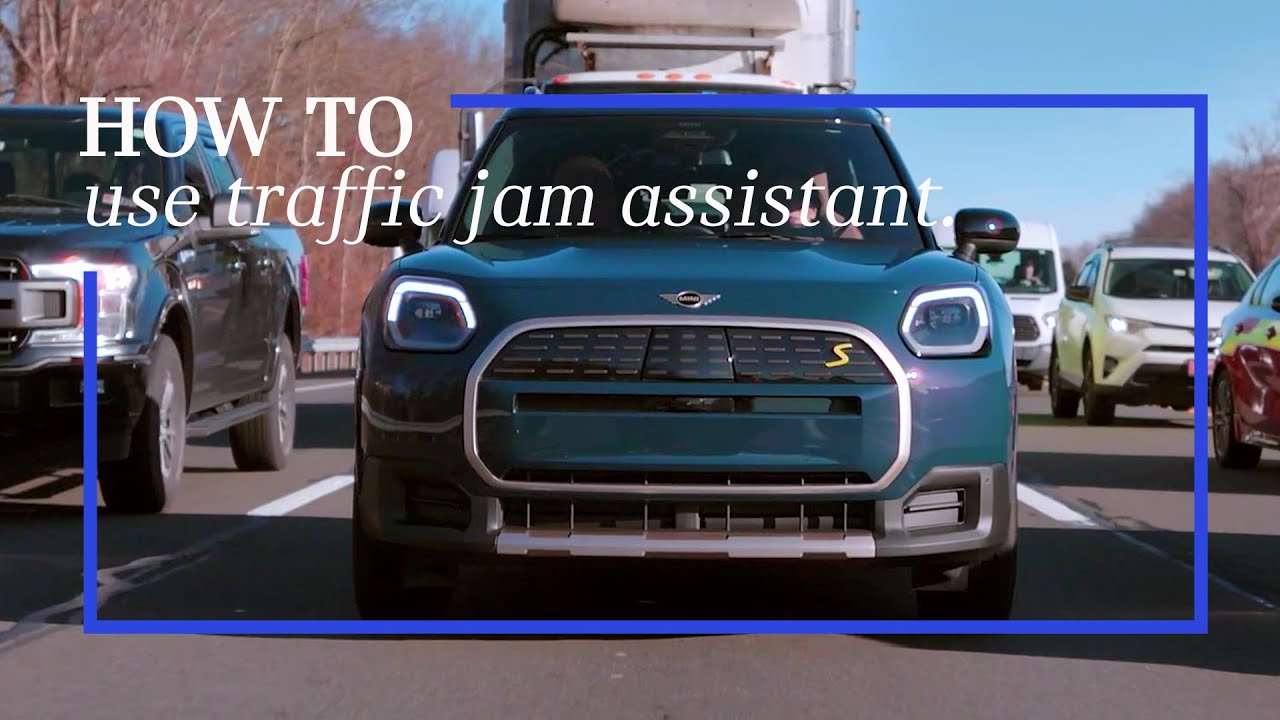
How To Use The Traffic Jam Assistant | MINI How-To
The MINI Traffic Jam Assistant is here to take the stress out of those bumper-to-bumper moments.
Let’s walk you through how it works.
First, let’s make sure everything’s set up properly.
Check that the steering wheel LEDs are enabled, and that the driver camera system has a clear view of your face. That means no steering wheel blocking the camera and no funky I-R blocking sunglasses that might confuse it.
This feature works best on controlled access highways. That’s a highway with structural separation from oncoming traffic and defined access only via on ramps and off ramps. Also, no stoplights or cross traffic, just smooth, uninterrupted driving.
Traffic must be moving at less than 40 miles per hour. The lane markings need to be clearly visible, and the weather should be decent. So, no heavy rain or snow. There must also be a car in front of you in close proximity.
Oh, and don’t forget to activate Assisted Driving Plus in your MINI. Once you’re ready, activating Traffic Jam Assistant is simple.
Just press the “Driving Assistance” button on your steering wheel and toggle to “Assisted Driving”. When everything checks out your MINI will offer Assist Plus.
Now for the fun part. Take your hands off the wheel. Yes, you heard that right.
When Assist Plus turns green and the steering wheel LEDs light up green too, Your MINI is officially in charge. Pretty cool, right?
Even though your hands free, your MINI is still keeping an eye on you. The driver camera system makes sure you’re paying attention to the road.
If you get a little distracted, you’ll get a friendly “Stay Attentive” reminder. Ignore it for too long, and the system will deactivate. Safety always comes first.
Of course, even the smartest systems need a little help now and then. If the road gets tricky, like narrow lanes, tight curves or rougher weather, you might see a yellow “Hands-On” request. That’s your MINI asking you to take the wheel again. It’ll still help steer while you’re in control.
If things get really complicated, like with merging lanes or unexpected obstacles, your MINI might give you a red “Takeover” request.
At this point, you’ll need to take full control and if you don’t respond quickly enough, the Emergency Stop Assistant will activate to keep everyone safe.
So, there you have it. With MINI Traffic Jam Assistant, even the most frustrating traffic jams become a whole lot easier.
And don’t forget to check out the rest of our MINI How-To Series for more ways to level up your drive.
Looking for a quick answer? Check out our FAQ site: https://faq.miniusa.com/
Refer to your owner’s manual or visit: https://www.miniusa.com/owners/tools-support/owner-manuals.html
Need further help? Contact us here: https://www.miniusa.com/footer-navigation/contact.html
Stay updated:
Official Website: http://www.miniusa.com/
Facebook: https://www.facebook.com/MINIUSA
Twitter: https://www.twitter.com/MINIUSA
Instagram: https://www.instagram.com/MINIUSA
YouTube: https://www.youtube.com/user/MINIUSA