How to Set Up & Activate NissanConnect Services on Vehicles with Google Built-in
00:19 – 00:47: NissanConnect Services registration credentials
00:48 – 1:20: NissanConnect Services setup for Existing Profiles
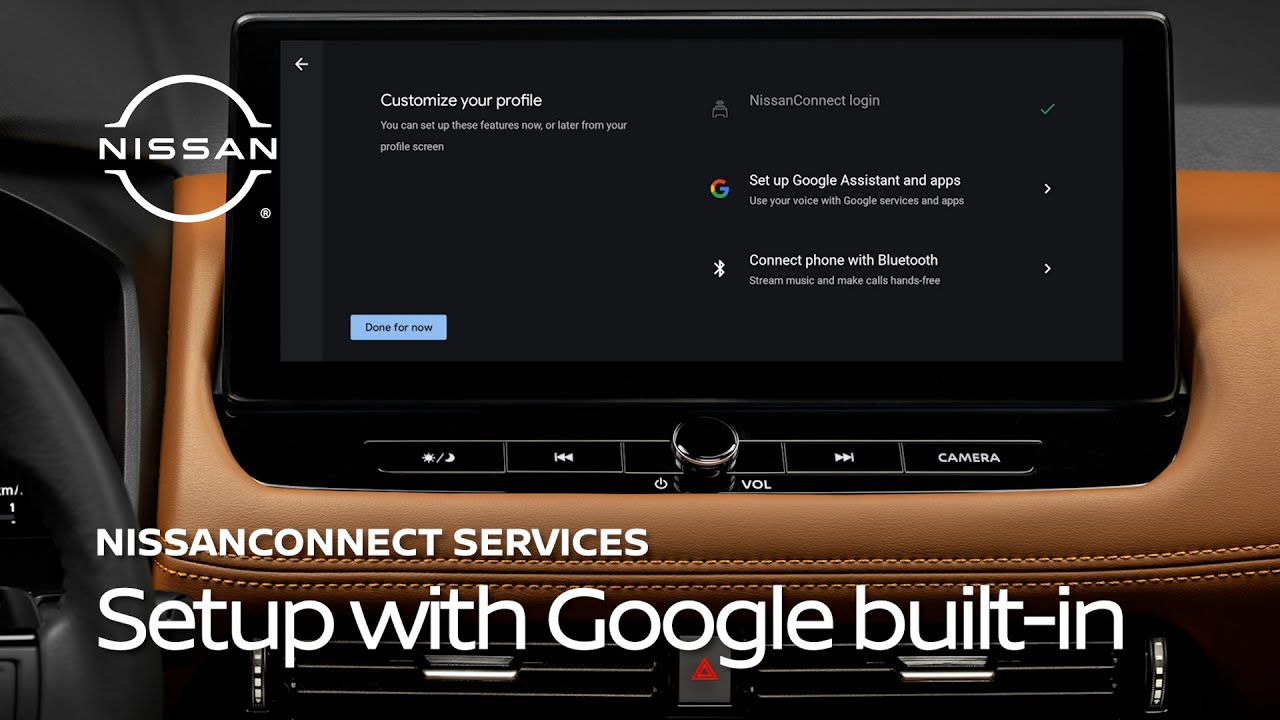
01:21 – 2:42: New profile setup & NissanConnect Services login
02:43 – 3:14 : Google built-in Account login
03:15 – 3:33: Setup complete
Follow this step-by-step guide to seamlessly link and activate your NissanConnect Services account on vehicles equipped with Google built-in. In-vehicle set-up takes just a few minutes to unlock key NissanConnect Services features like remote lock/unlock, remote engine start, and more, all through the MyNISSAN app.
For more details on how to set up NissanConnect Services and Google built-in, visit: https://www.nissanusa.com/connect/features-apps/google-services.html?dcp=sno.ytb
Subscribe to the Nissan USA YouTube channel:
https://www.youtube.com/user/nissanusa?sub_confirmation=1
Connect with us online:
Website – https://www.nissanusa.com
Facebook – https://www.facebook.com/NissanUSA
X – https://www.twitter.com/NissanUSA
Instagram – https://www.instagram.com/NissanUSA
Pinterest – https://www.pinterest.com/NissanUSA
#Nissan #NissanConnect #Google