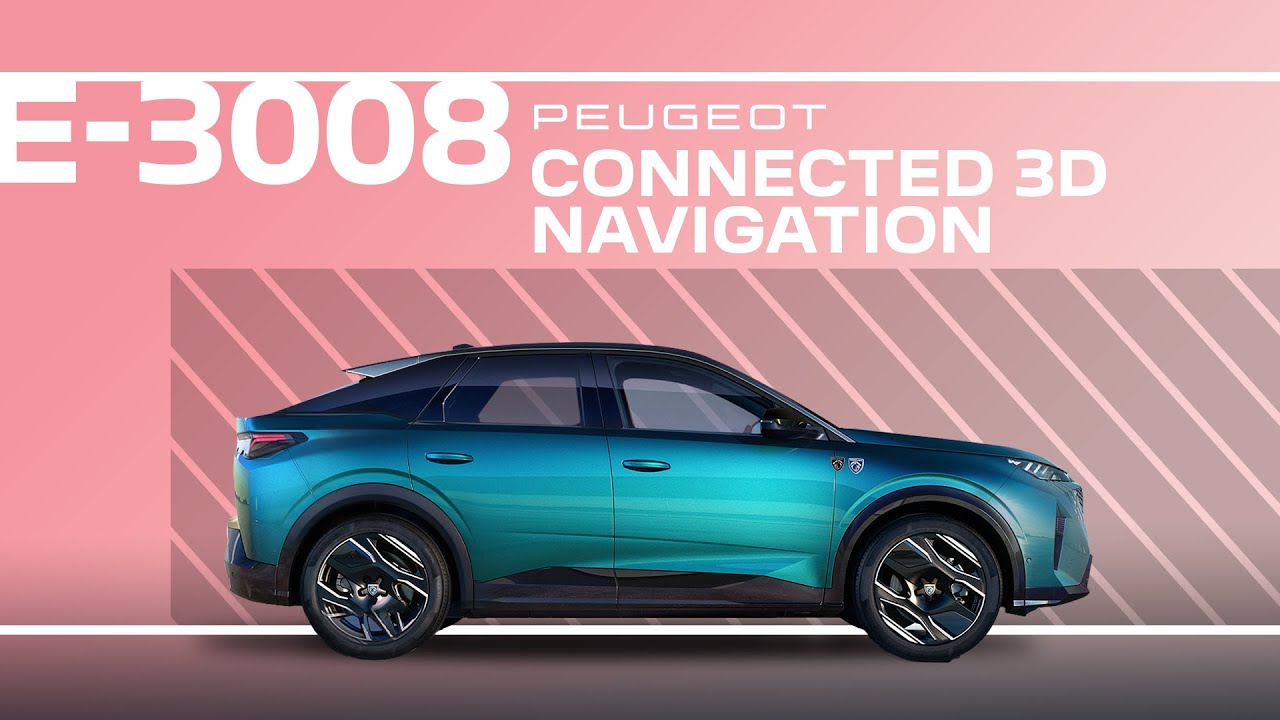
Peugeot E-3008 & 3008 | Tutorial | Connected 3D navigation
With this #PeugeotTutorial, learn how to effortlessly navigate with your Peugeot 3008 advanced Connected 3D Navigation system. From entering addresses and finding places of interest to setting your home and work as favourites, discover how to view recent destinations, locate the nearest charging stations, and customise your map for a seamless driving experience. Zoom in or out with ease and tailor your route preferences for ultimate control on the road.
#PeugeotNavigation #SmartDriving #PeugeotTechnology #PeugeotE3008 #Peugeot3008
0:00 Intro
0:07 Accessing the navigation menu
0:12 Entering a destination
0:17 Adding home address
0:26 Adding work address
0:34 Viewing favourites
0:38 Deleting an address
0:44 Viewing recent destinations
0:48 Adding a destination to favourites
0:54 Finding nearest charging stations
0:59 Route options and actions
1:08 Switching between 3D and 2D map modes
1:13 Adjusting sound and alerts
1:22 Customising the map and route preferences
1:33 Zooming in and out on the map
Ready to find out more?
🇬🇧 PEUGEOT 3008: https://www.peugeot.co.uk/models/new-peugeot-3008/electric.html
Get social with Peugeot UK:
http://www.facebook.com/PeugeotUK
Tweets by PeugeotUK
http://www.instagram.com/PeugeotUK
https://www.linkedin.com/showcase/peugeot-uk/