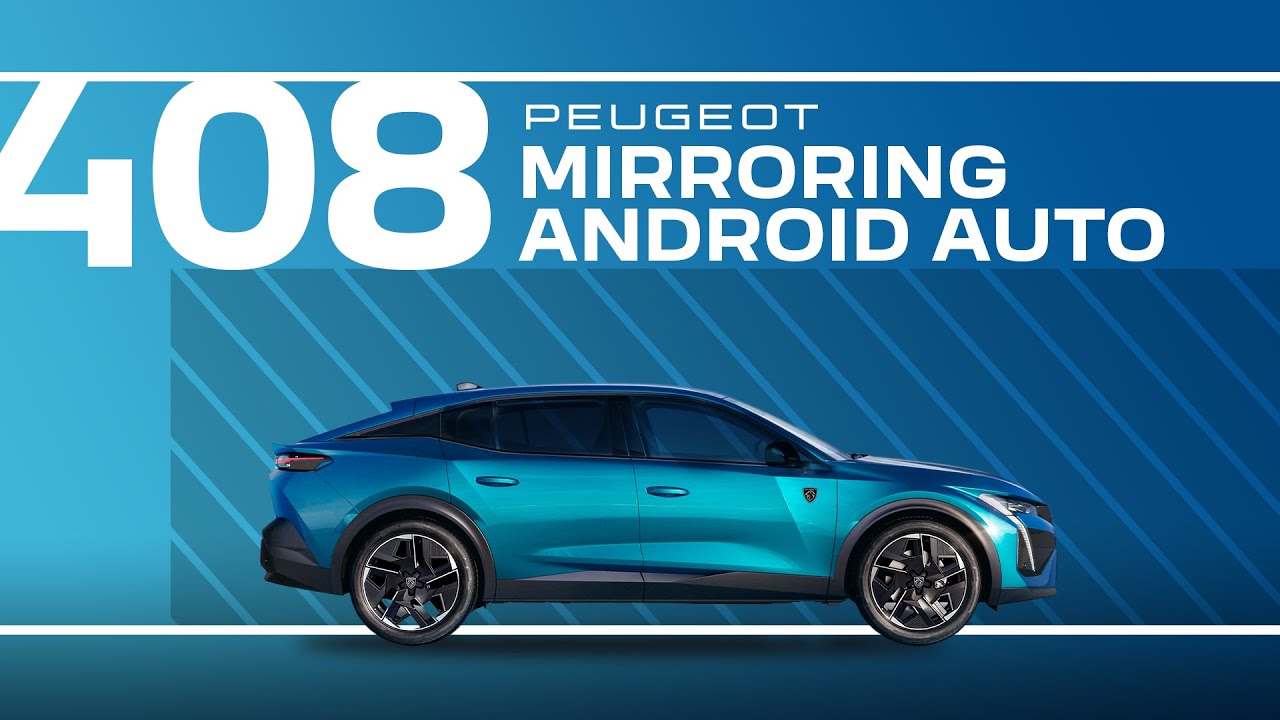
Peugeot Tutorials | 408 Mirroring Android Auto
In this step-by-step #PeugeotTutorial, learn more about connecting an Android smartphone to the #Peugeot408.
Enhancing your driving experience with convenience, entertainment, and connectivity, easily link your Android smartphone to your PEUGEOT 408. With seamless Android Auto integration, you can access your favourite apps, navigation, music, and more right on the vehicle’s touchscreen.
This video walks you through the entire process, from setting up Android Auto on your smartphone to connecting it to your PEUGEOT 408. Learn how to activate Bluetooth and USB connections, grant necessary permissions, and navigate the Android Auto interface once connected. You’ll also discover how to use voice commands for hands-free control of calls, messages, and other apps, ensuring your attention stays on the road.
The video also shows you how to personalise your Android Auto experience, including setting up your preferred apps and shortcuts for easy access. Whether you want to stream music, get turn-by-turn directions, or stay connected while on the move, this tutorial provides all the guidance you need.
(Chapter timestamps)
0:00 Intro
0:14 Step-by-step wireless connection guide
1:20 USB connection guide
1:44 Launching smartphone voice commands
Learn more about your PEUGEOT 408 by browsing our playlist: https://www.youtube.com/watch?v=iR9QdNUm16Q&list=PLQEJPn-PoRCWrg0tlMpVdJ9U-zecSyYKH
Or visit our websites:
🇫🇷 PEUGEOT 408: https://www.peugeot.fr/nos-vehicules/nouvelle-408.html
🇬🇧 PEUGEOT 408: https://www.peugeot.co.uk/models/408.html
🇪🇸 PEUGEOT 408: https://www.peugeot.es/gama/peugeot-408.html
🇮🇹 PEUGEOT 408: https://www.peugeot.it/gamma-modelli/nuova-peugeot-408.html
🇩🇪 PEUGEOT 408: https://www.peugeot.de/modelle/408-fastback.html
🌎 Peugeot.com: https://www.peugeot.com/en/peugeot-around-the-world.html