
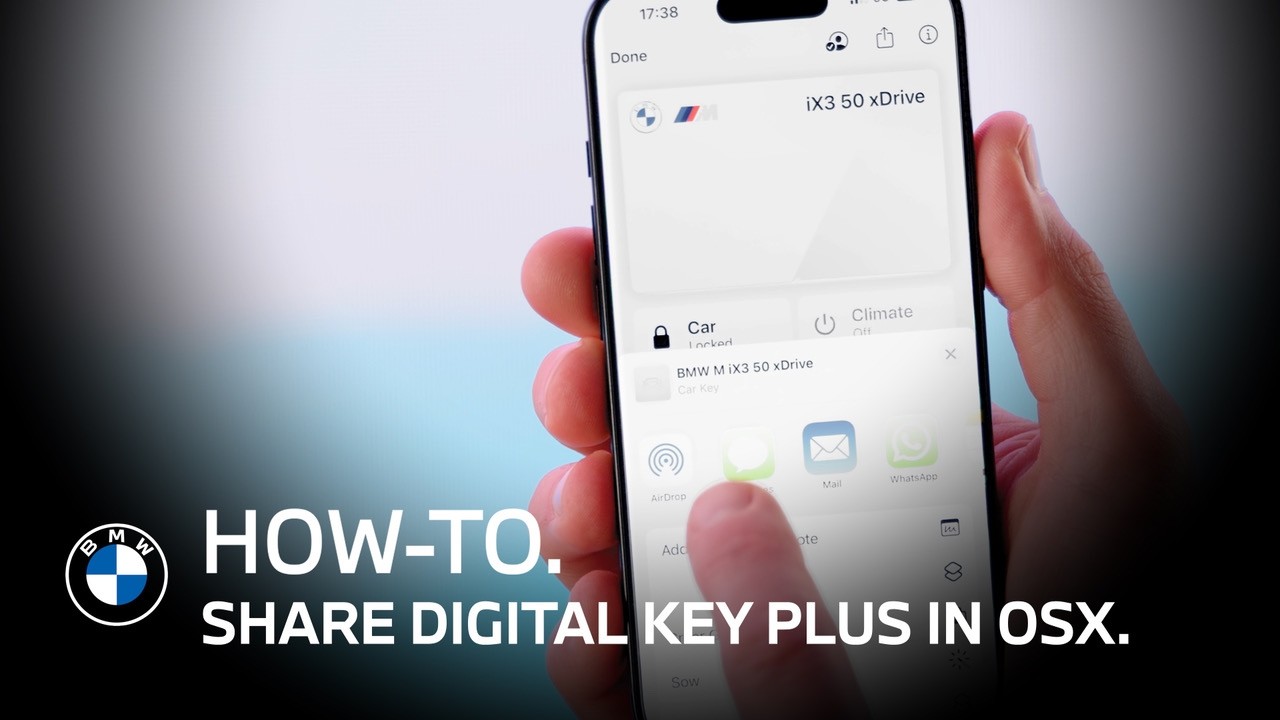
Share Your Digital Key Plus in OSX | BMW How-To
*Share Your Digital Key with Ease*
Once you’ve set up your BMW Digital Key, you can easily share it with friends, family, or coworkers.
With expanded sharing functionality (from September 2025 onward), the Digital Key can now be activated on up to 18 devices.
*How to Share with iPhone*
Open the Wallet app on your iPhone.
Select your Digital Key and tap the sharing icon.
Choose how you’d like to share your BMW Digital Key—any messaging app will work.
Then tap “Activation Code.”
Except when using iMessage, the activation code is always required for recipients to activate the shared key.
*Set Key Permissions (Privileges)*
Before sending, you can adjust access levels by tapping “Privileges.”
Available options include:
• Full Access – No restrictions. Recipients can use all vehicle functions and share the key further.
• Full Driving, Limited Sharing – The recipient can share the key once more, but the next user cannot.
• No Further Sharing – Prevents the recipient from sharing the key.
• Restricted Driving – Limits vehicle performance, including speed and acceleration.
*Send the Key Securely*
Once everything is set, send the key.
For added security, send the activation code through a different method than the sharing link.
*How to Activate (Recipient)*
As the recipient:
Click the shared link to add the Digital Key to your smartphone wallet.
Enter the activation code to complete setup.
Depending on the device the received Digital Key enables access to the vehicle, but the vehicle cannot be started until the code is entered in the Central Display.
*You’re Ready to Go*
Once activated, you can unlock, access, and start the vehicle using your shared BMW Digital Key.
That’s It!
Continue watching our How-To series to explore all the innovative features of your BMW!
Looking for a quick answer? Check out our FAQ page : https://faq.bmwusa.com/
Refer to your owner’s manual or visit: https://www.bmwusa.com/owners-manuals
Need further help? Contact us here: https://www.bmwusa.com/contact-us.html