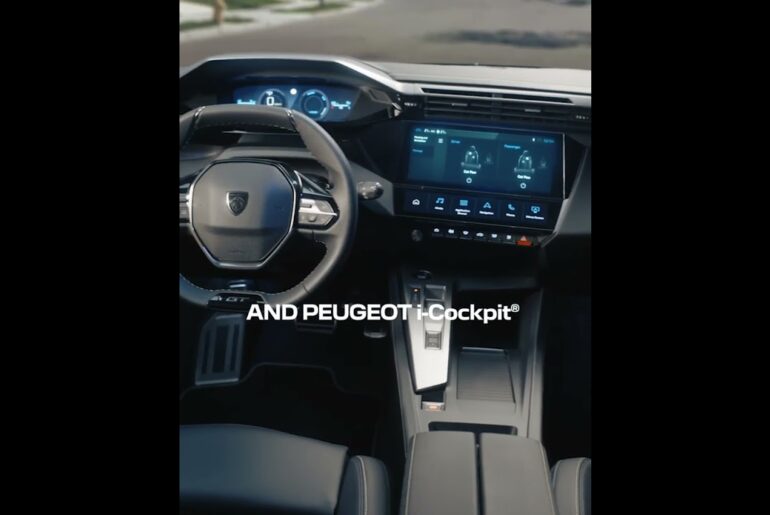
Peugeot Tutorials | 408 Over The Air Wifi Connection
In this #PeugeotTutorial, explore how the #Peugeot408 keeps your infotainment system up to date through secure Over The Air updates using Wi‑Fi. Just like your smartphone, your #Peugeot i‑Connect system can download new features and improvements directly – giving you an always‑current experience without cables, dongles, or workshop visits.
When you choose to update via Wi‑Fi, simply connect your vehicle to a trusted network. Start by opening Settings, selecting Connectivity, then Wi‑Fi Networks. Activate external Wi‑Fi, pick a secure network, enter the password, and your vehicle will remember it for next time. Five minutes after connecting, you can check for available updates by navigating to Settings – Updates.
If an update is available, tap “Press To Download” and the process begins automatically. You’re free to step away. Just keep your Wi‑Fi connection active, as downloads pause if connectivity drops. Once complete, a notification confirms readiness to install. From the same Updates menu, select “Press To Install”, review the information provided, and start the installation. During the update, the car remains immobilised and its screen may turn off several times — this is normal. After completion and once the indicator lights settle, you can restart the vehicle with all features up to date.
0:00 Intro
0:06 Why Over The Air Wi‑Fi matters
0:33 Connecting to Wi‑Fi
1:07 Downloading updates
1:40 Installing updates
2:41 Troubleshooting
Visit our websites:
PEUGEOT 408: https://www.peugeot.co.uk/models/new-peugeot-408/electric.html
Get social with Peugeot UK:
http://www.facebook.com/PeugeotUK
Tweets by PeugeotUK
http://www.instagram.com/PeugeotUK
https://www.linkedin.com/showcase/peugeot-uk/