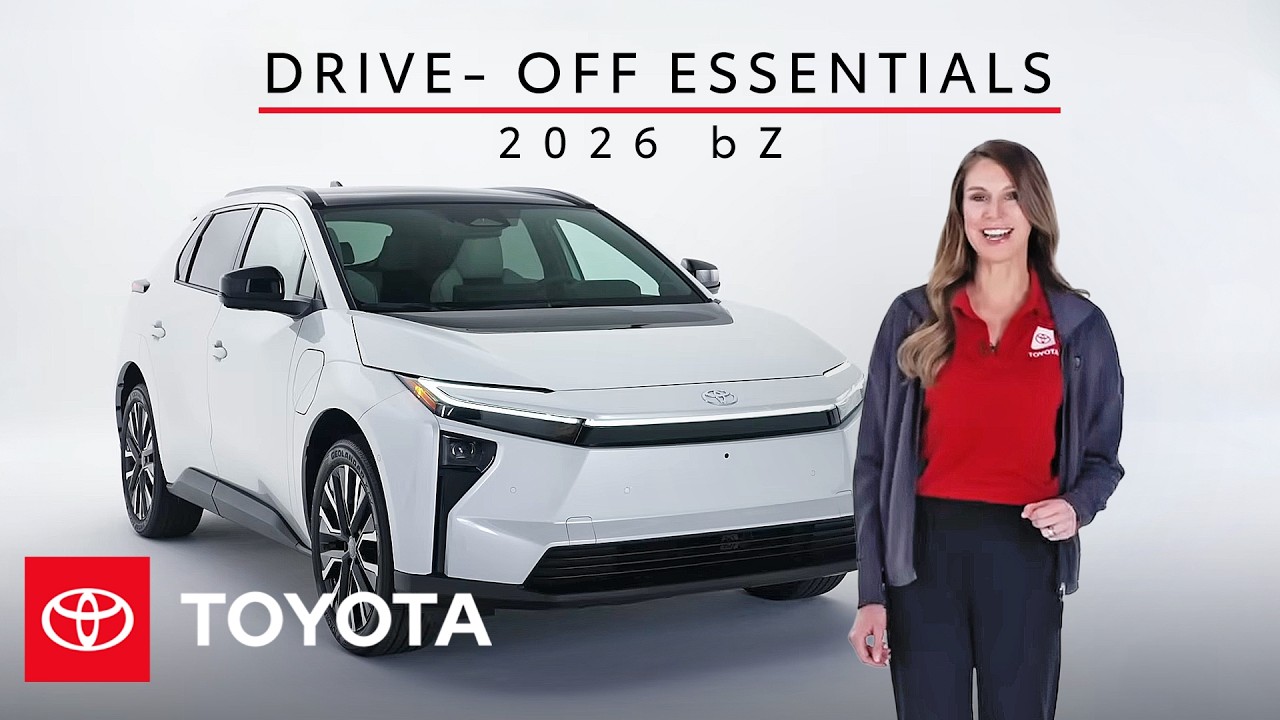
How to Set Up Your 2026 Toyota bZ | Toyota bZ Drive-Off Essentials | Toyota
Welcome to your new 2026 Toyota bZ! We’ll walk you through the essential setup and features of your bZ audio multimedia system, including Bluetooth pairing, using the Toyota app, and connecting to Apple CarPlay or Android Auto. Learn more about the Toyota bZ audio multimedia system here: https://toyotaaudioandconnectedservicessupport.com/toyota/home
0:00 Welcome to the 2026 Toyota bZ
0:34 Toyota bZ Initial Setup & App Registration
2:56 Adding Your Vehicle & Connected Services
4:19 Bluetooth Pairing & Smartphone Integration
5:59 Navigating CarPlay & Android Auto
7:23 Managing Connections & Device Settings
9:15 Audio Sources & Radio Favorites
10:53 Linking Apple Music & Amazon Music
11:42 Toyota bZ 2026 Voice & Intelligent Assistant
13:10 Cloud Navigation & Finding Destinations
14:36 2026 Toyota bZ Home Charging Basics (Level 1 & 2)
16:17 Public Charging & DC Fast Charging (NACS)
17:16 Remote Connect & Vehicle Status
18:35 Ready to Drive: Toyota bZ
What’s New with Toyota?:
▶ Latest videos from Toyota: https://www.youtube.com/watch?v=tQ2ffpPsnfo&list=PLsOvRYzJPCwVPnQZg9qWBpGP8oHLM1aT_
▶ More Toyota bZ: https://www.youtube.com/watch?v=52mrZ0Fgcr0&list=PLsOvRYzJPCwXfvMBxf3DAOMF_Kt3YyB86
Subscribe for more Toyota videos: http://bit.ly/ToyotaSubscribe
Connect with Toyota USA online:
Visit the Toyota WEBSITE: http://bit.ly/ToyotaSite
Like Toyota on FACEBOOK: http://bit.ly/ToyotaUSAFB
Follow Toyota on INSTAGRAM: http://bit.ly/ToyotaInsta
Master your intelligent Toyota bZ multimedia system with this advanced guide to seamless app integration and sophisticated tech features.
#Toyota #ConnectedServices #2026bZ