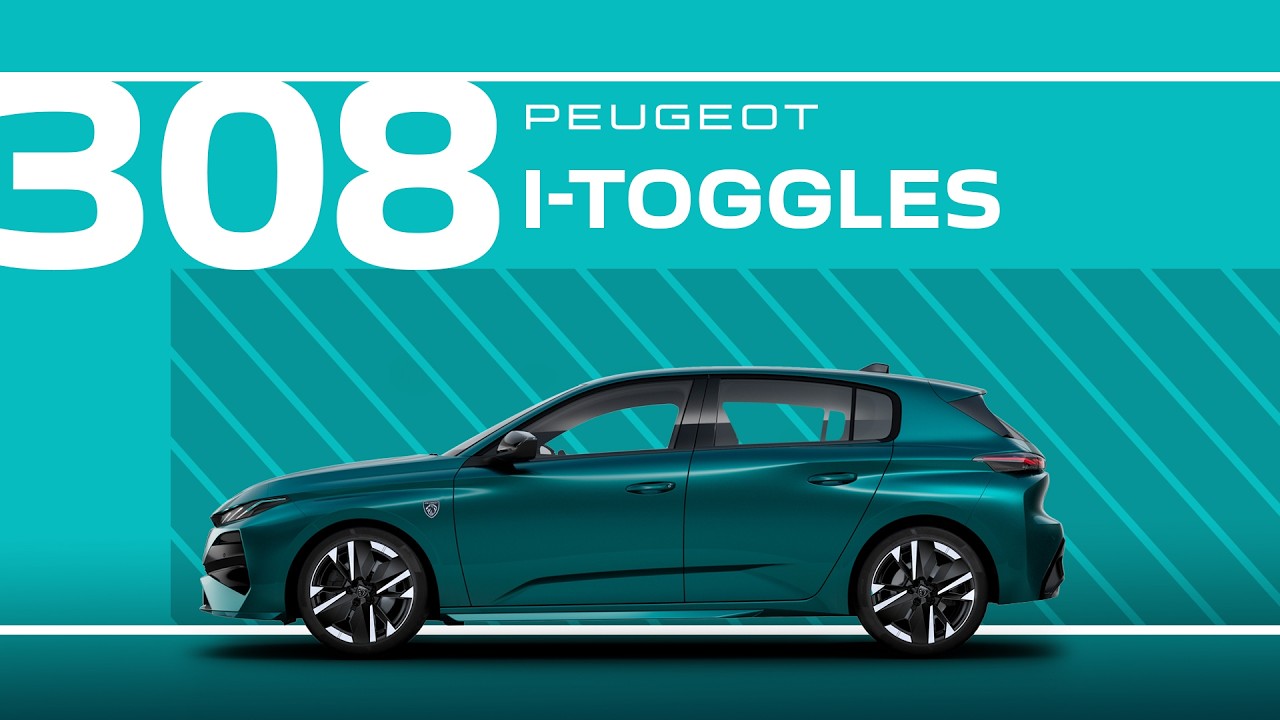
Peugeot Tutorials |308 and 308 SW i-Toggles
In this #PeugeotTutorial, learn how to personalise the i-Toggles on your #Peugeot308 and #Peugeot308SW, for quick access to your favorite functions. Located beneath the central touchscreen, these customisable digital sliders allow you to create shortcuts to frequently used features, from climate settings to navigation. This tutorial shows you how to set up and manage up to five customised #iToggles, adding convenience and efficiency to every drive.
0:00 Intro
0:06 Locating the I‑toggles
0:18 Assigning a shortcut to preferred function
Or visit our websites:
🇫🇷 PEUGEOT 308: https://www.peugeot.fr/nos-vehicules/nouvelle-peugeot-308/electrique.html
🇬🇧 PEUGEOT 308: https://www.peugeot.co.uk/models/new-peugeot-308/electric.html
🇪🇸 PEUGEOT 308: https://www.peugeot.es/gama/nuevo-peugeot-308/electrico.html
🇮🇹 PEUGEOT 308: https://www.peugeot.it/gamma-modelli/nuova-peugeot-308/elettrico.html
🇩🇪 PEUGEOT 308: https://www.peugeot.de/modelle/neuer-308/elektro.html
🌎 Peugeot.com: https://www.peugeot.com/en/peugeot-around-the-world.html
#iCockpit #IToggles #Customisation #Personalisation
Find out more about the Peugeot 308: https://www.youtube.com/@Peugeot/playlists
Visit our website: https://www.peugeot.com
The Peugeot Universe, also available on:
Facebook: https://www.facebook.com/Peugeot/
Instagram: https://www.instagram.com/peugeot
X: https://x.com/peugeot
Linkedin: https://www.linkedin.com/company/automobiles-peugeot/