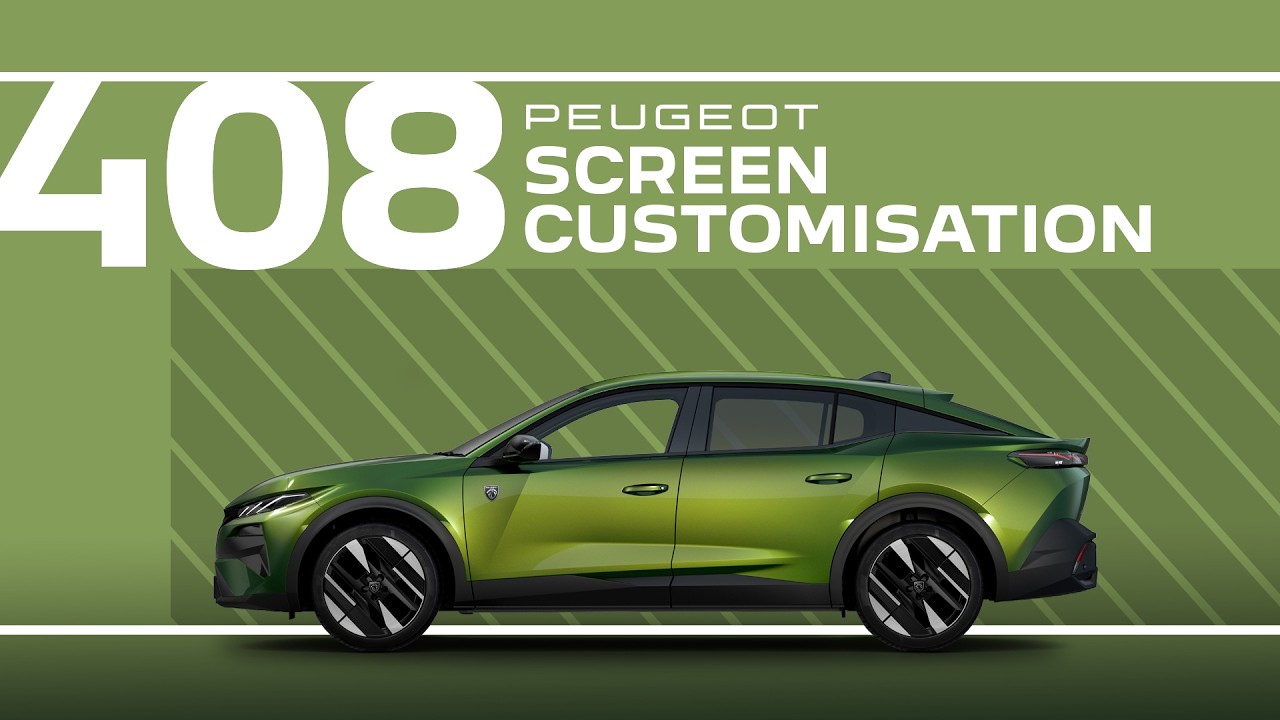
Peugeot Tutorials | 408 Screen Customisation
A space that adapts to you always feels better — and in the #Peugeot408, your digital environment is yours to shape. This #PeugeotTutorial shows how to tailor both the central touchscreen and the driver display to match your driving style and daily needs.
Press and hold on any home screen, or open the Settings app to access Customisation – Display. From there, choose whether you want to adjust the touchscreen layout or the driver display. Tap the pencil icon to reveal your current pages and widgets.
Add new pages, choose widgets with the plus icons, move items by dragging them into position, or delete them using the wastepaper basket.
All updates appear instantly – especially on the head‑up display – and saving is done with a simple tap on the left arrow.
0:00 Intro
0:06 Accessing display customisation
0:25 Customising touchscreen: pages and widgets
1:12 Customising the driver display
🇫🇷 PEUGEOT 408: https://www.peugeot.fr/nos-vehicules/nouvelle-peugeot-408/electrique.html
🇬🇧 PEUGEOT 408: https://www.peugeot.co.uk/models/new-peugeot-408/electric.html
🇪🇸 PEUGEOT 408: https://www.peugeot.es/gama/nuevo-peugeot-408/electrico.html
🇮🇹 PEUGEOT 408: https://www.peugeot.it/gamma-modelli/new-peugeot-408-1-21-d/elettrica.html
🇩🇪 PEUGEOT 408: https://www.peugeot.de/modelle/neuer-408/elektro.html
🌎 Peugeot.com: https://www.peugeot.com/en/peugeot-around-the-world.html
#Accessibility #ScreenCustomisation #Peugeot #DriveYourWay
Find out more about the Peugeot 408: https://www.youtube.com/@Peugeot/playlists
Visit our website: https://www.peugeot.com
The Peugeot Universe, also available on:
Facebook: https://www.facebook.com/Peugeot/
Instagram: https://www.instagram.com/peugeot
X: https://x.com/peugeot
Linkedin: https://www.linkedin.com/company/automobiles-peugeot/