Charging with the Volkswagen NACS DC Adapter
To get started, download the Tesla app
and enter your vehicle’s information. This will let you find Tesla Superchargers that are
compatible with the Volkswagen NACS DC adapter, and also pay for, start, and stop your charging
session. Keep in mind that you’ll need to position your vehicle so that the charging
cable can reach the vehicle’s charge port. Grab your Volkswagen NACS DC Adapter. Open your
charge port, and remove the protective cap. Remove the NACS DC connector from the charging station.
Make sure the charging cable, NACS DC adapter, and vehicle charge port are free from debris. Insert
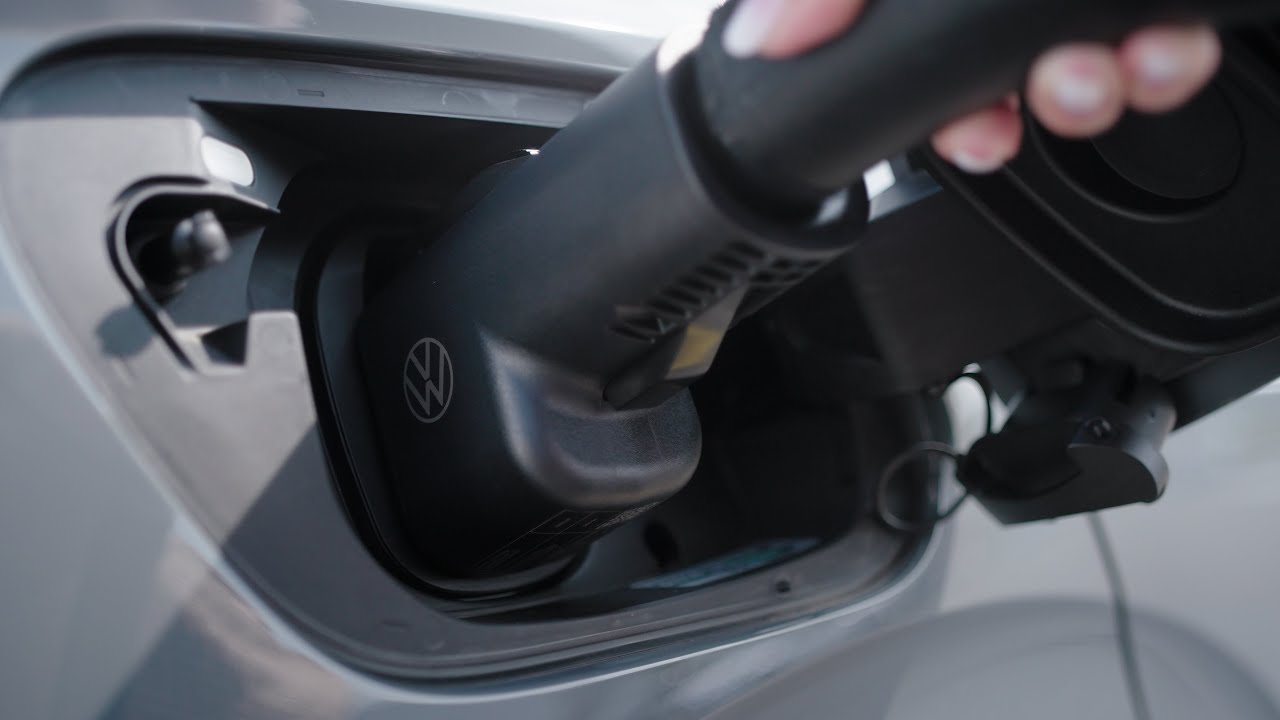
the NACS DC charge cable connector into the NACS DC adapter. Plug the combined charging connector
assembly into the vehicle’s charge port. You’ll need to start the charge session using the Tesla
mobile app. Open the Tesla mobile app and choose “find a charger”. Select the location and confirm
your payment method and charging post number. When charging is complete, unlock the
vehicle to then hold down the port release button to remove the charging connector
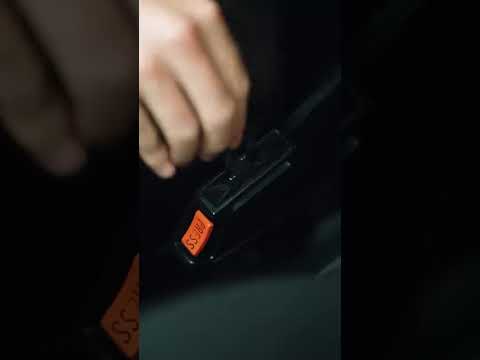
assembly. Replace the protective cap, and close the charge port. Hold down the adapter
release button and pull to remove the adapter from the charging cable connector. Return the
charging cable to the charging station. Be sure to keep your adapter stored in a safe place.
And that’s it! You’re charged and ready to go.
Learn how to charge your Volkswagen EV at a Tesla Supercharger with the genuine Volkswagen NACS DC adapter. This video covers everything from setting up the Tesla app, positioning your vehicle, connecting the adapter, starting your charging session, and safely disconnecting when finished.
00:06 Downloading the Tesla App
00:20 Vehicle Positioning
00:29 Connecting the Adapter
01:06 Starting the Charge Session
01:25 Disconnecting the Adapter