myVW EV Battery and Charge Settings
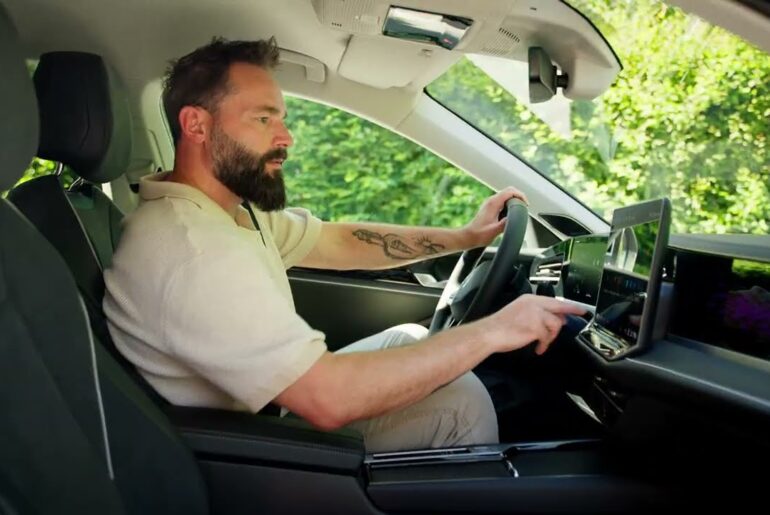
With the myVW app, managing your Volkswagen EV’s
charge is easier and more convenient than ever. Looking for a place to plug in? You can search
for available charging stations here. View station information and send it to your vehicle’s
navigation system. You can also plan a trip, add stops along the route, and send it to your
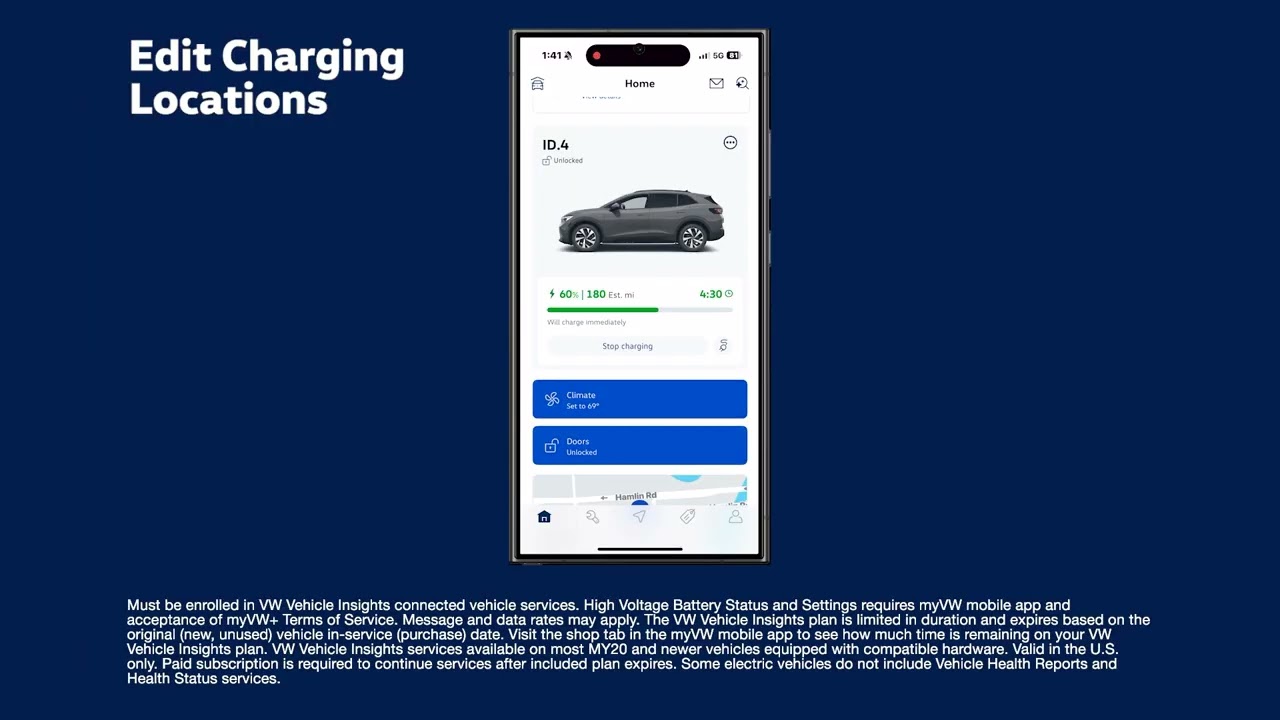
vehicle, all right from your phone. And if you have stored charging locations, you can view and
edit them, set your target charge level based on your daily driving needs, and turn on Battery Care
Mode, which automatically caps the charge at 80%. This helps protect battery health and reduce
charge time. There’s more. Select your desired AC charging current, depending on your energy
needs. Use Max when you want faster charging. Or when you want to conserve energy and ease demand
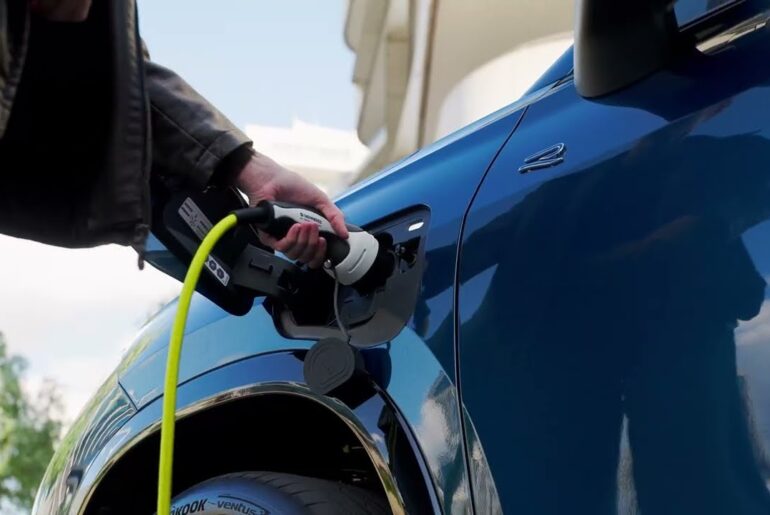
on your home charging setup, switch to Reduced. To make unplugging from Level 1 or Level 2 AC
chargers easier, set Release Charging Connector to “Always.” This ensures the cable automatically
unlocks when charging is complete, no need to use your key fob. Working behind the scenes, Energy
Management helps the myVW app stay connected to your vehicle, even when your 12-volt battery runs
low, so remote app features will still work when you need them. With the myVW app, staying charged
and ready is easier, wherever the road takes you.
Maximize your EV experience with features like Battery Care Mode, setting the target state of charge, reducing the AC charging current, and more with the myVW app!
myVW is available for model year 2020 and newer Volkswagen vehicles. Available features depend on your model, model year, and enrollment in Remote Access and VW Vehicle Insights.