How-To: Using Your BMW Digital Key Plus.
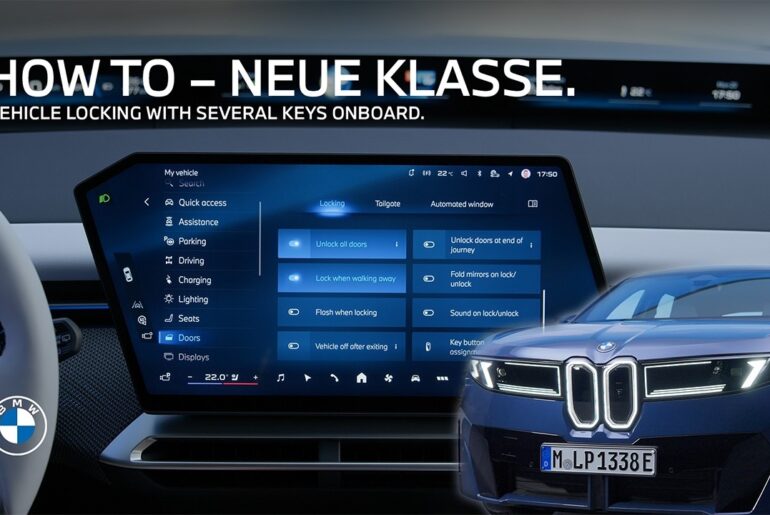
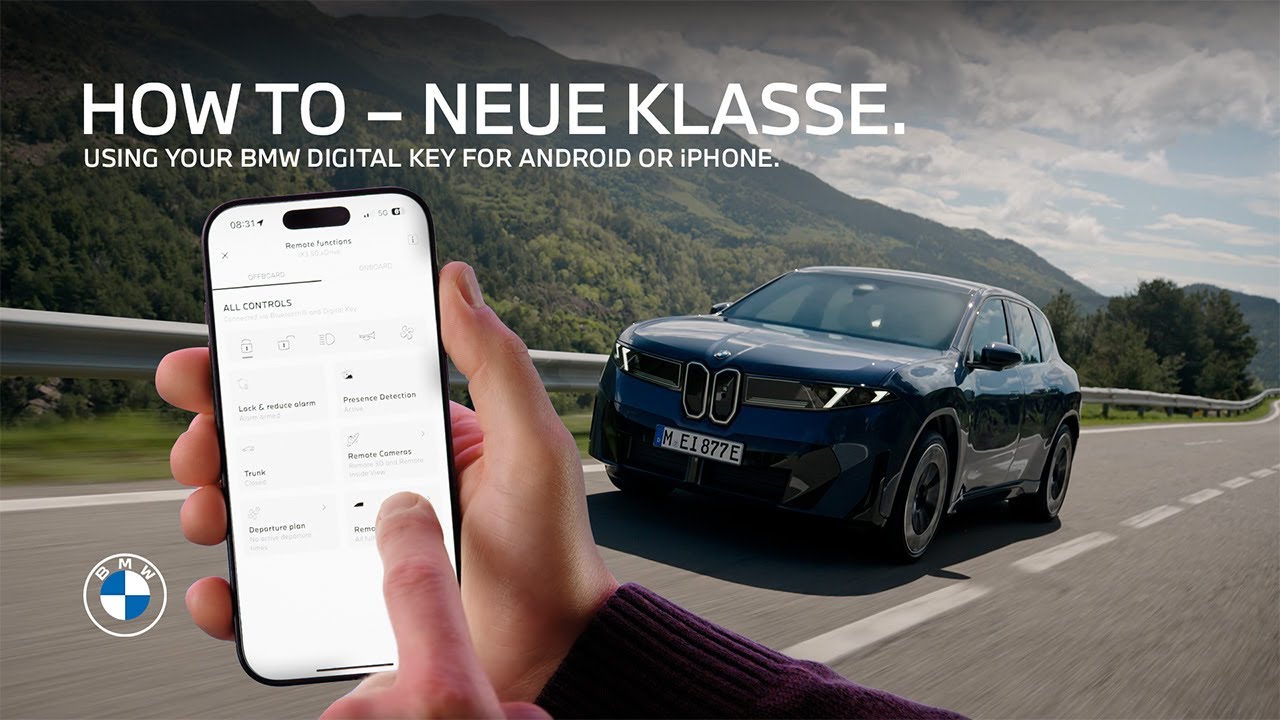
With the BMW Digital Key Plus, whether on an Apple iPhone and a connected Apple Watch or an Android smartphone and smartwatch not only are entering and starting your BMW as seamless and convenient as it gets. Also, the remote control and other comfort access features are more versatile and flexible than ever before. Let’s recap the basics first. Once the BMW Digital Key is set up to your vehicle and linked to your BMW ID, you can use it for the full welcome experience when you approach. The welcome light animation starts. On the all new BMW iX3 the flush door handles extend, and your BMW ID with your personal settings is activated in the vehicle automatically. As always, this works even with your smartphone in your pocket or using the smartwatch on your wrist. So what is the device with the BMW Digital Key is out of battery or doesn’t support Ultra Wideband transmission? At least five hours after the battery went flat, you can still use the BMW Digital Key to unlock the car by holding it to the door handle. Now, let me show you all the convenient things you can do with your BMW Digital Key Plus, when you take out the phone in close proximity of the car. The remote controls in the My BMW App, we know and love, expand. Now you can unlock or lock the car instantly. Open and close any or all of the windows. You can open the tailgate. And you can lock the car via the My BMW App and reduce the alarm. Meaning the interior motion and tilt sensors are deactivated as long as the car is locked. This comes in handy when trying to avoid unintentional alarms from going off. For example, when your BMW is parked on a garage lift or in a car wash. So when the vehicle is unlocked, you just get in and without taking out the device. You can just start the vehicle. If your smartphone is out of battery or if the Digital Key is installed on an NFC only device, you need to place it in the wireless charging tray to start the car. Oh, and whether a shared BMW Digital Key you’re using enables you to drive the car without limitations, or if it grants you restricted driving rights. That’s all part of the new sharing functionalities of the BMW Digital Key Plus. Watch our other how to video about it. As all of our how to videos, it will help you get the most out of your BMW.
Learn everything about the new flexible and convenient features of your BMW Digital Key Plus on your iPhone or Android device including new remote controls with the My BMW App.
⚙️ Feature Availability:
Please note that each service, feature and its functions depends on availability. Depending on the vehicle model and its technical capacities as well as market regulations, the availability and details of a feature may differ.
📽️ Key Moments:
00:00 – Intro
00:21- Comfort Access with the digital key
01:07 – Digital Key Plus Remote Controls in the My BMW App
02:06 – use with NFC only
🔗 Learn More
The BMW Driver’s Guide app specifically describes the equipment and functions included in the vehicle. The Owner’s Handbook is available as an app in many countries. You will find further information on the Internet at: https://www.bmw.com/bmw_drivers_guide
🔔 Subscribe for more BMW content!
👉 Visit our website: www.bmw.com
📱 Follow us on social media @bmw
BMW iX3 50 xDrive: WLTP energy consumption combined: 17,9 – 15,1 kWh/100 km; WLTP CO₂ emissions combined: 0 g/km; CO2-class: A; WLTP electric range: 679-805km
BMW Individual Steering Wheel in digital white available for order optionally starting from 01/26.
Screen contents are subject to change due to ongoing software updates.
#BMW #BMWHowTo #BMWNeueKlasse #BMWPanoramiciDrive #BMWiX3