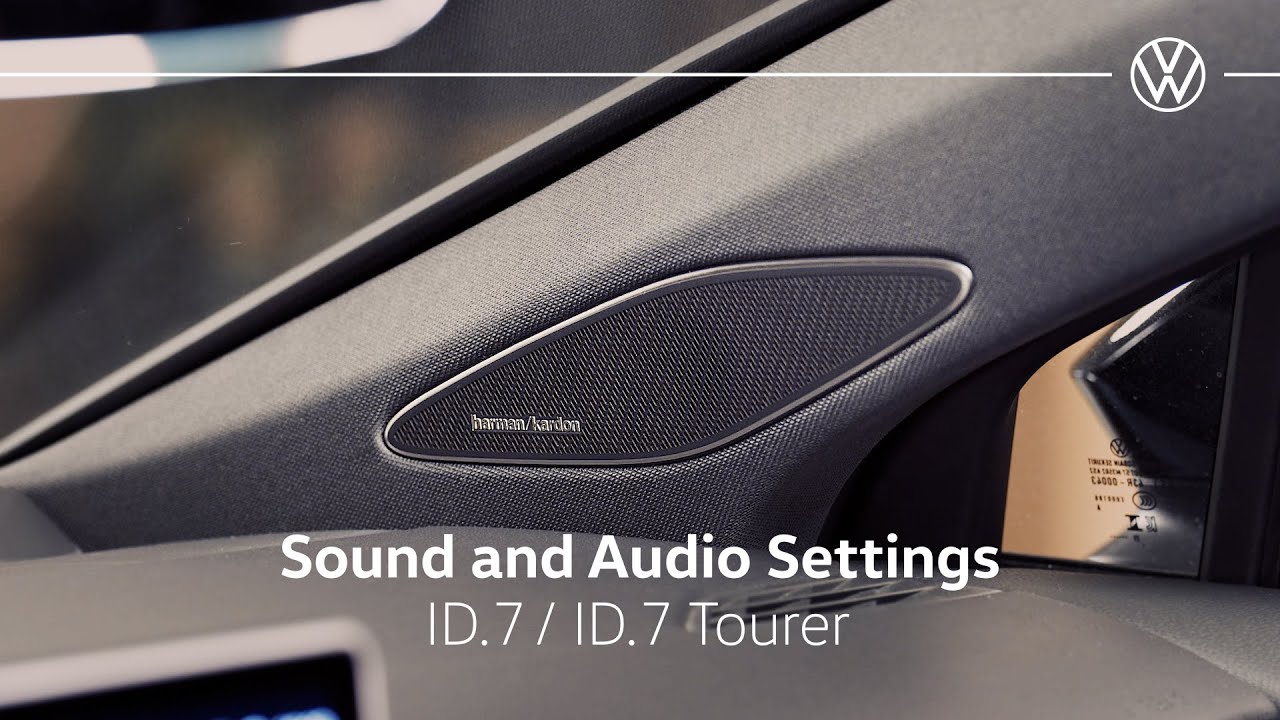
Volkswagen ID.7 Sound and Audio Settings
You can adj the sound and audio in your ID individually. Under sound, you find different options to set the sound. Use the equalizer to adjust treble and base according to your taste and the focus buton to adjust the focus of sound in the interior. Here you can adjust the volume of your music for exle at high speeds or when parking. In addition to the music the volume of other functions can also be adjusted. For example, that of radio announcements or the goodbye sound. Under settings, you can also switch the tones of some functions on or off. You can also adjust the volume of the parking aid here in the parking menu. You’re setting the tone in your ID. [Musik] Volkswagen.
In this tutorial customers learn about the sound and audio settings available in their car.
Follow us on:
Instagram: https://www.instagram.com/volkswagen_uk/
Facebook: https://www.facebook.com/VolkswagenUK
Twitter: https://twitter.com/UKVolkswagen
LinkedIn: https://www.linkedin.com/company/volkswagenuk
About Volkswagen: From the original Beetle and Campervan to the Golf and Polo, through to the ID.3 and ID. Buzz, our vehicles are loved by people all over the world. We offer a versatile range of models in the UK, each of them sharing our people-first DNA. And, because our cars are designed for life, you’re bound to find a Volkswagen that fits perfectly into yours.
Visit our website for more detailed information on each model and to explore our full line-up: https://www.volkswagen.co.uk
Find your nearest Volkswagen Retailer: https://www.volkswagen.co.uk/en/find-a-volkswagen-retailer.html