2026 CR-V, HR-V | How to Pair and Use an Android™ Phone with Bluetooth® HandsFreeLink
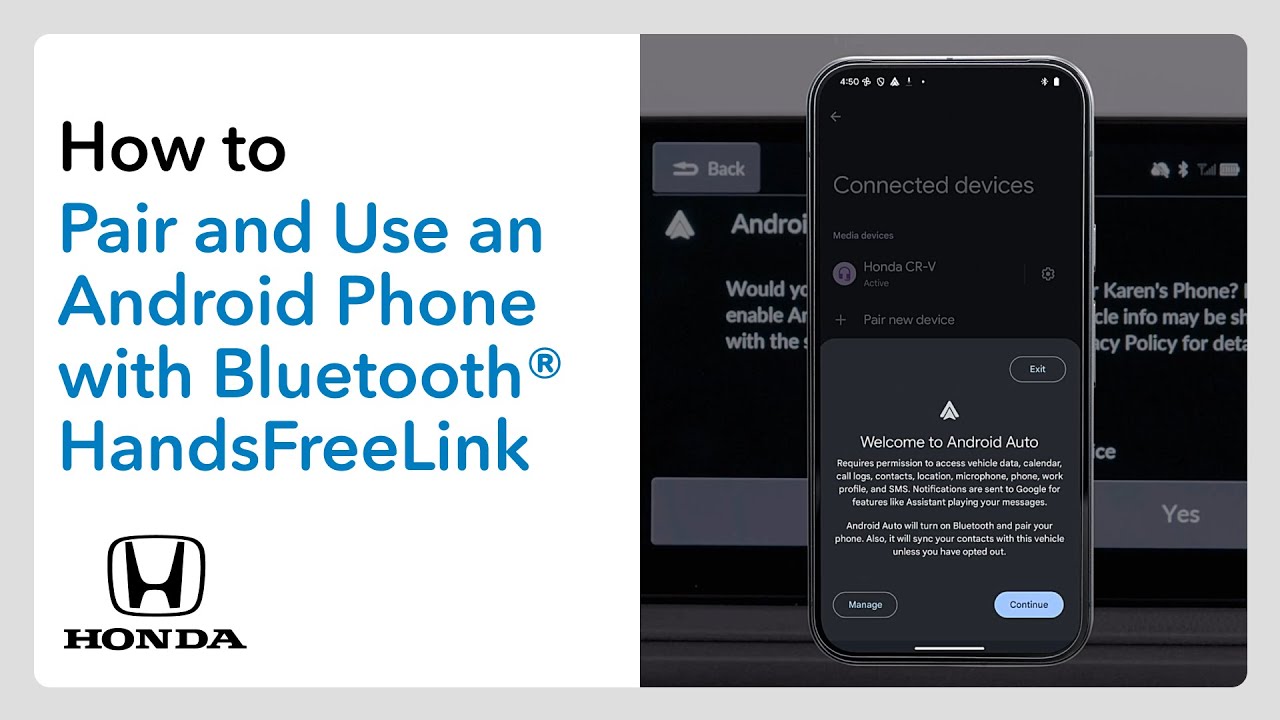
Once you’ve paired your Android phone to the vehicle’s Bluetooth hands-free link system, you can make and receive calls, engage with Android Auto, and more without the distraction of handling your phone. It’s easy to do. To start, ensure that the vehicle is in park with the power on. Then, make sure your phone is in search or discoverable mode within the Bluetooth settings menu. Press the home button on the color touch screen. Then select the phone zone. Touch connect new device on the touch screen. Then select your phone when it appears on the list. A pairing code will appear on the touch screen and on your phone. If they match, touch pair. And if your phone asks to accept an Android Auto connection, go ahead and allow that as well if you’d like. If you want to import the phone book and call history from your device, select the phone zone and touch the menu icon. Then slide the autosync phone toggle to on. Now you can just select the contacts icon in the phone zone and your phone book will appear. Select the name you want to call and dialing starts automatically. Touch the recents icon to dial a number in your call history. Choose from all, dialed, missed, or received to narrow the list. Then touch the number or name for dialing to start. To place some favorite contact links in the phone zone, touch press and hold to add. Then you can choose entries from contacts or recents or input a number. If you want to engage with Android Auto, just press that connect button on the left side of the touch screen or touch the Android Auto icon on the home screen. The apps will appear on the touch screen for easy access. And to make interacting with your phone even easier, activate voice control. You can either press the talk button on the steering wheel or just say, “Hey, Google.” And then you can say things like, “Call mom at work.” Or, “Where’s the nearest coffee shop?” and enjoy. For more details, check out your vehicle’s owner’s manual. You can download one at mygar.honda.com.
It’s super easy to pair an Android phone to your Honda and enjoy Android Auto while on the road. Here’s how it’s done.
Applicable on: 2026 Honda CR-V LX, EX, Sport Hybrid, EX-L, TrailSport Hybrid, Sport-L Hybrid; 2026 Honda HR-V LX, Sport, EX-L
For more Honda content, follow us on social at:
Instagram – https://www.instagram.com/honda/
TikTok – https://www.tiktok.com/@honda
Twitter – https://twitter.com/honda
Snapchat – https://snapchat.com/add/officialhonda
Facebook – https://www.facebook.com/honda
Threads – https://www.threads.net/@honda
Pinterest – https://www.pinterest.com/honda/
LinkedIn – https://www.linkedin.com/company/american-honda-motor-company-inc-/
Giphy – https://giphy.com/honda