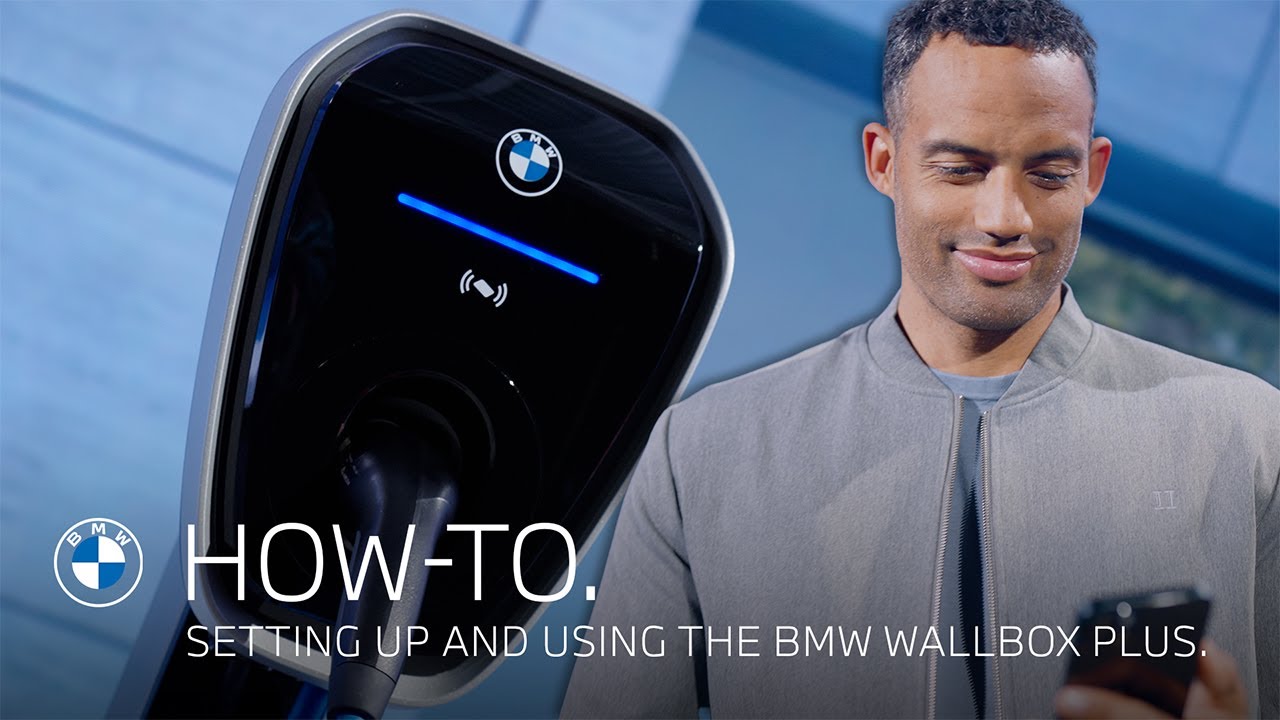
How-To: Setting up and Using the BMW Wallbox Plus.
You’ve got the power! The BMW Wallbox Plus offers charging performance up to 22 kW for your home and connected features with the My BMW App. Make sure the Wallbox is professionally mounted – indoor or outdoor – by an authorized electrician. Safety first! For secure handling, check and save the included safety and installation guide, which also contains the serial number plus your password, as well as the QR code for connecting the BMW Wallbox Plus with your My BMW App. To use the connected and remote control features of the Wallbox, go to “Charging”, select “BMW Wallbox” and “Add device”. Now choose between serial number and QR code and scan the QR code or type in the credentials from the safety and installation guide. Done! Now you can also set up access control, so the Wallbox can only be used when you unlock it with the Charging Card. The LED Bar on the Wallbox displays its status: Glowing blue means ready to charge. Just plug the charging cable into your BMW, and charging starts automatically. The LED pulsating in blue indicates an active charging process. With a connected Wallbox your My BMW App offers special remote services for it. Check the current status, you’re charging statistics and adjust your Wallbox settings. All powered up? Unlock your vehicle or press the charging cable release button to stop charging and unplug. Stay in charge! That feature blew your mind, but wait till you see what else your BMW can do. Choose one of these videos and I’ll show you more And cut! But they’re still choosing the next video. Come on.
The BMW Wallbox Plus offers charging performance up to 22 kW for your home and connected features with the my BMW App. Here’s how to set it up, use it and supervise your charging.
⚙️ Feature Availability:
Please note that each service, feature and its functions depends on availability. Depending on the vehicle model and its technical capacities as well as market regulations, the availability and details of a feature may differ.
📽️ Key Moments:
00:00 – Intro
00:12 – Wallbox setup
00:32 – Connection with the My BMW App
00:58 – Using the Wallbox
🔗 Learn More
The BMW Driver’s Guide app specifically describes the equipment and functions included in the vehicle. The Owner’s Handbook is available as an app in many countries. You will find further information on the Internet at: https://www.bmw.com/bmw_drivers_guide
🔔 Subscribe for more BMW content!
👉 Visit our website: www.bmw.com
📱 Follow us on social media @bmw
#THEi5 #BMW #BMWHowTo #BMWCharging
BMW i5 M60 xDrive Touring: Mandatory information according to german law ’Pkw-EnVKV’ based on WLTP: energy consumption combined: 20,2-20,1 kWh/100 km; CO₂ emissions combined: 0 g/km; CO2-class: A; electric range: 456-454 km