How To Share Your MINI With Multiple Drivers | MINI How-To
[Music] One Mini with multiple drivers? No problem. With Mini ID, digital key, and driver profiles, your Mini remembers who’s behind the wheel and gets everything just the way you like it. Every time you unlock your Mini using your key fob or digital key, Mini recognizes that it’s you. Thanks to your unique Mini ID, you can save up to seven Mini IDs in a single vehicle, storing personalized settings for seats, mirrors, climate, radio, even navigation preferences, making every trip feel just right every time. If someone else is taking a wheel, they can switch to the guest driver profile. That way, their preferences stay separate and yours stay untouched. Each Mini ID can only be linked to one physical key fob, giving every driver a uniquely personalized experience. As the primary driver, you can share your digital key with up to 18 people using the digital wallet on your smartphone. To share a key, open your digital key located in your phone’s wallet and tap the share button. You can customize access, granting full privileges, limiting certain functions or driving features, or adding a security code for extra control and peace of mind. Then just choose who you want to share the key with. They won’t even need to download the mini app and create their own mini ID to get started. Need to take back access? No problem. As the primary driver, you have the exclusive right to revoke shared keys anytime, right from your digital wallet. From pockets to profiles, Mini makes every drive feel like it’s made just for you. Stick with the Mini how-to series to learn more ways to stay connected and in control. [Music]
One MINI with multiple drivers? No problem!
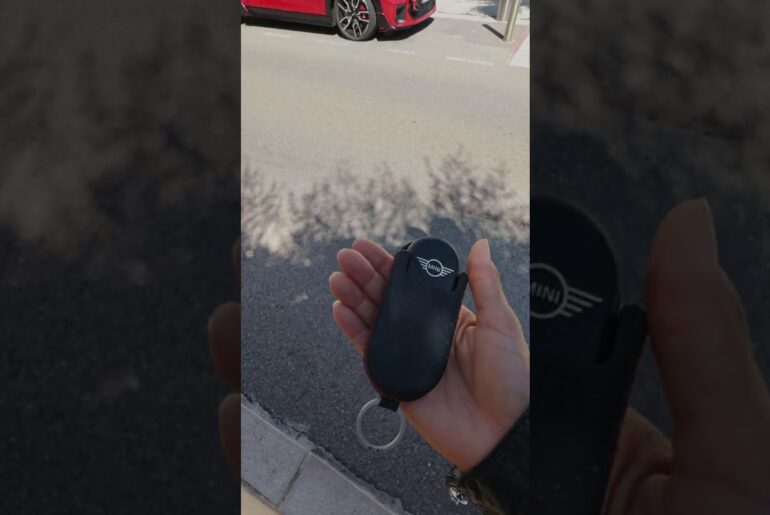
With MINI ID, Digital Key and driver profiles, your MINI remembers who’s behind the wheel – and gets everything just the way you like it.
Every time you unlock your MINI using your key fob or Digital Key, MINI recognizes that it’s you, thanks to your unique MINI ID.
You can save up to 7 MINI IDs in a single vehicle – storing personalized settings for seats, mirrors, climate, radio – even navigation preferences! Making every trip feel just right, every time.
If someone else is taking the wheel, they can switch to the Guest Driver Profile. That way their preferences stay separate – and yours stay untouched.
Each MINI ID can only be linked to one physical key fob, giving every driver a uniquely personalized experience.
As the Primary Driver, you can share your Digital Key with up to 18 people using the Digital Wallet on your smartphone.
To share a key, open your Digital Key, located in your phone’s wallet, and tap the share button. You can customize access – granting full privileges, limiting certain functions or driving features, or adding a security code for extra control and peace of mind.
Then, just choose who you want to share the key with. They won’t even need to download the MINI App or create a MINI ID.
Need to take back access? No problem! As the Primary Driver, you have the exclusive right to revoke shared keys, anytime, right from your digital wallet.
From pockets to profiles, MINI makes every drive feel like it’s made just for you.
Stick with the MINI How-To Series to learn more ways to stay connected and in control.
Looking for a quick answer? Check out our FAQ site: https://faq.miniusa.com/
Refer to your owner’s manual or visit: https://www.miniusa.com/owners/tools-support/owner-manuals.html
Need further help? Contact us here: https://www.miniusa.com/footer-navigation/contact.html
Stay updated:
Official Website: http://www.miniusa.com/
Facebook: https://www.facebook.com/MINIUSA
X (Formerly Twitter): https://x.com/MINIUSA
Instagram: https://www.instagram.com/MINIUSA
YouTube: https://www.youtube.com/user/MINIUSA