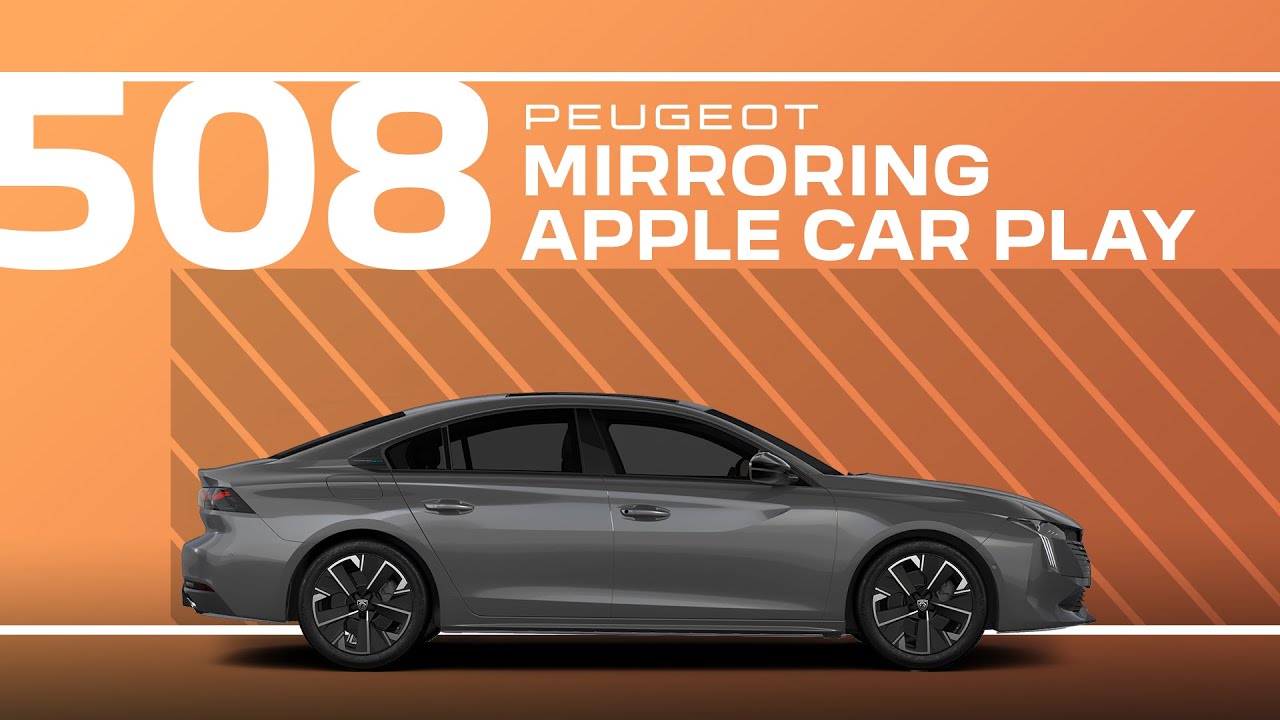
Peugeot 508 Tutorial | Mirroring Apple CarPlay™
Connecting an Apple CarPlay smartphone can be done either via USB cable or in wireless mode. First, activate the CarPlay function in the settings Bluetooth menu of your phone. Connect your iPhone to the system via the USB port. Apple CarPlay will be launched automatically a few seconds after the USB connection has been established. The smartphone charges when it is connected via the USB cable. The cable connection allows you to avoid any disconnections, especially when going through toll booths. Your iPhone’s wireless connection can be initialized from the devices menu. First, activate the Bluetooth function of your phone. Press on the settings app. In the list, select the connectivity tab. Select my devices to display the device you wish to connect to Apple CarPlay. If the device has previously been connected to the system via Bluetooth, select the devices settings in the list of known devices and choose Apple CarPlay as the wireless connection mode. If the device has never been connected to the system, proceed with pairing. The system will detect if the smartphone is compatible with Apple CarPlay and offer to connect to it after pairing. In order for the smartphone to be automatically connected thereafter, you must activate your devices Bluetooth. Once the connection is established, press this button to display the Apple CarPlay interface. To launch the smartphone’s voice commands, long press the command button on the steering wheel.
Connect your iPhone to your #Peugeot508 effortlessly with #AppleCarPlay. This #PeugeotTutorial walks you through the setup process for both USB and wireless connections, providing access to navigation, music, calls, and more directly from your car’s touchscreen.
Learn how to activate #CarPlay on your iPhone, pair your device with the system, and use voice commands for a hands-free experience. Whether you choose the reliability of a USB connection or the convenience of wireless, this guide makes it easy to stay connected.
#Peugeot #SmartDriving #Connectivity
Ready to find out more?
🇫🇷 PEUGEOT 508: https://www.peugeot.fr/nos-vehicules/nouvelle-508-hybrid.html
🇬🇧 PEUGEOT 508: https://www.peugeot.co.uk/models/508-fastback.html
🇪🇸 PEUGEOT 508: https://www.peugeot.es/gama/peugeot-508-hybrid.html
🇮🇹 PEUGEOT 508: https://www.peugeot.it/gamma-modelli/nuova-508-berlina.html
🇩🇪 PEUGEOT 508: https://www.peugeot.de/modelle/limousine-508.html
🌎 Peugeot.com: https://www.peugeot.com/en/peugeot-around-the-world.html
0:06 USB and wireless connection options
0:13 Activating CarPlay in iPhone settings
0:18 Connecting via USB cable
0:39 Wireless connection
1:27 Accessing the Apple CarPlay interface
1:32 Launching voice commands with the steering wheel