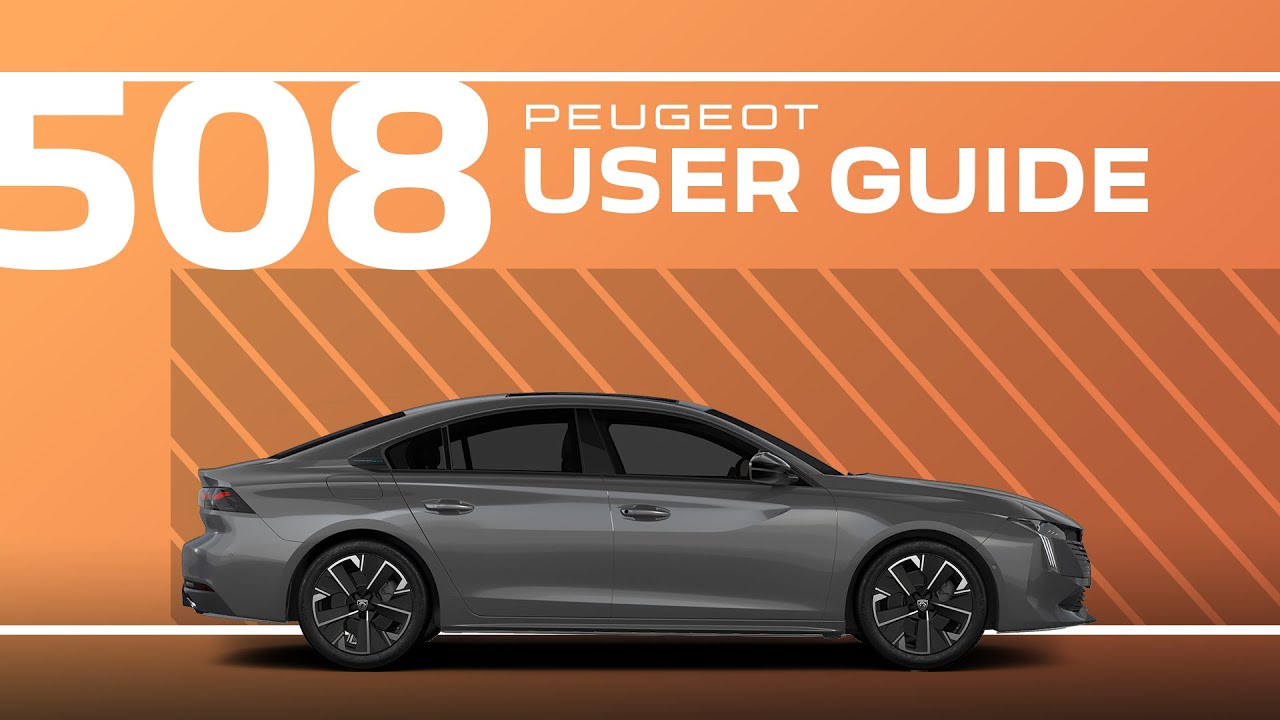
Peugeot 508 Tutorial | User Guide
The user guide presents various ways of accessing the required information with visual search. Press on one of the thumbnails at the bottom of the screen. Press on one of the bullets in the enlarged view. With research by indicator, a patchwork of indicators is displayed. The indicators are organized by color. Press on the required indicator and the corresponding content will be displayed. With research by system, the list of audio and telematic systems is displayed. Press on the relevant section and the list of subjects will be displayed. With research by contents, the list of sections is displayed. Press on the relevant section and the list of subjects will be displayed. If the subject includes several pages, drag horizontally. [Music]
Explore the convenience of the digital User Guide in your #Peugeot508, designed to help you quickly access important information about your vehicle. This #PeugeotTutorial explains various search methods, including visual search, indicator-based search, system-based search, and content-based navigation, making it easy to find exactly what you need.
Learn how to navigate through topics, access detailed sections, and use the interactive interface to discover features and functions. With the digital User Guide, your #Peugeot 508 knowledge is always at your fingertips.
#SmartDriving
Ready to find out more?
🇫🇷 PEUGEOT 508: https://www.peugeot.fr/nos-vehicules/nouvelle-508-hybrid.html
🇬🇧 PEUGEOT 508: https://www.peugeot.co.uk/models/508-fastback.html
🇪🇸 PEUGEOT 508: https://www.peugeot.es/gama/peugeot-508-hybrid.html
🇮🇹 PEUGEOT 508: https://www.peugeot.it/gamma-modelli/nuova-508-berlina.html
🇩🇪 PEUGEOT 508: https://www.peugeot.de/modelle/limousine-508.html
🌎 Peugeot.com: https://www.peugeot.com/en/peugeot-around-the-world.html
0:06 Overview of the User Guide
0:13 Visual search
0:22 Indicator search
0:34 System search
0:46 Content Search